
Rust
Survival · Base Building · PvP · Oxide / Carbon
- Plans from 50 to 200 player slots
- High-clock AMD Ryzen & EPYC hardware, built for Rust's entity load
- 20 global locations, choose one close to your community
- Instant setup, online in under 10 minutes
- One-click Oxide (uMod) and Carbon, plus scheduled wipes
- Switch to 250+ games anytime
Choose Your Server Plan
We've hosted Rust servers since December 2014, during Early Access, more than three years before the game's full release in February 2018. All plans include DDoS mitigation, nightly backups, free web hosting, and 24/7 expert support. No hidden extras.
- Normal hardware, 4.5 GHz
- 9 GB RAM
- ~100 GB NVMe SSD
- DDoS mitigation
- Nightly Backups
- Free Web Hosting
- Normal hardware, 4.5 GHz
- 12 GB RAM
- ~100 GB NVMe Pro SSD (5x faster)Our faster NVMe drives. The world loads quicker and saves are less likely to cause a stutter.
- DDoS mitigation
- Nightly Backups
- Free Web Hosting
- Extreme hardware, 5.0 GHz+Our fastest CPUs at 5.0 GHz+, for the most headroom with big builds and a full server.
- 15 GB RAM
- ~100 GB NVMe Pro SSD (5x faster)Our faster NVMe drives. The world loads quicker and saves are less likely to cause a stutter.
- DDoS mitigation
- Nightly Backups
- Free Web Hosting
Dial in exactly what you need.
- Your choice of player slots
- Normal or Extreme hardware
- Your choice of RAM
- NVMe or NVMe Pro SSD
- CPU priority up to Realtime
- DDoS mitigation
- Nightly Backups
- Free Web Hosting
48-hour money-back guarantee on all plans.
48-Hour Free Trial
Full access. No restrictions. Try the complete service. If it isn't right for you, no charge and no questions asked.
Rust Screenshots


Everything You Need to Run Your Server
One-Click Oxide, Carbon & Harmony
All three major Rust modding frameworks are available as one-click installs from the Gamepanel Mod Manager. Oxide (uMod) is the long-standing community standard with thousands of plugins. Carbon is a newer, performance-focused framework that runs most Oxide plugins. Harmony provides lower-level patching for advanced customisation. Everything runs server-side, so players don't need to install anything to join.
- One-click install and update for Oxide (uMod), Carbon and Harmony
- Upload custom plugins via FTP
- Full Oxide permission system, see our Oxide permissions guide
- Browse plugins at uMod.org and CarbonMod.gg
Wipe Day Made Simple
Wipes are central to running a Rust server, and the Gamepanel handles them in seconds. Map wipes, blueprint wipes and full resets are one click each, and the task scheduler can run them automatically at exactly the time your community expects.
- Map wipe: world regenerated, blueprints kept
- Blueprint wipe: blueprint progress reset alongside the map
- Full wipe: complete server reset
- Automatic wipe scheduling via the task scheduler
- Nightly offsite backups, so an unintended wipe can be rolled back
Procedural Maps, Custom Seeds & .map Files
Set your world size, seed and procedural generation settings from the Commandline Manager, or upload your own .map file via FTP for a fully custom island. Works with maps from RustMaps and RustEdit.
- Procedural generation with custom seed and world size
- Custom .map upload via FTP, see our custom map guide
- Preview seeds on RustMaps.com
- Procedural rail network on larger maps, see our rail network guide
RCON, Admin Setup & Server Commands
Full RCON support for remote administration without opening the Gamepanel. Set admins and moderators, change the RCON password, connect with RustAdmin, and run any server command remotely.
- Add admins and moderators, see our admin setup guide
- Change the RCON password, see our RCON password guide
- Connect via RustAdmin, see our RCON connection guide
- Full command reference, see our server commands guide

Rust+ Companion App Support
Rust+ is Facepunch's official companion app for iOS and Android. Once it's configured on your server, players can pair with it to get base alarm notifications, view the live map, see teammates and use team chat from their phone.
- Rust+ supported on all plans
- Configured through the Commandline Manager
- Step-by-step setup, see our Rust+ setup guide
One Subscription, Any Game
Don't cancel, just switch. Move your server to any of 250+ supported games whenever you like. Your slots and billing cycle carry over.
- 250+ games in the catalogue
- All slots and settings transfer
- No cancellation or new order needed
The Best Choice for Your Server
Deployed automatically. Gamepanel credentials in your inbox in under 10 minutes.
Ryzen & EPYC CPUs chosen for highest single-core speed. High-speed DDR5 RAM, picked for stability.
Real technicians, 24/7/365. Typical response under 10 minutes. Backed by 1,500+ knowledgebase articles.
Hand-picked gaming datacenters with low, stable ping, wherever your crew is based.
Every server comes with free web hosting. Build a community hub, forums, or announcements page.
Change the game your server runs at any time, no cancellation, no new order required
Nightly offsite backups at 4AM server time. Restore your progress if a save corrupts.
High-capacity, always-on DDoS mitigation, constantly updated to counter new attack vectors.
Backup, restore, wipe, automated updates, mod management, all in one fast, purpose-built panel.
Not happy within 48 hours? Full refund. No questions asked. Zero risk to try us.
Full file access via your preferred FTP client. Upload mods, configs, and plugins securely.
Datacenters chosen specifically for the lowest, most stable latency. Lag is our enemy too.
Why Not Just Run It Yourself?
You can run Rust yourself. Here's what that actually looks like next to a rented server.
About Rust
Rust is an open-world multiplayer survival game developed and published by Facepunch Studios. Players wake up on a procedurally generated island with nothing but a rock and a torch, and must gather resources, craft tools and weapons, build a base, and deal with every other player on the server, each of whom might be an ally, a rival or a raider.
There's no storyline to follow. The game is driven by the players themselves: some build sprawling fortresses reinforced with metal and armoured doors, others roam and raid soft targets, and large clans coordinate rocket and C4 raids against the biggest bases on the server. The island adds its own threats too, from bears and wolves to NPC scientists guarding monuments, the patrol helicopter and the Bradley APC at Launch Site.
Rust entered Steam Early Access in December 2013 and fully launched on 8 February 2018. Facepunch has released an update every month since, each arriving on the first Thursday of the month alongside a forced wipe that resets every server's map. Updates over the years have added modular cars, trains with underground tunnels and rail networks, the cargo ship, electricity, farming, industrial conveyors, drones and the Rust+ companion app.
Community servers can be customised far beyond the official rules with server-side plugins through Oxide (uMod), Carbon and Harmony, from heavily modded high-loot PvP servers to carefully balanced PvE and roleplay communities. Rust is one of the most CPU-demanding survival games to host: entity counts climb steadily through a wipe, which is why high single-core clock speed matters more than core count.
How Much RAM Do You Need?
Based on map size and plugins. See our Rust RAM guide for the full table.
Using Mods on Your Rust Server
After a major Rust update, mods can stop working until their authors release fixes. We update our one-click installers as fixes become available. Before updating a modded server, check each mod's page (for Rust, usually uMod) for compatibility, or ask our support team.
Useful Rust Links
The official game site, plugin repositories and the map tools most Rust admins use.
How to Join Your Rust Server
Your server's IP address and port are in the Gamepanel as soon as it's online.
Connect from the console (fastest)
- Copy your server's IP address and port from the Gamepanel.
- Launch Rust and wait for the main menu.
- Press F1 to open the console.
- Type
client.connect IP:port, for exampleclient.connect 123.45.67.89:28015, and press Enter.
After your first visit the server appears in the History tab of the server browser, so you can add it to your favourites.
Find it in the server browser
- Launch Rust and open Play Game.
- Choose the Community tab, or Modded if your server runs plugins.
- Search for your server's name.
- Select it and click Join.
Rust Console Edition on PlayStation and Xbox is a separate game and can't join PC servers.
Popular Rust Guides
Step-by-step help from our knowledgebase for setting up and running your server.
Other Games You Might Like
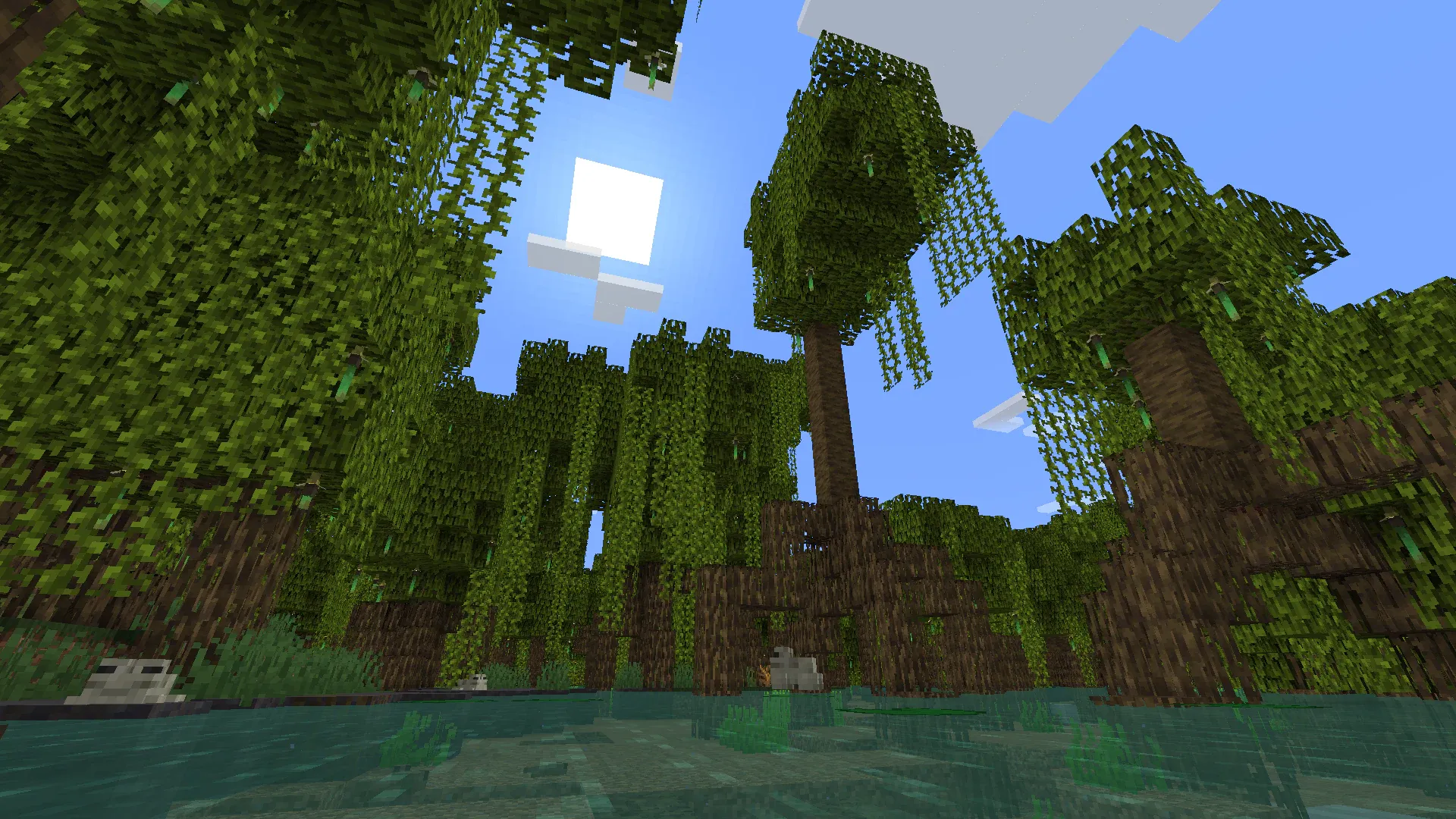
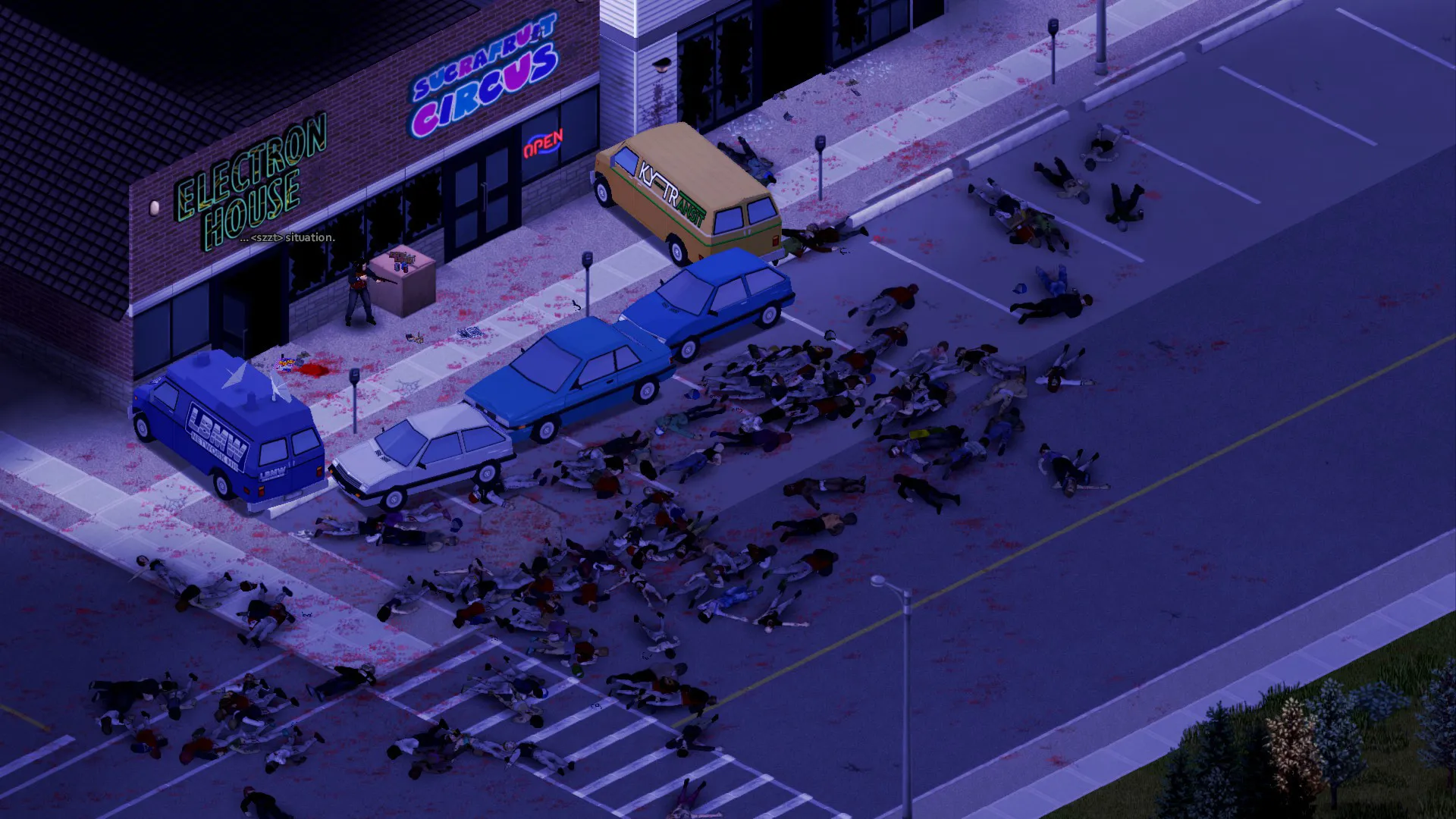
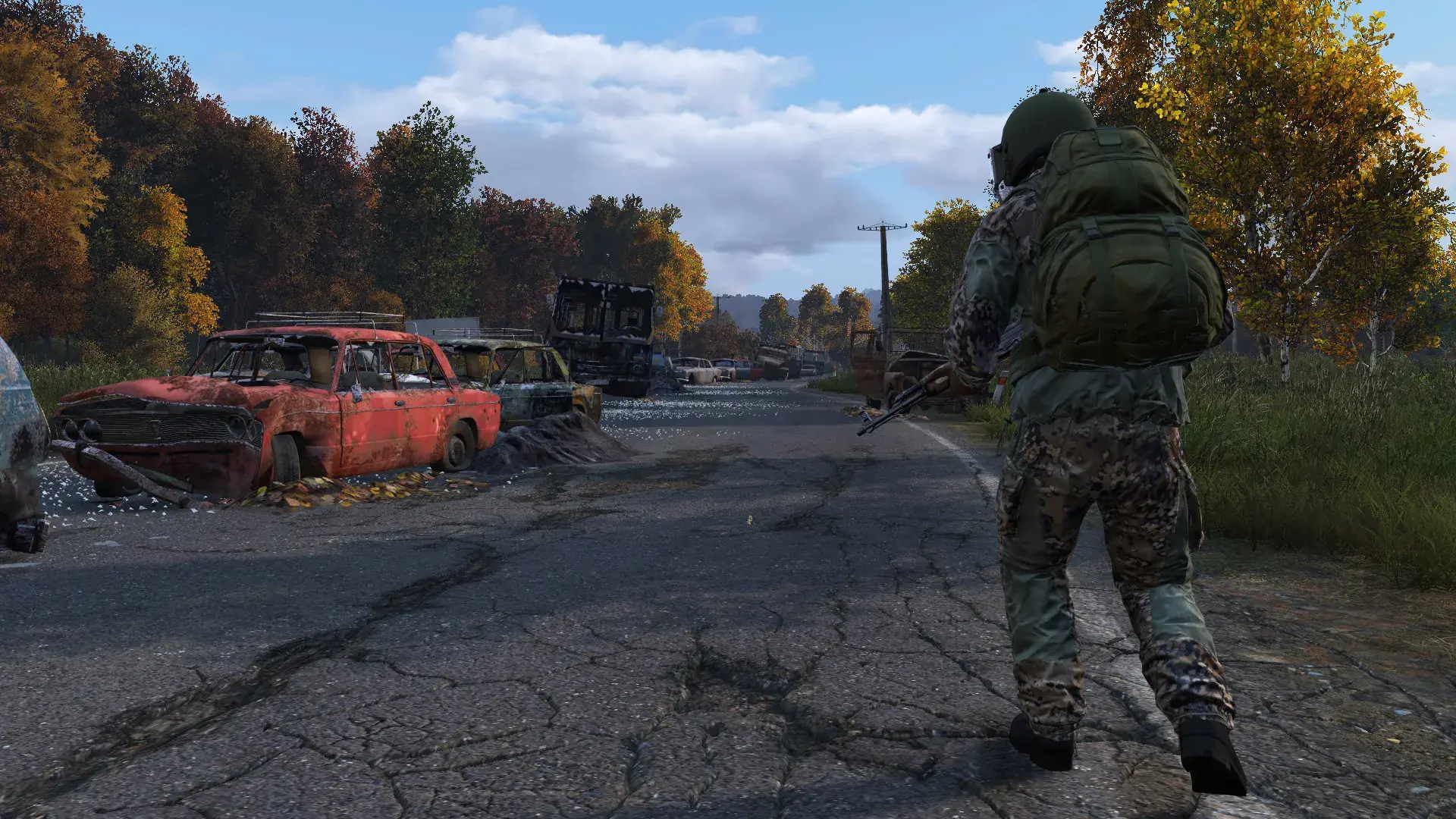
Other survival and base-building games we host. Switch anytime by submitting a ticket. Or take the Survival Game Bundle and switch between them yourself from the Gamepanel, with your saves kept.




Trusted by Thousands of Gamers
Really recommend this company. The last few days they have helped me set up my Rust server! Stuff I couldnt do they set it up for me. Really highly recommend! 10/10
I opened a ticket and within 5 minutes i had a reply with very clear instructions on how to fix my issue.
Have been using them for many different games. Never run into any problems with the servers and if I need them, I always have a wonderful experience with support. Not to mention I never wait very long for them to reply. Just always amazing in game or out.
I have bought a server previously for a short amount of time and performance was great but cancelled it as I wasn't playing the game anymore. I have just purchased a new server with an SSD upgrade and after a couple of issues we worked together and got this resolved. Fantastic support, I was very pleased. After dealing with a bad server host a couple of days ago this was just what I needed and issues were resolved in about 30 minutes or less.
awesome customer service, I messed things us and they were there to help fix the issue I caused :) thank you!!!
Love this hosting company, they have been on the ball with all requests and issues we have had. Service is rock solid. Def worth a try.
20 locations, One Low Ping
All locations include DDoS mitigation, nightly backups & 24/7 support.
Test Your Ping to Our Locations
Unsure which location is closest to you? Run a latency test to all of our server locations and see the results first-hand. Results are sorted from lowest to highest ping automatically.
Frequently Asked Questions
How do I join my Rust server?▾
Press F1 in Rust to open the console, then type client.connect IP:port using the address from your Gamepanel. You can also find the server in the Community or Modded tab of the server browser. The full steps are in the how to join section above.
When is Rust's forced wipe?▾
Facepunch releases a Rust update on the first Thursday of every month, and it comes with a forced wipe that resets every server's map. Blueprint wipes are up to each server. You can schedule your own wipes for any time through the Gamepanel task scheduler.
Do players need to install mods to join a modded Rust server?▾
No. Oxide and Carbon plugins run entirely on the server, so players join a modded server exactly the same way as a vanilla one. Servers running plugins are listed in the Modded tab of the server browser.
Can console players join a PingPerfect Rust server?▾
No. Rust Console Edition on PlayStation and Xbox is a separate game with its own servers, and it can't connect to PC servers. Our Rust servers are for the PC (Steam) version.
How do I install Oxide (uMod) on my Rust server?▾
Oxide (uMod) installs in one click from the Mod Manager in the Gamepanel. Once it's installed, add plugins by uploading them to the oxide/plugins folder via FTP, or follow our uMod plugin guide. Browse plugins at uMod.org.
How do I install Carbon on my Rust server?▾
Carbon installs in one click from the Mod Manager in the Gamepanel, the same way as Oxide. It's a performance-focused alternative that runs most Oxide plugins. Browse the Carbon ecosystem at CarbonMod.gg.
How do I wipe my Rust server?▾
Wipes are handled from the Gamepanel: a map wipe (world reset, blueprints kept), a blueprint wipe (blueprints reset alongside the map), or a full wipe (complete reset), each in one click. You can also schedule wipes automatically with the task scheduler.
How do I set up a custom map on my Rust server?▾
Upload your .map file via FTP, then set the server to load it in the Commandline Manager. Our custom map guide has the steps. RustMaps.com is the go-to tool for finding and previewing map seeds.
How do I add an admin to my Rust server?▾
Admins are added through the server console or RCON. Our admin and moderator guide covers both methods. Moderators have a reduced set of admin permissions.
How do I set up RCON on my Rust server?▾
RCON lets you run your server remotely without the Gamepanel. See our guides to changing the RCON password and connecting via RustAdmin. If you can't log in to RCON in-game, see our RCON login troubleshooting guide.
How do I set up the Rust+ Companion App?▾
Rust+ needs an app port and public IP set in the Commandline Manager. Our Rust+ setup guide has the full steps. Once it's set up, players pair through the in-game menu to get the live map, base alarms and team chat on their phone.
How do I install the RUST.io Livemap?▾
RUST.io Livemap installs in one click from the Gamepanel Mod Manager and gives you a browser-based live map of player positions, monuments and events. See our RUST.io Livemap guide.
How do I set up the procedural rail network?▾
The procedural rail network generates on larger maps and needs specific server settings to enable correctly. Our rail network guide has the full setup.
How do I permanently enable the cargo ship?▾
The cargo ship normally appears periodically, but it can be set to spawn permanently. Our cargo ship guide lists the server.cfg commands.
How much RAM does my Rust server need?▾
RAM scales with map size and plugins. As a guide, 9 GB covers maps up to around 3500, 12 GB covers 4000 to 4500, and 15 GB is recommended above 4500 or for heavily modded servers. Our Rust RAM guide has the full table.
How do I set server messages, tags and game mode?▾
Automated server messages are set up with the task scheduler, see our server messages guide. Server tags and game mode are set in the Commandline Manager, see our server tags guide and game mode guide.
Can I whitelist players on my Rust server?▾
Rust has no built-in whitelist, but you can add one with an Oxide plugin. Install Oxide first, then follow our whitelist guide.
How do I set the server description and header image?▾
The server description is set in the Commandline Manager, see our server description guide and formatting guide. For the header image, see our header image guide.
How much does a Rust server cost?▾
Plans start from $14.21/month for a 50-slot server with 9 GB RAM. The 100-slot, 12 GB plan is our most popular, and the 200-slot plan runs on Extreme hardware. Every plan comes with a 48-hour free trial.
How long has PingPerfect hosted Rust servers?▾
Since December 2014, during Early Access, more than three years before the game's full release in February 2018.
What payment methods are accepted?▾
- Credit and debit cards, Apple Pay and Google Pay, processed securely by Stripe
- PayPal
- Skrill, using your Skrill wallet or a bank transfer
Need another method? Contact us and we'll do our best.
What currencies does PingPerfect accept?▾
We natively support USD, GBP, and EUR. Other currencies work too — your bank may apply a small conversion fee.
What level of support is included?▾
All plans include 24/7/365 ticket support with a typical response under 10 minutes, plus 1,500+ knowledgebase articles. Platinum managed support is available as an optional upgrade. See our support levels page.
What hardware do you use?▾
Ryzen and EPYC CPUs for highest single-core performance, paired with DDR5 RAM chosen for stability. Full specs on our hardware page.
Can I migrate my existing server to PingPerfect?▾
Yes. Transfer via FTP/SFTP yourself, or open a support ticket and our team will walk you through it.
Start Your Rust Server Today
Deploy in under 10 minutes. High-clock CPUs, NVMe SSD, one-click Oxide and Carbon, Rust+ support and full wipe management. 48-hour money-back guarantee.