Hytale Server Hosting
Early Access · Sandbox RPG · Server-Side Mods
- Install CurseForge mods from the Gamepanel with one click
- Mods run on the server, so players join without installing anything
- Edit config.json, permissions, whitelist and bans in our config editor
- Servers in the UK, Europe, the US, Canada, Australia and Singapore
- Nightly offsite backups and DDoS mitigation included
From $11.06/month with 4 GB RAM, the minimum for a Hytale server
Hytale Server Rental: Plans and Prices
Renting a Hytale server costs from $11.06 a month. We've hosted Hytale servers since the game came out, when Early Access began on 13 January 2026. All plans include DDoS mitigation, nightly backups, free web hosting, and 24/7 expert support. No hidden extras.
Ryzen & EPYC CPUs at 4.5 GHz. Right for most Hytale servers.
Our fastest CPUs, 5.0 GHz+. For busy servers, heavy plugins and a long view distance.
- Unlimited players
- Normal hardware, 4.5 GHz
- ~100 GB NVMe SSD
- DDoS mitigation
- Nightly Backups
- Free Web Hosting
- Unlimited players
- Normal hardware, 4.5 GHz
- ~100 GB NVMe Pro SSD (5x faster)Our faster NVMe drives. The world loads quicker and saves are less likely to cause a stutter.
- Above Normal CPU priorityYour game server is put ahead of routine background tasks, so the world responds faster and stays steadier during big builds and fights.
- DDoS mitigation
- Nightly Backups
- Free Web Hosting
- Unlimited players
- Normal hardware, 4.5 GHz
- ~100 GB NVMe Pro SSD (5x faster)Our faster NVMe drives. The world loads quicker and saves are less likely to cause a stutter.
- Above Normal CPU priorityYour game server is put ahead of routine background tasks, so the world responds faster and stays steadier during big builds and fights.
- DDoS mitigation
- Nightly Backups
- Free Web Hosting
- Unlimited players
- Extreme hardware, 5.0 GHz+Our fastest CPUs at 5.0 GHz+, for the most headroom with big builds and a full server.
- ~100 GB NVMe SSD
- DDoS mitigation
- Nightly Backups
- Free Web Hosting
- Unlimited players
- Extreme hardware, 5.0 GHz+Our fastest CPUs at 5.0 GHz+, for the most headroom with big builds and a full server.
- ~100 GB NVMe Pro SSD (5x faster)Our faster NVMe drives. The world loads quicker and saves are less likely to cause a stutter.
- Above Normal CPU priorityYour game server is put ahead of routine background tasks, so the world responds faster and stays steadier during big builds and fights.
- DDoS mitigation
- Nightly Backups
- Free Web Hosting
- Unlimited players
- Extreme hardware, 5.0 GHz+Our fastest CPUs at 5.0 GHz+, for the most headroom with big builds and a full server.
- ~100 GB NVMe Pro SSD (5x faster)Our faster NVMe drives. The world loads quicker and saves are less likely to cause a stutter.
- Above Normal CPU priorityYour game server is put ahead of routine background tasks, so the world responds faster and stays steadier during big builds and fights.
- DDoS mitigation
- Nightly Backups
- Free Web Hosting
Dial in exactly what you need.
- Unlimited players
- Normal or Extreme hardware
- Your choice of RAM, up to 32 GB
- NVMe or NVMe Pro SSD
- CPU priority up to Realtime
- DDoS mitigation
- Nightly Backups
- Free Web Hosting
48-hour money-back guarantee on all plans.
48-Hour Free Trial
Full access. No restrictions. Try the complete service. If it isn't right for you, no charge and no questions asked.
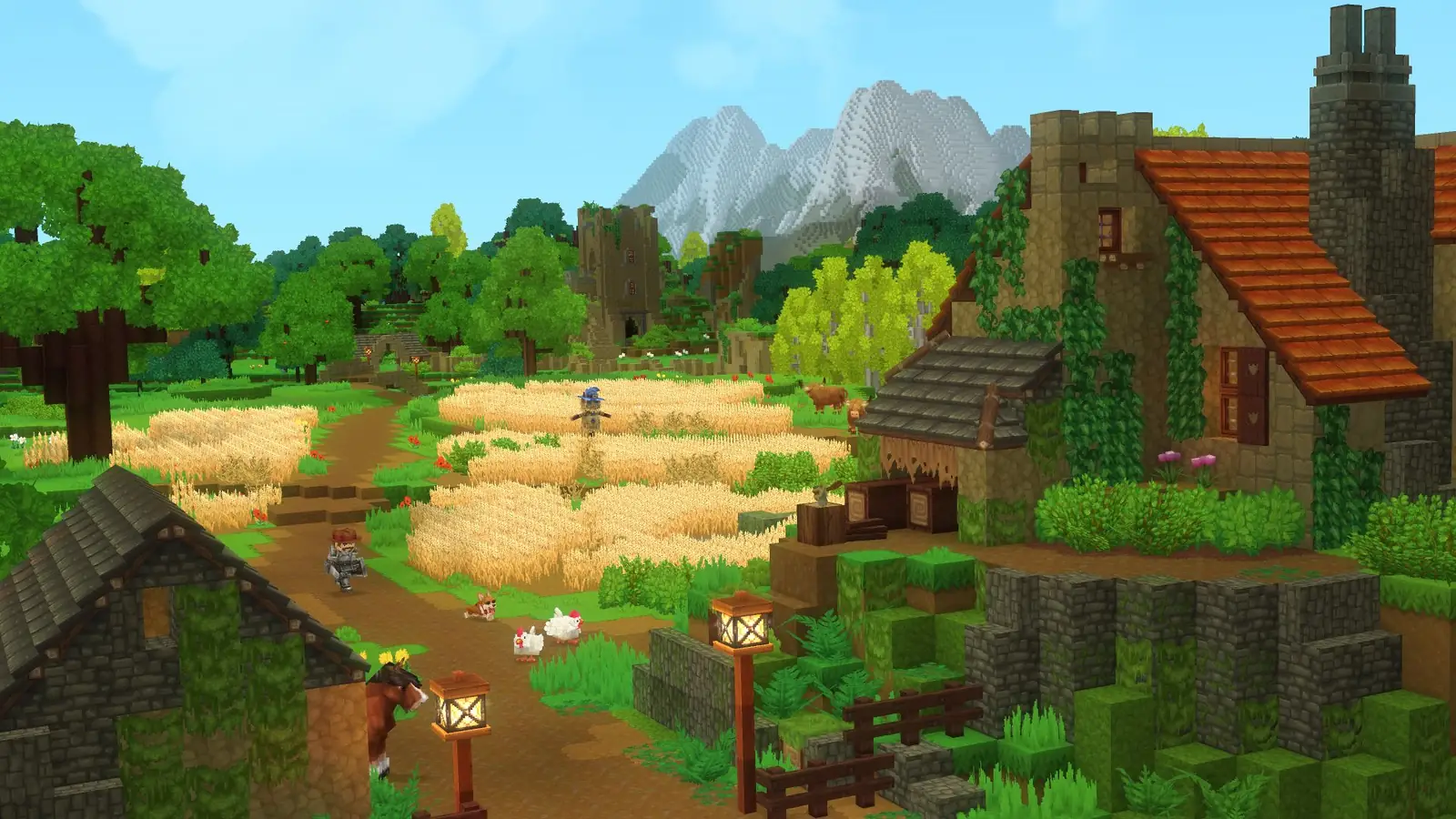
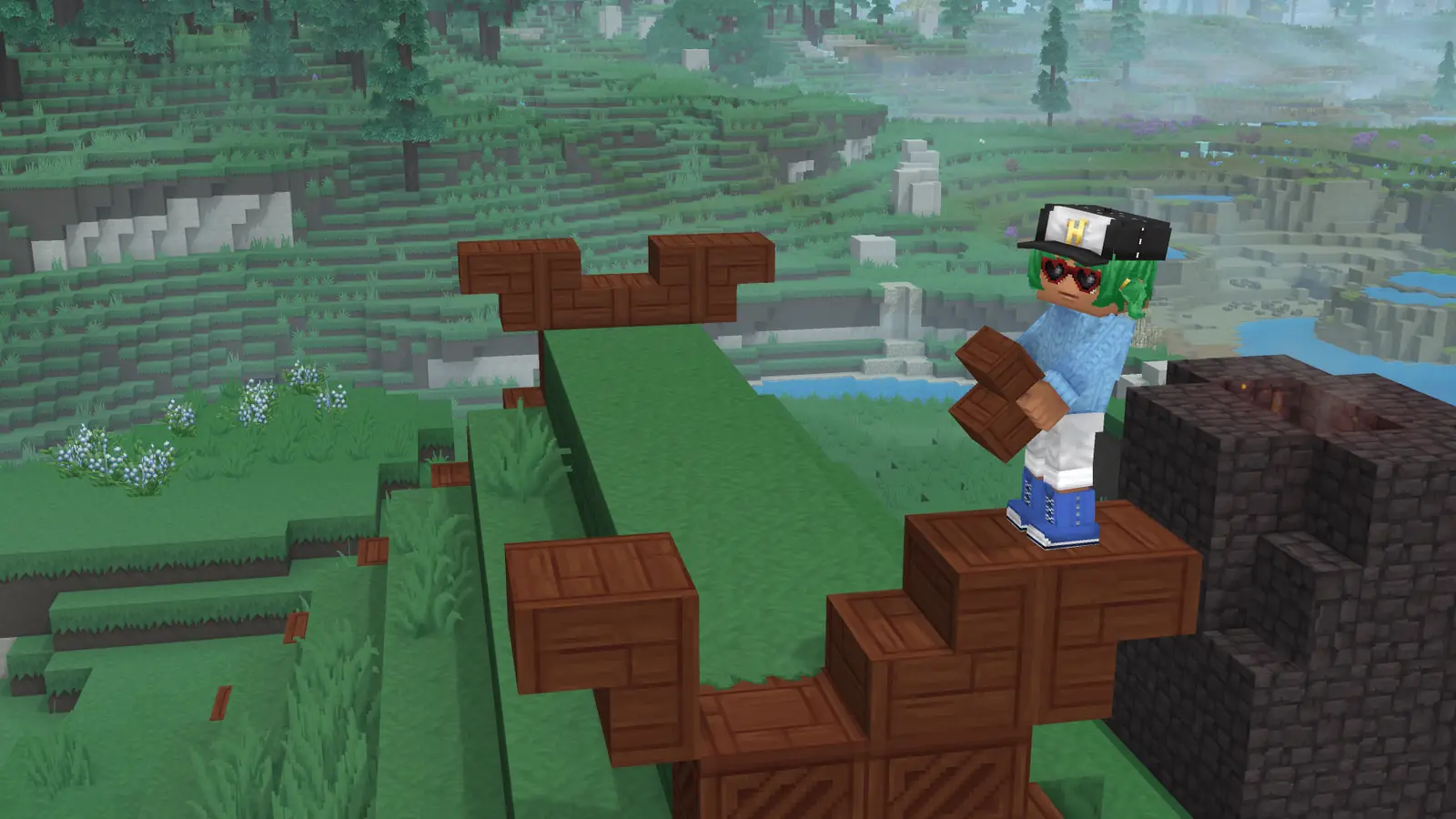
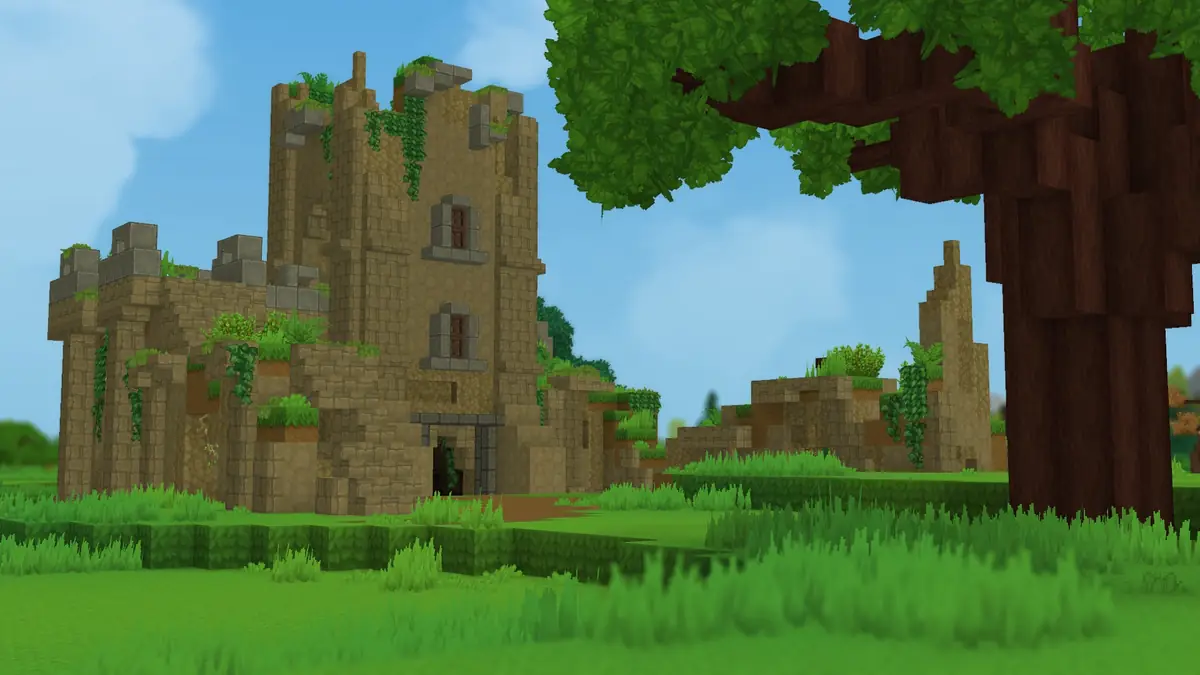
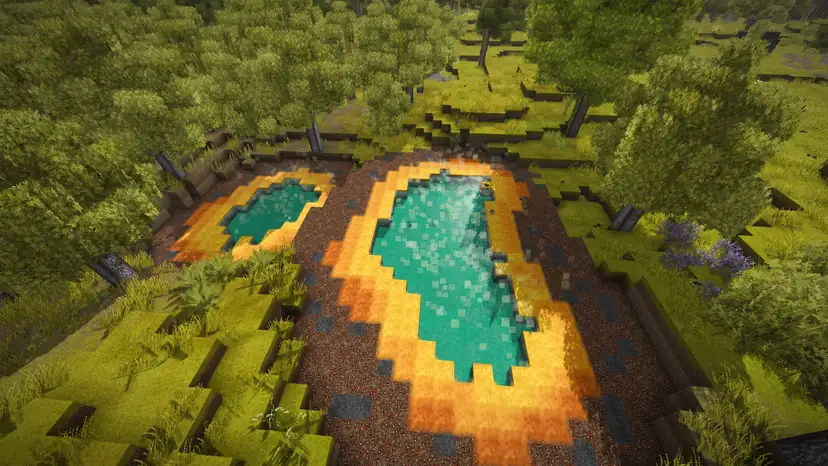
Hytale Screenshots


Everything You Need to Run Your Hytale Server
Install Hytale Mods in One Click
Click Curse Mods in the Gamepanel to browse the Hytale mods on CurseForge, then install or remove any version and restart. You can also upload a mod's .jar file to the mods folder by FTP or the File Manager.
- Search CurseForge from the panel
- Pick the exact mod version you want
- Hytale mods run on the server, so players don't need to install them
Every Hytale Config File in One Place
Open Configuration Files in the Gamepanel to edit config.json (server name, password and world settings), permissions.json, whitelist.json and bans.json in our text editor.
- Set a server name and password
- Change world settings
- Manage user and group permissions
Admins, Whitelists and Bans
Make yourself an operator with /op add from the Web Console, then manage your server in game. Turn on the whitelist so only the players you add can join, and ban or unban players without a restart.
- Op yourself from the Web Console
- Whitelist commands work in the console or in game
- Bans take effect straight away
Your Worlds, Protected
Every server is backed up offsite each night. Early Access updates can change a lot, so if an update or a mod breaks your world, roll back to an earlier backup.
- Nightly offsite backups
- Upload or download worlds by FTP or SFTP
- File Manager in the browser
Full Control at Your Fingertips
Our custom-built Gamepanel puts every server function one click away. Start, stop, restart and monitor your server from any browser, with no SSH or technical knowledge required.
- Web-based live console and logs
- Commandline Manager for launch parameters
- Scheduled restarts and updates

One Subscription, Any Game
Don't cancel, just switch. Move your server to any of 250+ supported games whenever you like. Your slots and billing cycle carry over.
- 250+ games in the catalogue
- All slots and settings transfer
- No cancellation or new order needed
Why Host Your Hytale Server With PingPerfect
Setup starts automatically as soon as your order is paid. Small games are ready in under a minute; big games with large downloads can take 10 minutes or more.
Ryzen & EPYC CPUs chosen for highest single-core speed. High-speed DDR5 RAM, picked for stability.
Real technicians, 24/7/365. Typical response under 10 minutes. Backed by 1,500+ knowledgebase articles.
Hand-picked gaming datacenters with low, stable ping, wherever your crew is based.
Every server comes with free web hosting. Build a community hub, forums, or announcements page.
Change the game your server runs at any time, no cancellation, no new order required
Nightly offsite backups at 4AM server time. Restore your progress if a save corrupts.
High-capacity, always-on DDoS mitigation, constantly updated to counter new attack vectors.
Backup, restore, wipe, automated updates, mod management, all in one fast, purpose-built panel.
Not happy within 48 hours? Full refund. No questions asked. Zero risk to try us.
Full file access via your preferred FTP client. Upload mods, configs, and plugins securely.
Datacenters chosen specifically for the lowest, most stable latency. Lag is our enemy too.
Rent a Hytale Server or Host It Yourself?
You can run Hytale yourself. Here's what that actually looks like next to a rented server.
About Hytale
Hytale is a block-based sandbox RPG from Hypixel Studios, the team behind the Hypixel Minecraft server. You explore a procedurally generated world called Orbis, then build, craft, farm and fight, alone or with friends on a shared server, and Creative Mode and server-side mods let you change almost anything.
Hytale was revealed with a trailer in 2018. Development was cancelled in June 2025, and in November 2025 the original founders bought the game back from Riot Games, making Hypixel Studios independent again. Early Access began on 13 January 2026 with Exploration Mode, Creative Mode, modding and multiplayer for every mode. It is sold on hytale.com, not on Steam, and runs on Windows, Linux and Apple Silicon Macs.
Modding is server-side: plugins are Java .jar files and content comes as asset packs, so players can join a modded server without installing anything. Update 5 (26 May 2026) added Server Discovery, an in-game browser for community servers. The latest major update is Chapter I: Out of the Breach (12 October 2026), with the Goblin Breach, the Deepworks dungeon and Hytale's first multi-phase boss, Runestone abilities and the first official minigames.
How Much RAM Does a Hytale Server Need?
Hytale servers need more memory as players spread out and load more of the world, and mods add to that. View distance matters most: Hypixel Studios says doubling it means four times as much world to load.
Hypixel Studios' server manual says a Hytale server needs at least 4 GB of memory and Java 25, on x64 or arm64. Source: Hytale Server Manual.
Useful Hytale Links
The official site, Hypixel Studios' news and server manual, and CurseForge for mods.
How to Join Your Hytale Server
Your server's IP address and port are in the Gamepanel as soon as it's online.
Add it to your server list
- In the Gamepanel, copy the Connection Information (IP and port).
- In Hytale, click Servers, then Add Server.
- Paste the IP and port into Connection Address and give the server any name.
- Click Add Server, then join it from the list.
Step-by-step with screenshots: our join guide.
Popular Hytale Guides
Step-by-step help from our knowledgebase for setting up and running your server.
Other Games You Might Like
Other sandbox and building games we host. Switch anytime by submitting a ticket.
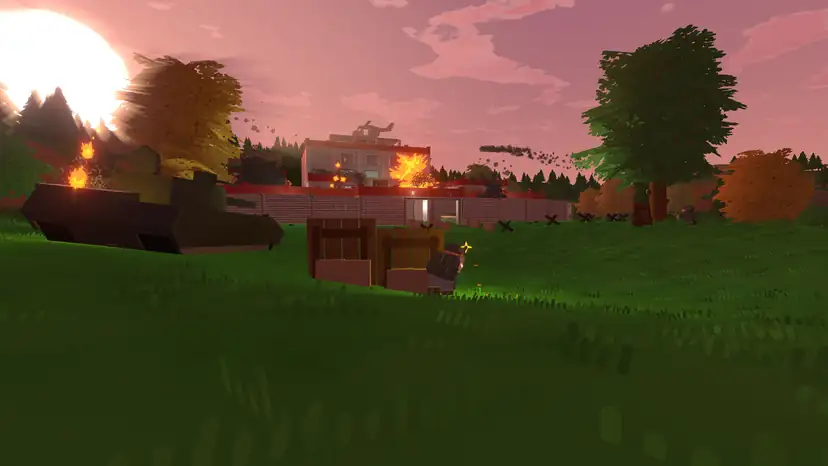

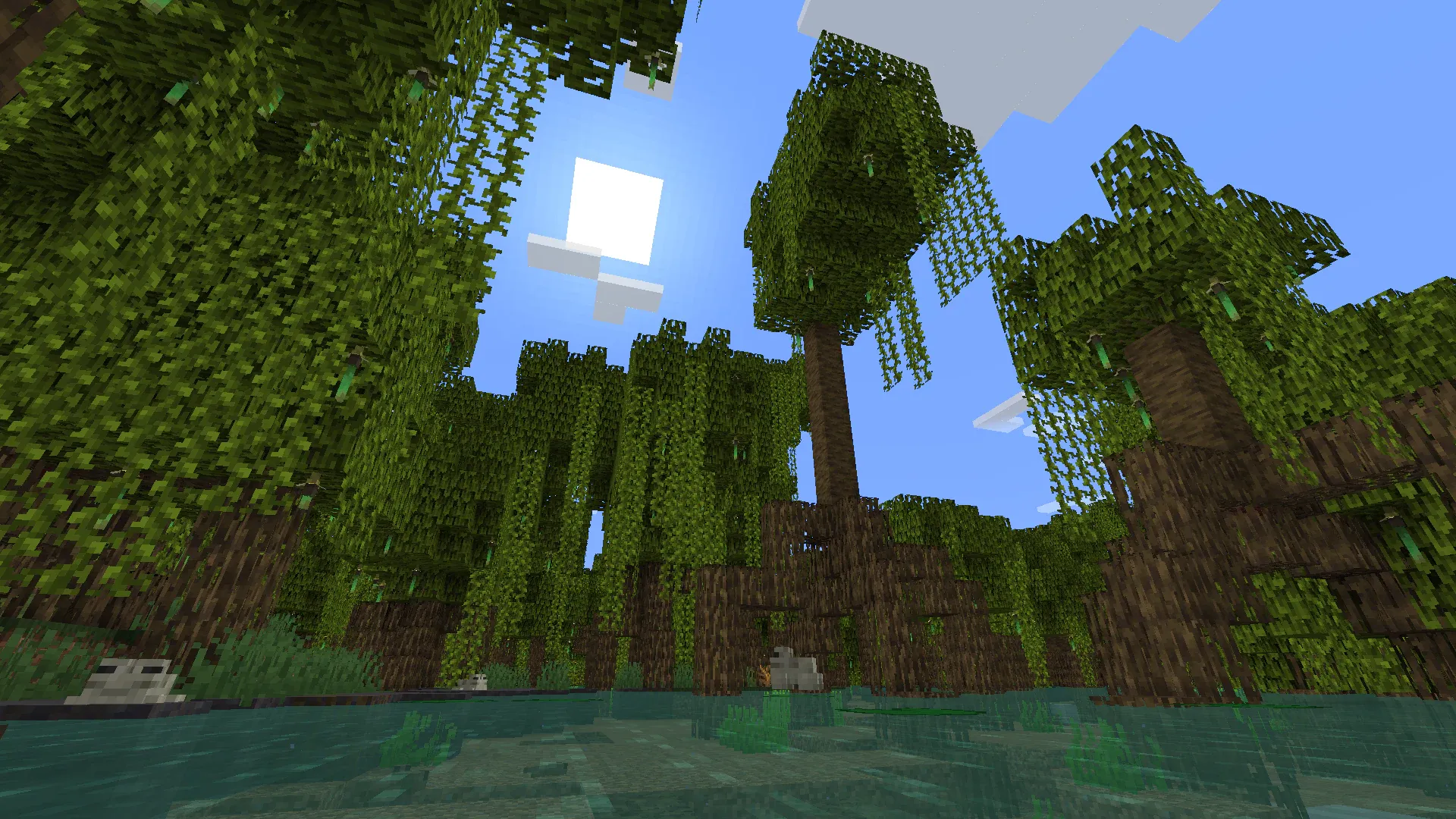


Trusted by Thousands of Gamers
Moved here after trying a couple of others that didn't work out so far so good the support has been helpful server has been set up quickly and the price is great
Have been using PingPerfect for a few years now for Games, like 7DTD, Ark, and Conan, and love that they allow us to easily convent any of our servers to anther game with just an email and a short time they have it up and running. We would not use any other service as we have before and did not have the service PingPerfect offers, and tech support is very fast and getting back no matter what time of day or night.
Started a terraria server with Pingperfect, cheap, easy to use and when I was stuck, Excellent fast support. 5 stars!!!!
Fast service, good support and a friendly team. Really happy with them so far.
There is by far the best service I have ever received. After a week of messing around with another provider, I looked for an alternative and definitely found the better solution here. Fast, very friendly and competent support. a bit expensive maybe but definitely worth the money. As soon as there is support in German it is as far as I can judge it just a perfect service.
20 locations, One Low Ping
Rent a Hytale server in any of them, including Sydney for Australian and New Zealand players. All locations include DDoS mitigation, nightly backups & 24/7 support.
Test Your Ping to Our Locations
Unsure which location is closest to you? Run a latency test to all of our server locations and see the results first-hand. Results are sorted from lowest to highest ping automatically.
Hytale Server Hosting FAQ
How do I choose a Hytale server host?▾
Check five things. RAM for your player count and mods (Hytale needs at least 4 GB, more for bigger groups and a long view distance). A server location near your players, so their ping stays low. Mod support, ideally a CurseForge installer rather than uploading every file by hand. Backups, because Early Access updates can break worlds. And a money-back guarantee, so you can test before you commit. We offer servers in 20 locations, one-click CurseForge mods, nightly backups and a 48-hour money-back guarantee.
Can I host my Hytale server in the UK, US or Australia?▾
Yes. Choose London for the UK, Germany or France for Europe, New York, Atlanta, Chicago, Dallas, St Louis, Miami, Phoenix, Portland or Los Angeles for the US, Toronto for Canada, or Sydney for Australia. Singapore, São Paulo, Santiago and Johannesburg are also available. Pick the one closest to most of your players.
How many players can join a Hytale server?▾
We don't limit player slots on Hytale. How many people can play smoothly depends on RAM, mods and view distance, so start at 4 GB for a few friends and move up as your community grows. You can add RAM at any time.
How do I install Hytale mods?▾
Click Curse Mods in the Gamepanel, search for a mod, install it and restart the server. You can also upload a mod's .jar file to the mods folder. Hytale mods run on the server, so your players don't need to install them. See our mods guide.
How do I set a password or make myself an admin?▾
Can I list my server in the in-game server browser?▾
Yes. Hypixel Studios added Server Discovery in Update 5. Create a server profile in your Hytale Account Manager and submit it for review; once it's accepted, link your server with the discovery token, which you can do from our Web Console.
Is Hytale on Steam?▾
No. Hytale is sold on hytale.com and is in Early Access on Windows, Linux and Apple Silicon Macs. Players need their own copy to join your server.
Can I upload my own Hytale world?▾
Yes. Upload your world files by FTP, SFTP or the File Manager, as in our file access guide. Every server also gets nightly offsite backups.
How much does a Hytale server cost?▾
Plans start from $11.06/month with 4 GB RAM, the minimum for a Hytale server. Our Recommended plan is $48.65/month with 10 GB RAM, NVMe Pro storage and Above Normal CPU priority, or $52.59/month with 12 GB RAM. Every plan is also available on our Extreme hardware, with a 48-hour money-back guarantee.
How long has PingPerfect hosted Hytale servers?▾
Since the game came out, when Early Access began on 13 January 2026.
What payment methods are accepted?▾
- Credit and debit cards, Apple Pay and Google Pay, processed securely by Stripe
- PayPal
- Skrill, using your Skrill wallet or a bank transfer
Need another method? Contact us and we'll do our best.
What currencies does PingPerfect accept?▾
We natively support USD, GBP, and EUR. Other currencies work too — your bank may apply a small conversion fee.
What level of support is included?▾
All plans include 24/7/365 ticket support with a typical response under 10 minutes, plus 1,500+ knowledgebase articles. Platinum managed support is available as an optional upgrade. See our support levels page.
What hardware do you use?▾
Ryzen and EPYC CPUs for highest single-core performance, paired with DDR5 RAM chosen for stability. Full specs on our hardware page.
Can I migrate my existing server to PingPerfect?▾
Yes. Transfer via FTP/SFTP yourself, or open a support ticket and our team will walk you through it.
Start Your Hytale Server Today
One-click CurseForge mods, servers in 20 locations and nightly backups. 48-hour money-back guarantee.