Vintage Story
Wilderness Survival · Crafting · Sandbox
- Add mods from the official Vintage Story mod database
- Full access to serverconfig.json for world and player settings
- List your server on the in-game public server list
- Nightly offsite backups and DDoS mitigation included
From $9.99/month for up to 10 players · 48-hour free trial
Choose Your Server Plan
We've hosted Vintage Story servers since the game came out. All plans include DDoS mitigation, nightly backups, free web hosting, and 24/7 expert support. No hidden extras.
Ryzen & EPYC CPUs at 4.5 GHz. Right for most Vintage Story servers.
Our fastest CPUs, 5.0 GHz+. For big modpacks, large explored worlds and lots of players online.
- Normal hardware, 4.5 GHz
- 9 GB RAM
- ~100 GB NVMe SSD
- DDoS mitigation
- Nightly Backups
- Free Web Hosting
- Normal hardware, 4.5 GHz
- 12 GB RAM
- ~100 GB NVMe Pro SSD (5x faster)Our faster NVMe drives. The world loads quicker and saves are less likely to cause a stutter.
- DDoS mitigation
- Nightly Backups
- Free Web Hosting
- Normal hardware, 4.5 GHz
- 15 GB RAM
- ~100 GB NVMe Pro SSD (5x faster)Our faster NVMe drives. The world loads quicker and saves are less likely to cause a stutter.
- DDoS mitigation
- Nightly Backups
- Free Web Hosting
- Extreme hardware, 5.0 GHz+Our fastest CPUs at 5.0 GHz+, for the most headroom with big builds and a full server.
- 9 GB RAM
- ~100 GB NVMe SSD
- DDoS mitigation
- Nightly Backups
- Free Web Hosting
- Extreme hardware, 5.0 GHz+Our fastest CPUs at 5.0 GHz+, for the most headroom with big builds and a full server.
- 12 GB RAM
- ~100 GB NVMe Pro SSD (5x faster)Our faster NVMe drives. The world loads quicker and saves are less likely to cause a stutter.
- DDoS mitigation
- Nightly Backups
- Free Web Hosting
- Extreme hardware, 5.0 GHz+Our fastest CPUs at 5.0 GHz+, for the most headroom with big builds and a full server.
- 15 GB RAM
- ~100 GB NVMe Pro SSD (5x faster)Our faster NVMe drives. The world loads quicker and saves are less likely to cause a stutter.
- DDoS mitigation
- Nightly Backups
- Free Web Hosting
Dial in exactly what you need.
- Up to 50 player slots
- Normal or Extreme hardware
- Your choice of RAM
- NVMe or NVMe Pro SSD
- CPU priority up to Realtime
- DDoS mitigation
- Nightly Backups
- Free Web Hosting
48-hour money-back guarantee on all plans.
48-Hour Free Trial
Full access. No restrictions. Try the complete service. If it isn't right for you, no charge and no questions asked.
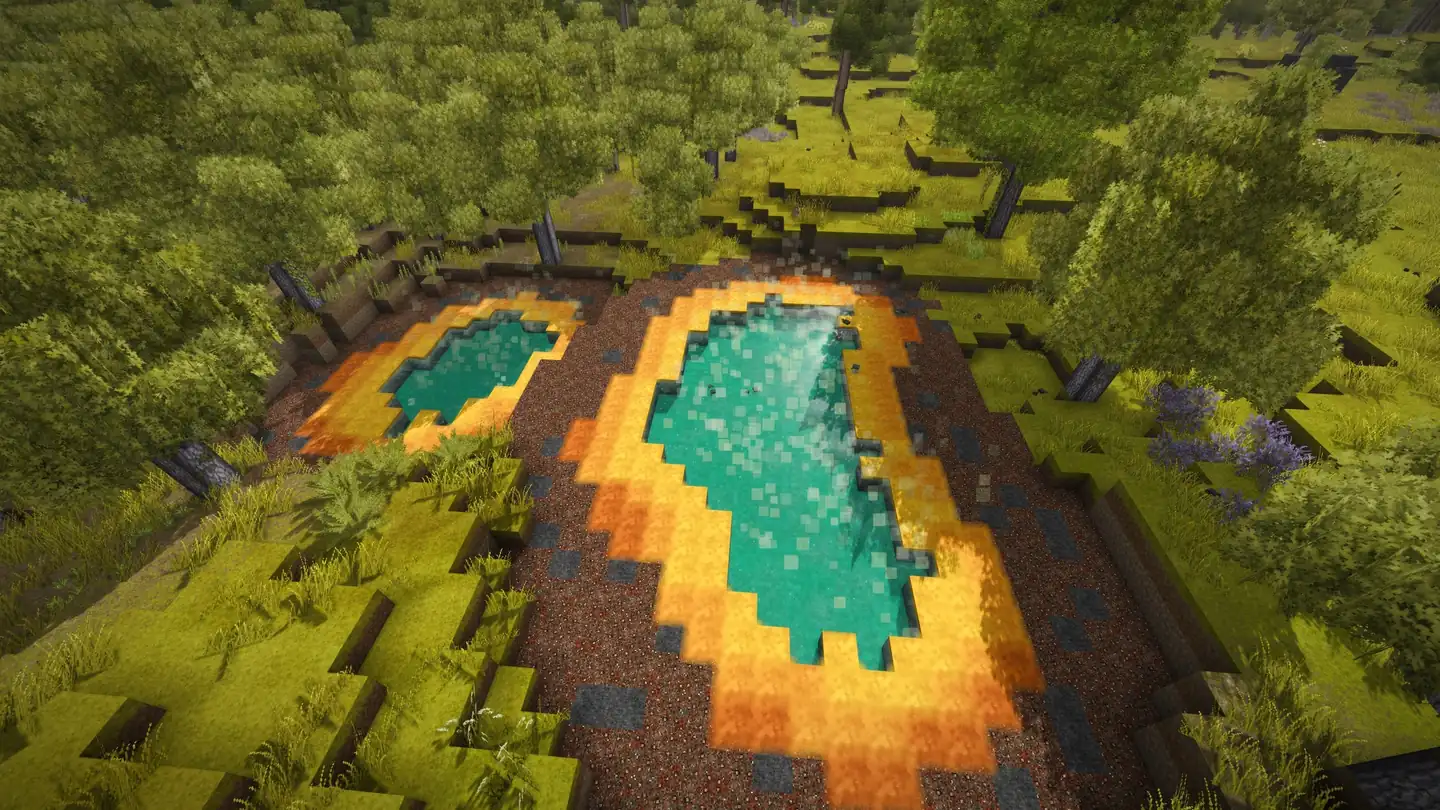
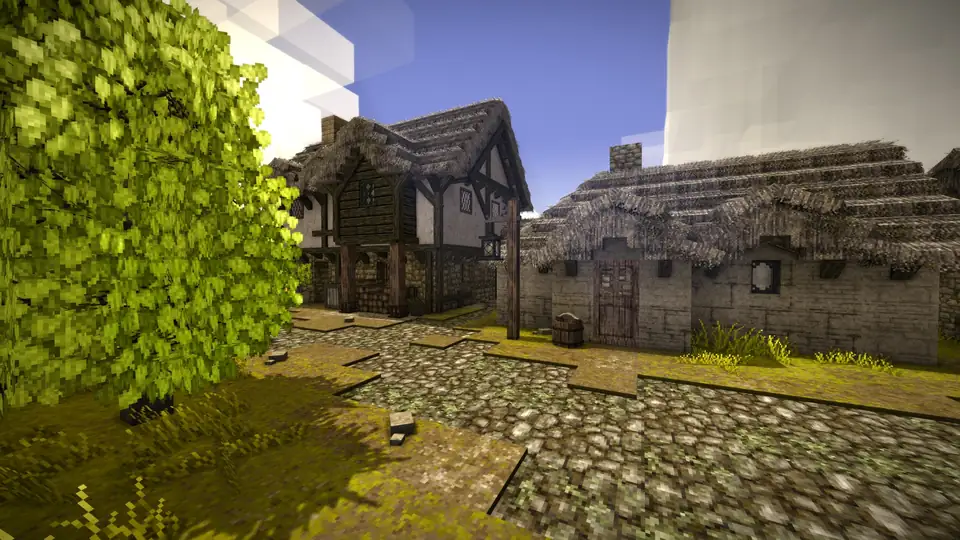
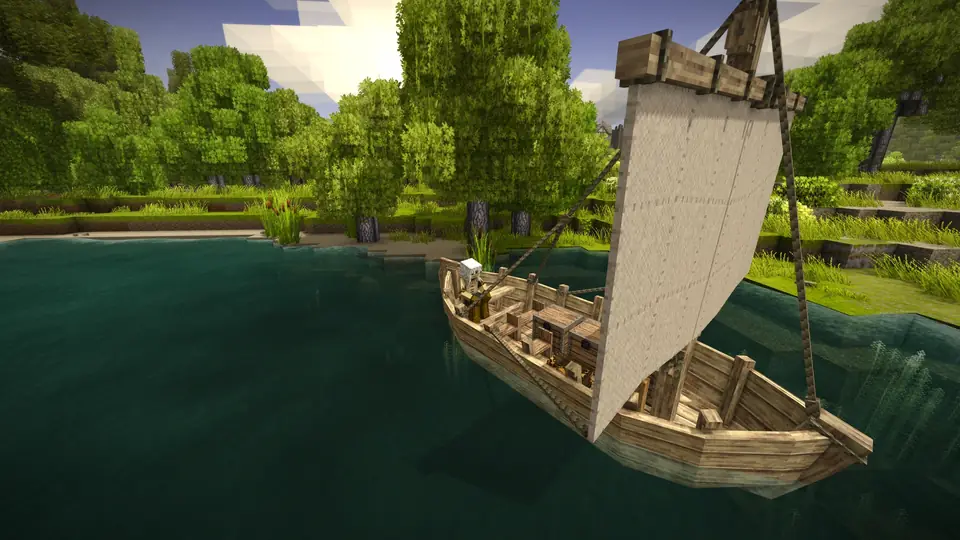
Vintage Story Screenshots


Everything You Need to Run Your Server
Mods from the Official Mod Database
Download mods from the official Vintage Story mod database and drop the .zip files into your server's Mods folder, with the Gamepanel's File Manager or over FTP / SFTP. No need to extract them.
- Upload mod .zip files as they are
- File Manager or FTP / SFTP
- Add one mod at a time to find any that cause trouble
Full serverconfig.json Access
Edit serverconfig.json in the Gamepanel's text editor to set your server name, password, welcome message, player limit, play style and world settings, and to manage roles and land claims.
- Server name, password and welcome message
- Play style and world settings
- Roles, privileges and land claim limits
Stratum Server Software
Stratum is a community-made, open source replacement for the Vintage Story server software, aimed at servers with lots of players. It patches networking, chunk loading, entities and world generation, and adds server-side anti-cheat. Players join with the normal game client.
- One-click install from the Gamepanel
- Server-side only: nothing for players to install
- Not compatible with the Synergy or Tungsten mods
Full Control at Your Fingertips
Our custom-built Gamepanel puts every server function one click away. Start, stop, restart and monitor your server from any browser, with no SSH or technical knowledge required.
- Web-based live console and logs
- File Manager and FTP / SFTP access
- Scheduled restarts and updates
One Subscription, Any Game
Don't cancel, just switch. Move your server to any of 250+ supported games whenever you like. Your slots and billing cycle carry over.
- 250+ games in the catalogue
- All slots and settings transfer
- No cancellation or new order needed
The Best Choice for Your Server
Deployed automatically. Gamepanel credentials in your inbox in under 10 minutes.
Ryzen & EPYC CPUs chosen for highest single-core speed. High-speed DDR5 RAM, picked for stability.
Real technicians, 24/7/365. Typical response under 10 minutes. Backed by 1,500+ knowledgebase articles.
Hand-picked gaming datacenters with low, stable ping, wherever your crew is based.
Every server comes with free web hosting. Build a community hub, forums, or announcements page.
Change the game your server runs at any time, no cancellation, no new order required
Nightly offsite backups at 4AM server time. Restore your progress if a save corrupts.
High-capacity, always-on DDoS mitigation, constantly updated to counter new attack vectors.
Backup, restore, wipe, automated updates, mod management, all in one fast, purpose-built panel.
Not happy within 48 hours? Full refund. No questions asked. Zero risk to try us.
Full file access via your preferred FTP client. Upload mods, configs, and plugins securely.
Datacenters chosen specifically for the lowest, most stable latency. Lag is our enemy too.
Why Not Just Run It Yourself?
You can run Vintage Story yourself. Here's what that actually looks like next to a rented server.
About Vintage Story
Vintage Story is a wilderness survival sandbox game inspired by eldritch horror themes, made and self-published by Anego Studios on its own cross-platform game engine. You start empty-handed in the stone age in a ruined world reclaimed by nature, and work your way up through copper, bronze and iron to steel.
The game simulates seasons, weather, soil fertility, food spoilage, body temperature, rock strata and mineralogy, alongside knapping, clay forming, metalworking, farming and animal husbandry. World generation and difficulty are fully configurable, from a peaceful creative world to hardcore survival. The first public version came out on 27 September 2016, and Anego Studios still calls it Early Access because its full vision isn't finished, although the game is fully playable.
Vintage Story runs on Windows, Mac and Linux and is sold on the official website, not on Steam. It was built with modding in mind, with its own mod API and an official mod database. A dedicated server keeps your world running for everyone, with your mods and settings, whether or not you're online.
Useful Vintage Story Links
The official website, wiki and mod database from Anego Studios.
How to Join Your Vintage Story Server
Your server's IP address and port are in the Gamepanel as soon as it's online.
Direct Connect
- Launch Vintage Story and click Multiplayer.
- Click Add new server and give it any name.
- Paste your server's IP:Port from the Gamepanel into Host/IP address.
- Leave the password blank unless you set one, click Create, then click the server to join.
Full steps: direct connect guide.
Public Server List
- Start the server once, then stop it.
- Open Configuration Files and edit serverconfig.json.
- Set "Ip" and "Port" to your server's IP and port from the Gamepanel.
- Save and start the server: it now shows in the in-game server list.
Full steps: server list guide.
Popular Vintage Story Guides
Step-by-step help from our knowledgebase for setting up and running your server.
Trusted by Thousands of Gamers
James R. was exceptionally helpful at transferring my server from a Space Engineers one to Vintage Story, Pingperfect makes server hosting super easy and dynamic and I'll use them for a long time
Best DayZ Servers Out there! Easily the best service in the business as well. Shoutout to Brandon for being a rockstar with assisting customers!
What a great service by great people. They fast, efficient and kind. The server was up in no time after a clear payment. I live across the word and my ping was perfect!
Support these guys offer is absolutely 10/10 any issues I have they very quickly sort them absolutely amazing service and response
My server crashed in the middle of a 11 hour gaming marathon. I sent in a ticket and got a response 3 minutes after I sent it saying they found the problem and it would be fixed in a couple of minutes. 2 minutes later I was back online.
20 locations, One Low Ping
All locations include DDoS mitigation, nightly backups & 24/7 support.
Test Your Ping to Our Locations
Unsure which location is closest to you? Run a latency test to all of our server locations and see the results first-hand. Results are sorted from lowest to highest ping automatically.
Frequently Asked Questions
Is Vintage Story on Steam?▾
No. Vintage Story is sold on the official website, vintagestory.at, and every player needs a Vintage Story account to join. You don't need Steam to play on our servers.
How many players can join a Vintage Story server?▾
Our plans come with 10 or 20 player slots, and a Custom server can go up to 50. Vintage Story has no fixed player cap: the limit is set by your slots and the player limit in serverconfig.json.
How do I add mods to my Vintage Story server?▾
Download the mods from the official mod database, stop the server, upload the .zip files to the Mods folder with the File Manager or FTP / SFTP, and start it again. Add one mod at a time so you know which one caused any problem. See our mods guide.
How do I get my server on the public server list?▾
Set the "Ip" and "Port" lines in serverconfig.json to your server's IP and port from the Gamepanel, then restart. Our server list guide has the steps.
Can I change world and server settings?▾
Yes. You have full access to serverconfig.json in the Gamepanel's text editor: server name, password, welcome message, player limit, play style, world settings, roles and land claims. See our server configuration guide.
What is Stratum?▾
Stratum is a community-made, open source replacement for the Vintage Story server software, aimed at busy servers. Players join with the normal game client. Most server mods work with it, but it is not compatible with the Synergy or Tungsten mods, and you can install it in one click from the Gamepanel. You need the Stratum build that matches your Vintage Story version. Take a backup before switching a live world. Details are on its mod database page.
Can I upload my own world?▾
Yes. Upload your save over FTP / SFTP or with the File Manager, then point the server to it in serverconfig.json.
How much does a Vintage Story server cost?▾
Plans start from $9.99/month for 10 players with 9 GB RAM. For 20 players it's $30.91/month with 12 GB RAM and NVMe Pro storage, or $33.91/month with 15 GB RAM for bigger modpacks. Every plan is also available on our Extreme hardware, and all of them come with a 48-hour free trial.
How long has PingPerfect hosted Vintage Story servers?▾
Since the game came out.
What payment methods are accepted?▾
- Credit and debit cards, Apple Pay and Google Pay, processed securely by Stripe
- PayPal
- Skrill, using your Skrill wallet or a bank transfer
Need another method? Contact us and we'll do our best.
What currencies does PingPerfect accept?▾
We natively support USD, GBP, and EUR. Other currencies work too — your bank may apply a small conversion fee.
What level of support is included?▾
All plans include 24/7/365 ticket support with a typical response under 10 minutes, plus 1,500+ knowledgebase articles. Platinum managed support is available as an optional upgrade. See our support levels page.
What hardware do you use?▾
Ryzen and EPYC CPUs for highest single-core performance, paired with DDR5 RAM chosen for stability. Full specs on our hardware page.
Can I migrate my existing server to PingPerfect?▾
Yes. Transfer via FTP/SFTP yourself, or open a support ticket and our team will walk you through it.
Start Your Vintage Story Server Today
Mods from the official mod database and full config access. 48-hour money-back guarantee.