Terraria Server Hosting
Sandbox · Adventure · Building · Co-op
- tModLoader and TShock installed from the Mod Manager
- Upload your own world or generate one with any seed
- Classic, Expert, Master and Journey worlds
- Nightly offsite backups and DDoS mitigation included
From $4.59/month for up to 6 players · 48-hour free trial
Terraria Server Hosting Plans
We've hosted Terraria servers since the game's early years. All plans include DDoS mitigation, nightly backups, free web hosting, and 24/7 expert support. No hidden extras.
Ryzen & EPYC CPUs at 4.5 GHz. Right for most Terraria servers, vanilla or modded.
Our fastest CPUs, 5.0 GHz+. For large tModLoader modpacks and a full server.
- Normal hardware, 4.5 GHz
- 9 GB RAM
- ~100 GB NVMe SSD
- DDoS mitigation
- Nightly Backups
- Free Web Hosting
- Normal hardware, 4.5 GHz
- 9 GB RAM
- ~100 GB NVMe Pro SSD (5x faster)Our faster NVMe drives. The world loads quicker and saves are less likely to cause a stutter.
- Above Normal CPU priorityYour game server is put ahead of routine background tasks, so the world responds faster and stays steadier during big builds and fights.
- DDoS mitigation
- Nightly Backups
- Free Web Hosting
- Normal hardware, 4.5 GHz
- 9 GB RAM
- ~100 GB NVMe Pro SSD (5x faster)Our faster NVMe drives. The world loads quicker and saves are less likely to cause a stutter.
- High CPU priorityA step up from Above Normal: your game server gets first call on the processor, for the most consistent performance with your whole group online. Realtime is also available at checkout.
- DDoS mitigation
- Nightly Backups
- Free Web Hosting
- Extreme hardware, 5.0 GHz+Our fastest CPUs at 5.0 GHz+, for the most headroom with big builds and a full server.
- 9 GB RAM
- ~100 GB NVMe SSD
- DDoS mitigation
- Nightly Backups
- Free Web Hosting
- Extreme hardware, 5.0 GHz+Our fastest CPUs at 5.0 GHz+, for the most headroom with big builds and a full server.
- 9 GB RAM
- ~100 GB NVMe Pro SSD (5x faster)Our faster NVMe drives. The world loads quicker and saves are less likely to cause a stutter.
- Above Normal CPU priorityYour game server is put ahead of routine background tasks, so the world responds faster and stays steadier during big builds and fights.
- DDoS mitigation
- Nightly Backups
- Free Web Hosting
- Extreme hardware, 5.0 GHz+Our fastest CPUs at 5.0 GHz+, for the most headroom with big builds and a full server.
- 9 GB RAM
- ~100 GB NVMe Pro SSD (5x faster)Our faster NVMe drives. The world loads quicker and saves are less likely to cause a stutter.
- High CPU priorityA step up from Above Normal: your game server gets first call on the processor, for the most consistent performance with your whole group online. Realtime is also available at checkout.
- DDoS mitigation
- Nightly Backups
- Free Web Hosting
Dial in exactly what you need.
- Up to 32 player slots
- Normal or Extreme hardware
- Your choice of RAM
- NVMe or NVMe Pro SSD
- CPU priority up to Realtime
- DDoS mitigation
- Nightly Backups
- Free Web Hosting
48-hour money-back guarantee on all plans.
48-Hour Free Trial
Full access. No restrictions. Try the complete service. If it isn't right for you, no charge and no questions asked.
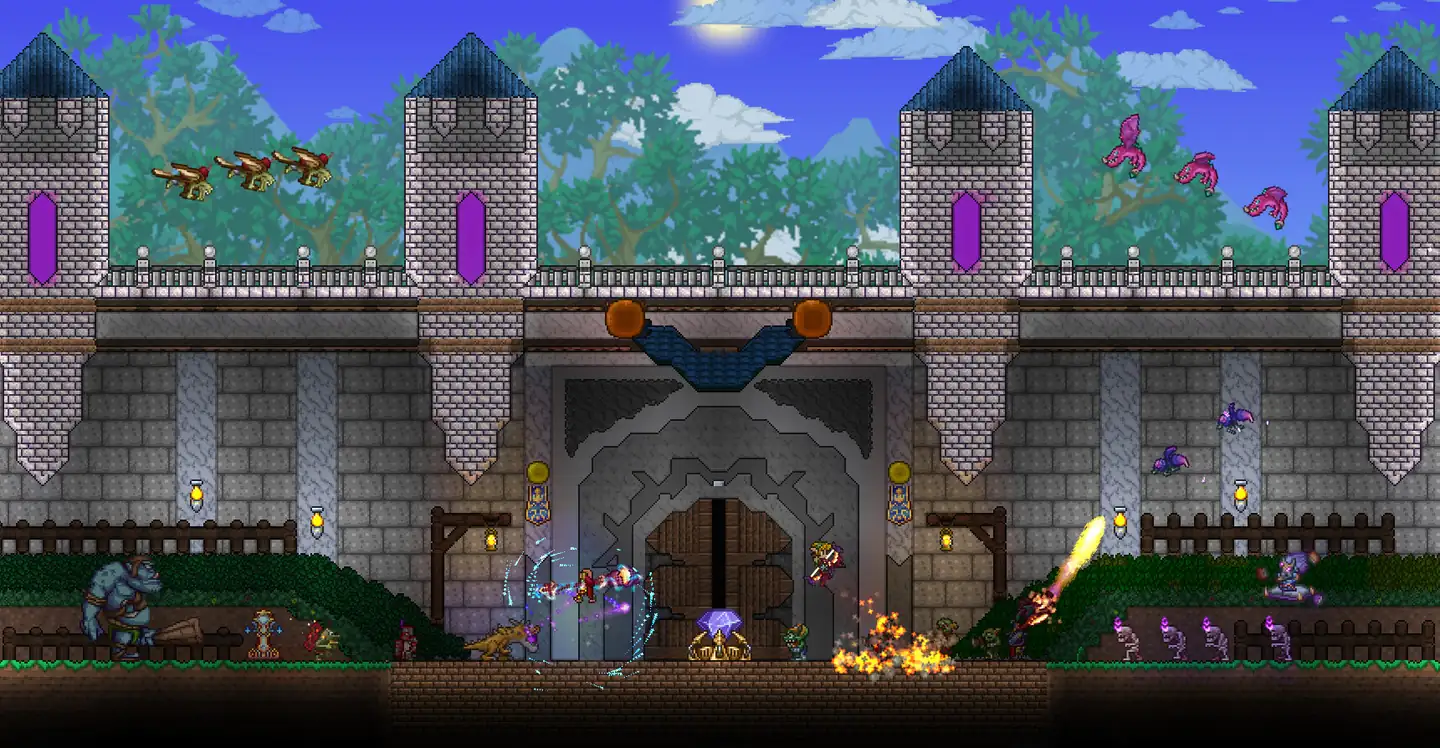
Terraria Screenshots


Everything You Need to Run Your Terraria Server
A tModLoader Server in a Few Clicks
Install tModLoader from the Mod Manager in your Gamepanel, upload your .tmod files to the Mods folder and list them in enabled.json. Our tModLoader guide has every step.
- tModLoader from the Mod Manager
- Upload mods by FTP or the file manager
- Turn mods on and off in enabled.json
TShock for Public and Community Servers
TShock is a third-party server package that adds in-game admin commands, user accounts, permissions and an IP whitelist. Install it from the Mod Manager and edit its config.json in our config editor.
- TShock from the Mod Manager
- Whitelist by IP address, as in our whitelist guide
- Kick, ban and server commands from the Web Console
Every Server Setting in One File
Edit pingconfig.txt in the Gamepanel to set the world, world size, difficulty, password, message of the day and language. Our server configuration guide explains each line.
- Classic, Expert, Master or Journey worlds
- Server password and message of the day
- Journey mode power permissions
Bring Your World, or Make a New One
Upload a world from your PC, or let the server create a new one with the world size, seed and difficulty you choose, secret seeds included. Wipe World Data backs up your worlds before it deletes one.
DDoS-Protected Terraria Hosting in 20 Locations
Every server has DDoS mitigation and nightly offsite backups included. Pick the location closest to your players: Europe, North America, Singapore, or Sydney for Australian Terraria servers.
- DDoS mitigation on every plan
- Nightly offsite backups
- FTP and SFTP access to your files

One Subscription, Any Game
Don't cancel, just switch. Move your server to any of 250+ supported games whenever you like. Your slots and billing cycle carry over.
- 250+ games in the catalogue
- All slots and settings transfer
- No cancellation or new order needed
Why Host Your Terraria Server With PingPerfect
Setup starts automatically as soon as your order is paid. Small games are ready in under a minute; big games with large downloads can take 10 minutes or more.
Ryzen & EPYC CPUs chosen for highest single-core speed. High-speed DDR5 RAM, picked for stability.
Real technicians, 24/7/365. Typical response under 10 minutes. Backed by 1,500+ knowledgebase articles.
Hand-picked gaming datacenters with low, stable ping, wherever your crew is based.
Every server comes with free web hosting. Build a community hub, forums, or announcements page.
Change the game your server runs at any time, no cancellation, no new order required
Nightly offsite backups at 4AM server time. Restore your progress if a save corrupts.
High-capacity, always-on DDoS mitigation, constantly updated to counter new attack vectors.
Backup, restore, wipe, automated updates, mod management, all in one fast, purpose-built panel.
Not happy within 48 hours? Full refund. No questions asked. Zero risk to try us.
Full file access via your preferred FTP client. Upload mods, configs, and plugins securely.
Datacenters chosen specifically for the lowest, most stable latency. Lag is our enemy too.
Rent a Terraria Server or Host It Yourself?
You can run Terraria yourself. Here's what that actually looks like next to a rented server.
About Terraria
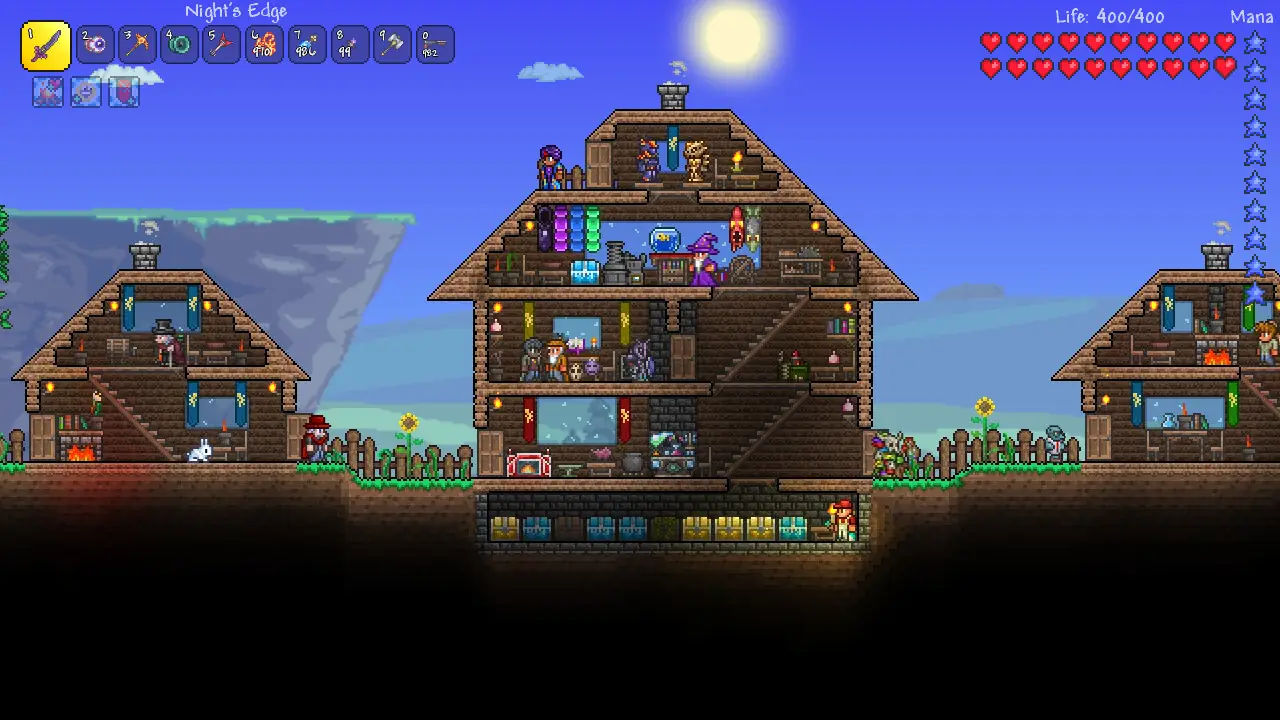
Terraria is a 2D action-adventure sandbox game from Re-Logic: dig, fight, explore and build in a world generated for you, alone or with friends. If you want to buy a Terraria server for your group, a dedicated server keeps your world online all the time, so anyone can play without the host being there.
It came out on Steam on 16 May 2011 and Re-Logic still updates it. By its 15th anniversary in May 2026 it had sold 70 million copies across PC, console and mobile. The 1.4.5 "Bigger & Boulder" update arrived on 27 January 2026 on all three, with easier inventory management and crafting and more secret world seeds, and the balance-focused 1.4.5.7 followed on PC on 19 August 2026. Re-Logic says the next update, 1.4.6, is Crossplay Phase One.
For mods there's tModLoader, a free mod loader on Steam with its own Workshop, which Re-Logic counts at 12.3 million Steam downloads. Its stable release is still built on Terraria 1.4.4: the tModLoader team's 1.4.5 version is on a "1.4.5-dev" beta branch (October 2026), so modded players stay on tModLoader until it moves across.
Useful Terraria Links
Re-Logic's site, the Steam store page and news, the official wiki and tModLoader.
How to Join Your Terraria Server
Your server's IP address and port are in the Gamepanel as soon as it's online.
Join by IP address
- In Terraria, choose Multiplayer on the main menu and pick the option to join by IP.
- Select the character you want to play.
- Enter your server's IP address, then its port.
- Enter the server password if you set one.
Modded server? Players join with tModLoader. If big mods give a buffer overflow error when connecting, install them on your PC with tModLoader's Mod Browser, as in our tModLoader guide.
Popular Terraria Guides
Step-by-step help from our knowledgebase for setting up and running your server.
Other Games You Might Like
Other sandbox, building and co-op games we host. Switch anytime by submitting a ticket.
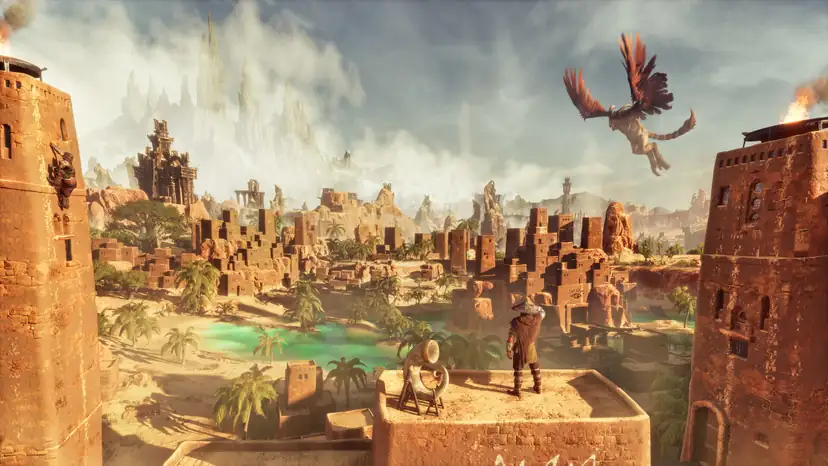
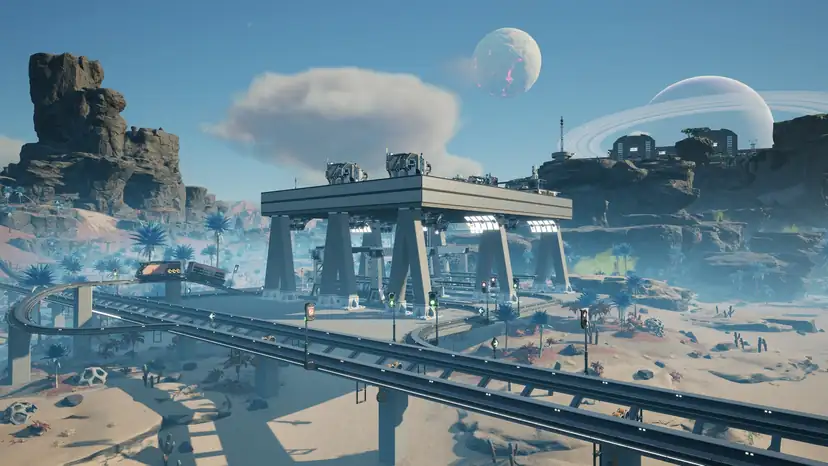
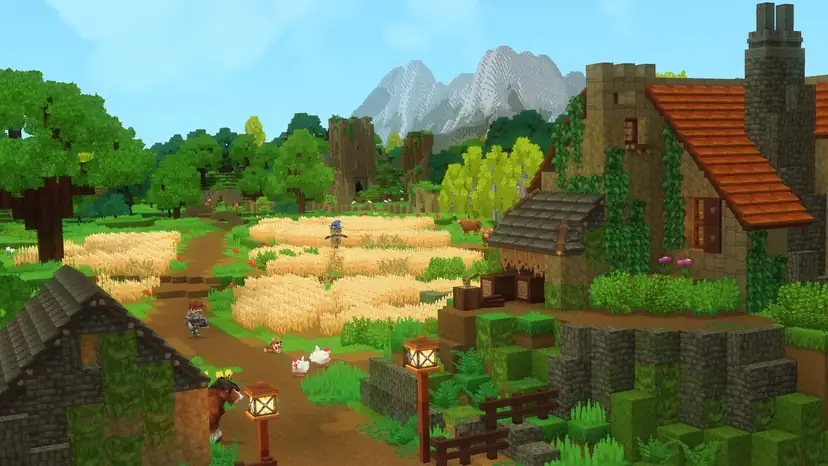
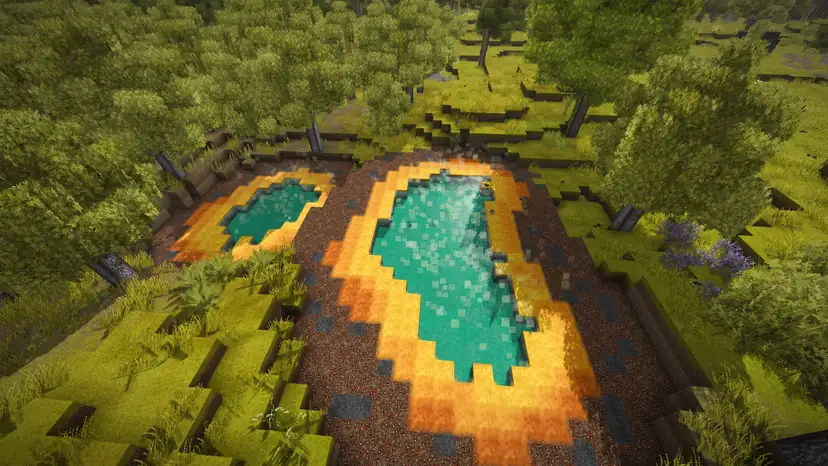
Trusted by Thousands of Gamers
They have been consistently excellent when it comes to customer service with fast (normally withing 15 mins) reply to queries as well as the cheapest prices out there for terraria and a very nice ability to add certain feature that I have requested, going as far as to implement a server-side console in about 2 hours when it was revealed that it was something that they were missing
Started a terraria server with Pingperfect, cheap, easy to use and when I was stuck, Excellent fast support. 5 stars!!!!
I had been with another provider for THREE days before it crapped out on me and they didn't respond to help, so I cancelled it and decided to try PingPerfect. I'm very glad I did. I had an issue (my own fault) after my free trial and they were able to help me out and get everything back up and running in no time. That made me decide to stick with PIngPerfect.
Really recommend this company. The last few days they have helped me set up my Rust server! Stuff I couldnt do they set it up for me. Really highly recommend! 10/10
PingPerfect has one of the best customer support around that I ever had the pleasure to deal with. Super quick with responses and helpful overall.
20 locations, One Low Ping
All locations include DDoS mitigation, nightly backups & 24/7 support.
Test Your Ping to Our Locations
Unsure which location is closest to you? Run a latency test to all of our server locations and see the results first-hand. Results are sorted from lowest to highest ping automatically.
Terraria Server Hosting FAQ
How do I choose a Terraria server host?▾
Check a few facts rather than "best of" lists. A vanilla server needs little RAM (the official wiki puts a small world at 500 MB), so look at what you get for big worlds and mods: our plans start at 9 GB. Pick a location near your players, check that tModLoader and TShock are supported, and make sure backups and DDoS mitigation are included. A free trial lets you test the ping before you pay; ours lasts 48 hours.
Is there free Terraria server hosting?▾
Our servers are paid, but you can try one free for 48 hours (one free trial per account) and keep it if you like it. Hosting on your own PC costs nothing extra, since the server comes with Terraria on Windows, but the world is only online while your PC is, and you have to forward TCP port 7777 on your router.
How do I host a Terraria server with PingPerfect?▾
Pick a plan and a location, and setup starts automatically as soon as your order is paid. Then set your world and password in pingconfig.txt, install tModLoader or TShock if you want them, and give your players the IP address and port from the Gamepanel. Our server configuration guide covers the first set-up.
Do you have Australian Terraria servers?▾
Yes. Sydney is one of our 20 locations, on Normal and Extreme hardware, so players in Australia can play on a server close to home. Sydney costs a little more per month than our UK, EU and US locations; the price is shown at checkout.
How many players can join a Terraria server?▾
Terraria's server allows up to 255 players. Our plans come with 6 or 20 slots and a Custom server goes up to 32. Keep maxplayers in pingconfig.txt the same as the slots you bought, or the Gamepanel stops the server.
Can I run a tModLoader server?▾
Yes. Install tModLoader from the Mod Manager, upload your mods to the Mods folder and list them in enabled.json, as in our tModLoader guide. Players join with tModLoader and the same mods. tModLoader's stable release is still on Terraria 1.4.4; its 1.4.5 version is in beta.
Can I install TShock?▾
Yes, from the Mod Manager. TShock adds admin commands, user accounts, permissions and an IP whitelist; our whitelist guide shows how to switch it on.
Can I upload my own world?▾
Yes. Upload your .wld file to the Worlds folder with the file manager or FTP, then point the world and worldname lines in pingconfig.txt at it. See our world upload guide. If the world keeps regenerating, see this fix.
Can I change the difficulty of my world?▾
Difficulty (Classic, Expert, Master or Journey) is set when a world is created, so changing it means making a new world. Set it in pingconfig.txt before the world is generated, as in our difficulty guide.
Can mobile or console players join?▾
Re-Logic says PC, mobile and dedicated servers on the same game version can already play together by IP address and port. Console players can't join yet: Re-Logic plans to bring this to consoles in Crossplay Phase One (1.4.6), which isn't out yet. We also offer Terraria Mobile server hosting.
How do I reset my world?▾
Use Wipe World Data in the Gamepanel. It backs up your worlds before deleting the one you pick. See our world reset guide.
How much does a Terraria server cost?▾
Plans start from $4.59/month for 6 players. For 20 players it's $19.94/month with NVMe Pro storage and Above Normal CPU priority, or $23.01/month with High CPU priority. Every plan is also available on our Extreme hardware, and all of them come with a 48-hour free trial.
How long has PingPerfect hosted Terraria servers?▾
Since the game's early years.
What payment methods are accepted?▾
- Credit and debit cards, Apple Pay and Google Pay, processed securely by Stripe
- PayPal
- Skrill, using your Skrill wallet or a bank transfer
Need another method? Contact us and we'll do our best.
What currencies does PingPerfect accept?▾
We natively support USD, GBP, and EUR. Other currencies work too — your bank may apply a small conversion fee.
What level of support is included?▾
All plans include 24/7/365 ticket support with a typical response under 10 minutes, plus 1,500+ knowledgebase articles. Platinum managed support is available as an optional upgrade. See our support levels page.
What hardware do you use?▾
Ryzen and EPYC CPUs for highest single-core performance, paired with DDR5 RAM chosen for stability. Full specs on our hardware page.
Can I migrate my existing server to PingPerfect?▾
Yes. Transfer via FTP/SFTP yourself, or open a support ticket and our team will walk you through it.
Start Your Terraria Server Today
tModLoader and TShock from the Mod Manager, your own world and nightly backups. 48-hour money-back guarantee.