
Satisfactory Server Hosting
Version 1.2 · Factory Building · Co-op · Steam & Epic
- Rent a Satisfactory dedicated server that stays online 24/7
- Steam and Epic Games players join the same server
- Satisfactory Mod Loader installs from the Gamepanel Mod Manager
- DDoS-protected hosting with nightly offsite backups
From $15.35/month · no slot limit (the game defaults to 4 players) · 48-hour free trial
Satisfactory Server Rental: Plans and Prices
Renting a Satisfactory server costs from $15.35 a month. We've hosted Satisfactory servers since dedicated servers were first released, with Update 5 in October 2021. All plans include DDoS mitigation, nightly backups, free web hosting, and 24/7 expert support. No hidden extras.
Ryzen & EPYC CPUs at 4.5 GHz. Right for most Satisfactory saves.
Our fastest CPUs, 5.0 GHz+. The server leans on one core, so big late-game factories run better here.
- Unlimited players
- Normal hardware, 4.5 GHz
- ~100 GB NVMe SSD
- DDoS mitigation
- Nightly Backups
- Free Web Hosting
- Unlimited players
- Normal hardware, 4.5 GHz
- ~100 GB NVMe Pro SSD (5x faster)Our faster NVMe drives. The world loads quicker and saves are less likely to cause a stutter.
- DDoS mitigation
- Nightly Backups
- Free Web Hosting
- Unlimited players
- Normal hardware, 4.5 GHz
- ~100 GB NVMe Pro SSD (5x faster)Our faster NVMe drives. The world loads quicker and saves are less likely to cause a stutter.
- DDoS mitigation
- Nightly Backups
- Free Web Hosting
- Unlimited players
- Extreme hardware, 5.0 GHz+Our fastest CPUs at 5.0 GHz+, for the most headroom with big builds and a full server.
- ~100 GB NVMe SSD
- DDoS mitigation
- Nightly Backups
- Free Web Hosting
- Unlimited players
- Extreme hardware, 5.0 GHz+Our fastest CPUs at 5.0 GHz+, for the most headroom with big builds and a full server.
- ~100 GB NVMe Pro SSD (5x faster)Our faster NVMe drives. The world loads quicker and saves are less likely to cause a stutter.
- DDoS mitigation
- Nightly Backups
- Free Web Hosting
- Unlimited players
- Extreme hardware, 5.0 GHz+Our fastest CPUs at 5.0 GHz+, for the most headroom with big builds and a full server.
- ~100 GB NVMe Pro SSD (5x faster)Our faster NVMe drives. The world loads quicker and saves are less likely to cause a stutter.
- DDoS mitigation
- Nightly Backups
- Free Web Hosting
Dial in exactly what you need.
- No player slot limit (the game defaults to 4)
- Normal or Extreme hardware
- Your choice of RAM, up to 42 GB
- NVMe or NVMe Pro SSD
- CPU priority up to Realtime
- DDoS mitigation
- Nightly Backups
- Free Web Hosting
48-hour money-back guarantee on all plans.
48-Hour Free Trial
Full access. No restrictions. Try the complete service. If it isn't right for you, no charge and no questions asked.
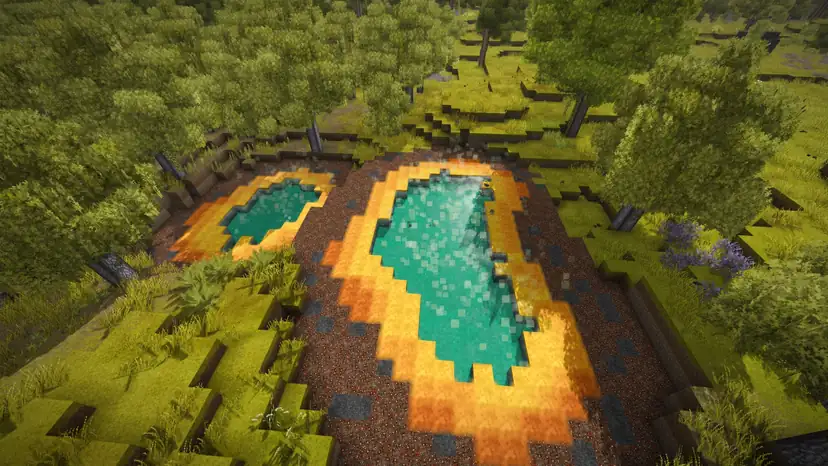
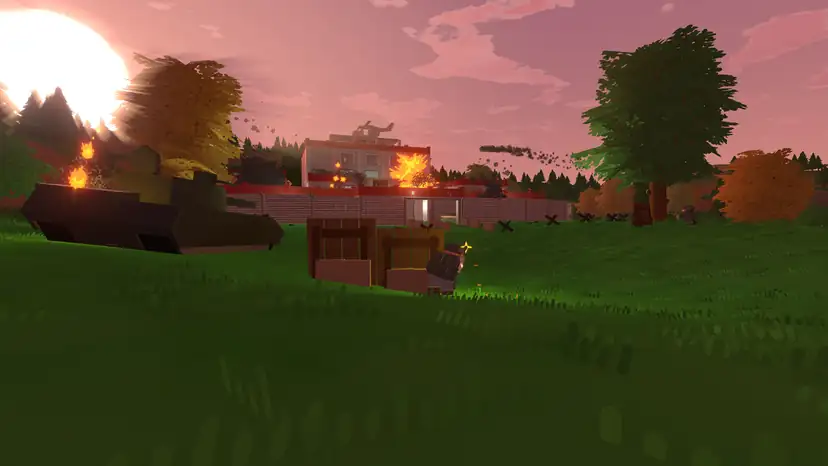
Satisfactory Screenshots
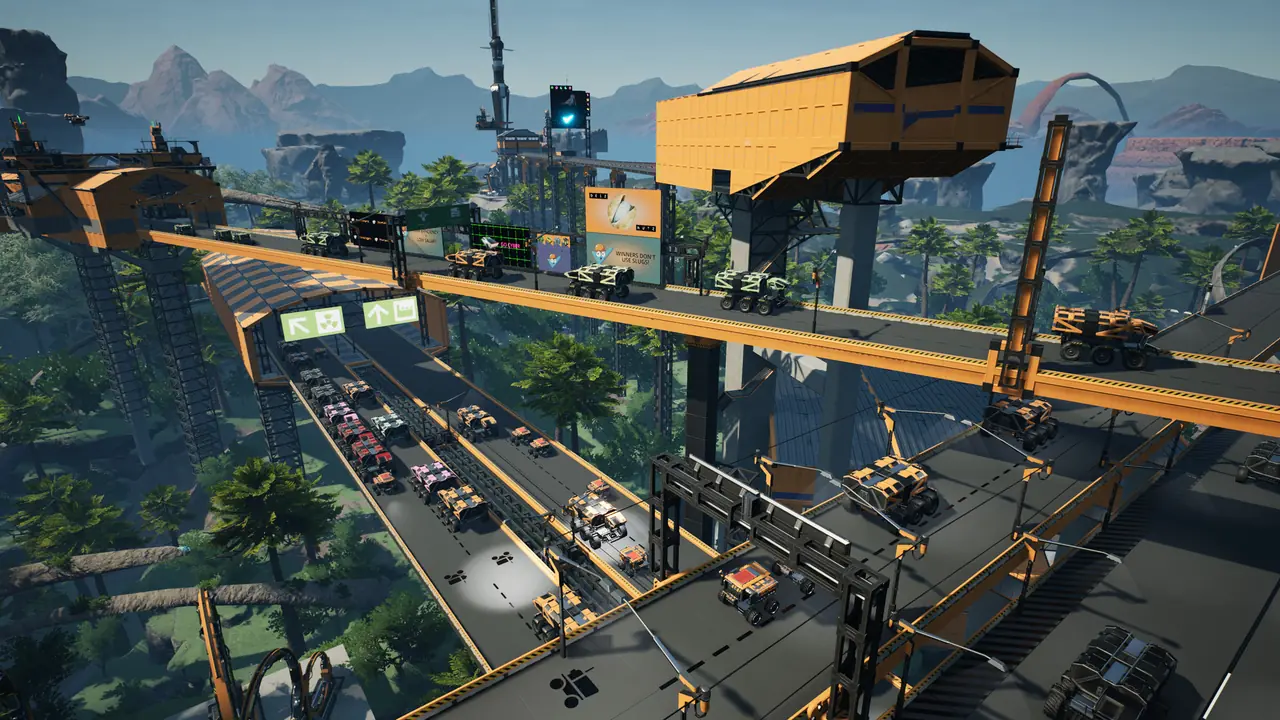


Everything You Need to Run Your Satisfactory Server
Hardware for Big Factories
The Satisfactory dedicated server uses several threads, but its game loop runs on one main thread, so single-core speed matters more than core count. Our Ryzen and EPYC servers with DDR5 RAM run at 4.5 GHz on Normal and 5.0 GHz+ on Extreme hardware.
- Extreme hardware for late-game factories
- Add RAM at checkout, up to 42 GB
- NVMe Pro storage for faster saves and loads
Claim Your Server In-Game
Satisfactory servers are managed from the game itself. Add your server in the Server Manager, give it a name and set the admin password: that claims it. From there you create a new game or load a save, set a player password and change server settings.
- Step-by-step server claim guide
- Admin password protects save loading and server options
- Optional player password to keep the server private
Satisfactory Mod Loader in One Click
Install the Satisfactory Mod Loader from the Mod Manager in the Gamepanel, then upload server-compatible mods from ficsit.app to the FactoryGame/Mods folder over SFTP. Mod dependencies aren't fetched for you, so add each one your mods need.
- Mod Loader installed from the Gamepanel
- Full SFTP and file manager access
- Our mod installation guide
Bring Your Save, Keep It Safe
Upload a local save to your server from the Manage Saves tab in the game's Server Manager. The server keeps rotating autosaves, and we back the whole server up offsite every night.
- Change the autosave interval (default 300 seconds)
- Keep more autosave files in Engine.ini
- Nightly offsite backups on every plan
Full Control at Your Fingertips
Our custom-built Gamepanel puts every server function one click away. Start, stop, restart and monitor your server from any browser, with no SSH or technical knowledge required.
- Web-based live console and logs
- Config file editor for the server's .ini files
- Scheduled restarts and updates

One Subscription, Any Game
Don't cancel, just switch. Move your server to any of 250+ supported games whenever you like. Your slots and billing cycle carry over.
- 250+ games in the catalogue
- All slots and settings transfer
- No cancellation or new order needed
Why Host Your Satisfactory Server With PingPerfect
Setup starts automatically as soon as your order is paid. Small games are ready in under a minute; big games with large downloads can take 10 minutes or more.
Ryzen & EPYC CPUs chosen for highest single-core speed. High-speed DDR5 RAM, picked for stability.
Real technicians, 24/7/365. Typical response under 10 minutes. Backed by 1,500+ knowledgebase articles.
Hand-picked gaming datacenters with low, stable ping, wherever your crew is based.
Every server comes with free web hosting. Build a community hub, forums, or announcements page.
Change the game your server runs at any time, no cancellation, no new order required
Nightly offsite backups at 4AM server time. Restore your progress if a save corrupts.
High-capacity, always-on DDoS mitigation, constantly updated to counter new attack vectors.
Backup, restore, wipe, automated updates, mod management, all in one fast, purpose-built panel.
Not happy within 48 hours? Full refund. No questions asked. Zero risk to try us.
Full file access via your preferred FTP client. Upload mods, configs, and plugins securely.
Datacenters chosen specifically for the lowest, most stable latency. Lag is our enemy too.
Rent a Satisfactory Server or Host It Yourself?
You can run Satisfactory yourself. Here's what that actually looks like next to a rented server.
About Satisfactory
Satisfactory is a first-person, open-world factory building game from Coffee Stain Studios. As a FICSIT pioneer on an alien planet, you mine its resources, build multi-storey factories and link them with conveyor belts, trains and drones, alone or with friends.
It entered Early Access on the Epic Games Store on 19 March 2019, reached Steam on 8 June 2020 and left Early Access with version 1.0 on 10 September 2024, which added the final phase of Project Assembly. The PlayStation 5 and Xbox Series X|S versions followed on 4 November 2025, but dedicated servers are PC only.
Update 1.2 (2 June 2026) was the first update released on PC and console at the same time. It brought back rain with a new weather system and World settings, and moved the game to Unreal Engine 5.6.1. Coffee Stain has since announced the Core Values Expansion, the game's first paid DLC, with no release date yet.
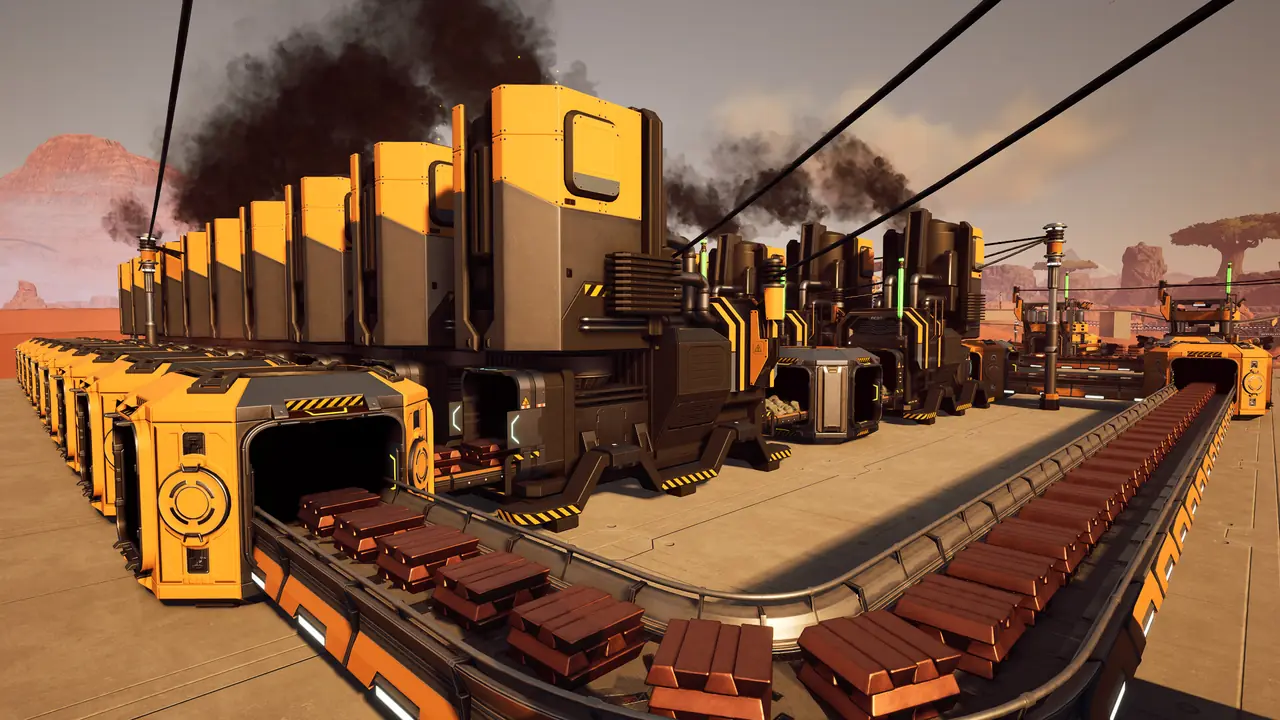
How Much RAM Does a Satisfactory Server Need?
Player count and save size decide how much RAM a Satisfactory server needs. The server is tuned for its default cap of 4 players.
The official Satisfactory wiki lists 8 GB RAM for a dedicated server, with 16 GB recommended for larger saves or more than 4 players, and says the server heavily favours high single-core CPU performance. Source: Satisfactory Wiki, Dedicated servers.
Useful Satisfactory Links
The official site, the Steam store page, Coffee Stain's announcements, the official wiki and the community mod repository.
How to Join Your Satisfactory Server
Your server's IP address and port are in the Gamepanel as soon as it's online.
First time: claim the server
- Start Satisfactory and open the Server Manager from the main menu.
- Click Add Server and enter the IP address and port from the Gamepanel.
- Give the server a name and set the admin password to claim it.
- Create a new game, or upload a save from the Manage Saves tab.
Full steps in our server claim guide.
Your friends join
- Open the Server Manager and click Add Server.
- Enter the same IP address and port.
- Type the player password if you set one, then join.
Steam and Epic Games players can join the same server.
Popular Satisfactory Guides
Step-by-step help from our knowledgebase for setting up and running your server.
Other Games You Might Like
Other factory, building and co-op games we host. Switch anytime by submitting a ticket.


Trusted by Thousands of Gamers
Had backup troubles with my server. Within a few hours an employee helped me through the process, while providing reassurance and a functional back up save. This has saved me weeks of lost work on the game! Excellent customer service!
After having a nightmare with a previous server host, we changed to PingPerfect after reading some great reviews. The server is a lot easier to manage and has a lot of positive additions which we were not able to have before. Also, their service when needing help is amazing, they respond to tickets very quickly and help get everything sorted - even for people that are still learning the modding side of gaming servers. 5*
I currently run Empyrion, Ark and TS3 servers with Pingperfect.com and can't say enough good things about their service and support. The servers run fast and trouble free, well except for the Ark server but that's the developers and modders causing the problems there. The few times I have needed help the support team has been quick and helpful.
They were attentive and responsive to my issues! really appreciate their hard work and due diligence on my issues. Definitely recommend this service to a friend
Great customer service, quick responses and stuck with me until any issues were resolved
The service has been very stable, and the response by support people, when I've had issues (not necessarily on their end😉), is always very fast... within minutes. They've been extremely helpful in standing up my multiple server cluster and tracking down problems I've had stemming from my lack of understanding of the intricacies of the gaming system.
20 locations, One Low Ping
Rent a Satisfactory server in any of them, including Sydney for Australian and New Zealand players. All locations include DDoS mitigation, nightly backups & 24/7 support.
Test Your Ping to Our Locations
Unsure which location is closest to you? Run a latency test to all of our server locations and see the results first-hand. Results are sorted from lowest to highest ping automatically.
Satisfactory Server Hosting FAQ
How many players can join a Satisfactory server?▾
Our Satisfactory plans have no slot limit. The game itself caps a server at 4 players by default, and the official wiki notes the server is tuned for that. To allow more, set MaxPlayers under [/Script/Engine.GameSession] in Game.ini and restart. For more than 4 players the wiki recommends 16 GB RAM, which our 18 GB plan covers.
Can Epic Games players join a Satisfactory dedicated server?▾
Yes. Players on the Steam and Epic Games Store versions can join the same dedicated server. Console players (PS5 and Xbox Series X|S) can't, because dedicated servers are PC only.
How do I set up my Satisfactory server for the first time?▾
Open the Server Manager in the game, add your server with the IP and port from the Gamepanel, then name it and set an admin password to claim it. Our server claim guide has the steps.
Can I upload my single-player save?▾
Yes. In the Server Manager, open your server's Manage Saves tab and upload the save from your PC, then load it. You can also upload save files over SFTP.
How do I install mods on my Satisfactory server?▾
Install the Satisfactory Mod Loader from the Mod Manager in the Gamepanel, then upload server-compatible mods to FactoryGame/Mods over SFTP. Add one mod at a time and check the server starts after each. See our mod installation guide.
Does my factory keep running when I'm offline?▾
The server stays online 24/7, so anyone can join at any time. Whether the factory keeps producing with nobody connected is up to the Auto Pause setting in the in-game server settings: untick it to keep the factory running.
Why does Satisfactory need a fast CPU?▾
The server spreads some work across threads, but its game loop is single-threaded, so one core always works hardest. The official wiki says the server heavily favours high single-core performance. That's why Extreme hardware, at 5.0 GHz+, helps with big late-game factories.
Do you have Satisfactory server hosting in Australia?▾
Yes. Pick Sydney at checkout for players in Australia and New Zealand, or any of our 20 locations. Choose the one closest to most of your players.
How do I choose a Satisfactory server host?▾
Check five things: enough RAM for your player count and save (the official wiki says 8 GB, or 16 GB for more than 4 players or a large save), fast single-core CPUs, a location near your players, an easy way to install the Mod Loader and mods, and automatic backups. A free trial lets you test the connection and performance before paying. Our servers have all of these, plus a 48-hour free trial.
How much does a Satisfactory server cost?▾
Our cheapest Satisfactory server is $15.35/month with 9 GB RAM, enough for up to 4 players. For more players or a big save it's $35.77/month with 18 GB RAM and NVMe Pro storage, or $39.77/month with 21 GB RAM. Every plan is also available on our Extreme hardware, with a 48-hour free trial.
How long has PingPerfect hosted Satisfactory servers?▾
Since dedicated servers were first released, with Update 5 in October 2021.
What payment methods are accepted?▾
- Credit and debit cards, Apple Pay and Google Pay, processed securely by Stripe
- PayPal
- Skrill, using your Skrill wallet or a bank transfer
Need another method? Contact us and we'll do our best.
What currencies does PingPerfect accept?▾
We natively support USD, GBP, and EUR. Other currencies work too — your bank may apply a small conversion fee.
What level of support is included?▾
All plans include 24/7/365 ticket support with a typical response under 10 minutes, plus 1,500+ knowledgebase articles. Platinum managed support is available as an optional upgrade. See our support levels page.
What hardware do you use?▾
Ryzen and EPYC CPUs for highest single-core performance, paired with DDR5 RAM chosen for stability. Full specs on our hardware page.
Can I migrate my existing server to PingPerfect?▾
Yes. Transfer via FTP/SFTP yourself, or open a support ticket and our team will walk you through it.
Start Your Satisfactory Server Today
Steam and Epic players on one server, the Mod Loader in the Gamepanel and nightly backups. 48-hour money-back guarantee.