Necesse Server Hosting
1.0 · Co-op Survival · Settlement Building
- Updated for Necesse 1.0
- Steam Workshop mods installed from the Gamepanel
- Your settlement keeps running when you log off
- Nightly offsite backups and DDoS mitigation included
From $7.92/month for up to 10 players · 48-hour free trial
Necesse Server Rental: Plans and Prices
Renting a Necesse server costs from $7.92 a month. We've hosted Necesse servers since the game came out. All plans include DDoS mitigation, nightly backups, free web hosting, and 24/7 expert support. No hidden extras.
Ryzen & EPYC CPUs at 4.5 GHz. Right for most Necesse worlds.
Our fastest CPUs, 5.0 GHz+. For a busy server with big settlements and lots of mods.
- Normal hardware, 4.5 GHz
- 9 GB RAM
- ~100 GB NVMe SSD
- DDoS mitigation
- Nightly Backups
- Free Web Hosting
- Normal hardware, 4.5 GHz
- 9 GB RAM
- ~100 GB NVMe Pro SSD (5x faster)Our faster NVMe drives. The world loads quicker and saves are less likely to cause a stutter.
- Above Normal CPU priorityYour game server is put ahead of routine background tasks, so the world responds faster and stays steadier during big builds and fights.
- DDoS mitigation
- Nightly Backups
- Free Web Hosting
- Normal hardware, 4.5 GHz
- 9 GB RAM
- ~100 GB NVMe Pro SSD (5x faster)Our faster NVMe drives. The world loads quicker and saves are less likely to cause a stutter.
- Above Normal CPU priorityYour game server is put ahead of routine background tasks, so the world responds faster and stays steadier during big builds and fights.
- DDoS mitigation
- Nightly Backups
- Free Web Hosting
- Extreme hardware, 5.0 GHz+Our fastest CPUs at 5.0 GHz+, for the most headroom with big builds and a full server.
- 9 GB RAM
- ~100 GB NVMe SSD
- DDoS mitigation
- Nightly Backups
- Free Web Hosting
- Extreme hardware, 5.0 GHz+Our fastest CPUs at 5.0 GHz+, for the most headroom with big builds and a full server.
- 9 GB RAM
- ~100 GB NVMe Pro SSD (5x faster)Our faster NVMe drives. The world loads quicker and saves are less likely to cause a stutter.
- Above Normal CPU priorityYour game server is put ahead of routine background tasks, so the world responds faster and stays steadier during big builds and fights.
- DDoS mitigation
- Nightly Backups
- Free Web Hosting
- Extreme hardware, 5.0 GHz+Our fastest CPUs at 5.0 GHz+, for the most headroom with big builds and a full server.
- 9 GB RAM
- ~100 GB NVMe Pro SSD (5x faster)Our faster NVMe drives. The world loads quicker and saves are less likely to cause a stutter.
- Above Normal CPU priorityYour game server is put ahead of routine background tasks, so the world responds faster and stays steadier during big builds and fights.
- DDoS mitigation
- Nightly Backups
- Free Web Hosting
Dial in exactly what you need.
- Your choice of player slots
- Normal or Extreme hardware
- Your choice of RAM
- NVMe or NVMe Pro SSD
- CPU priority up to Realtime
- DDoS mitigation
- Nightly Backups
- Free Web Hosting
48-hour money-back guarantee on all plans.
48-Hour Free Trial
Full access. No restrictions. Try the complete service. If it isn't right for you, no charge and no questions asked.
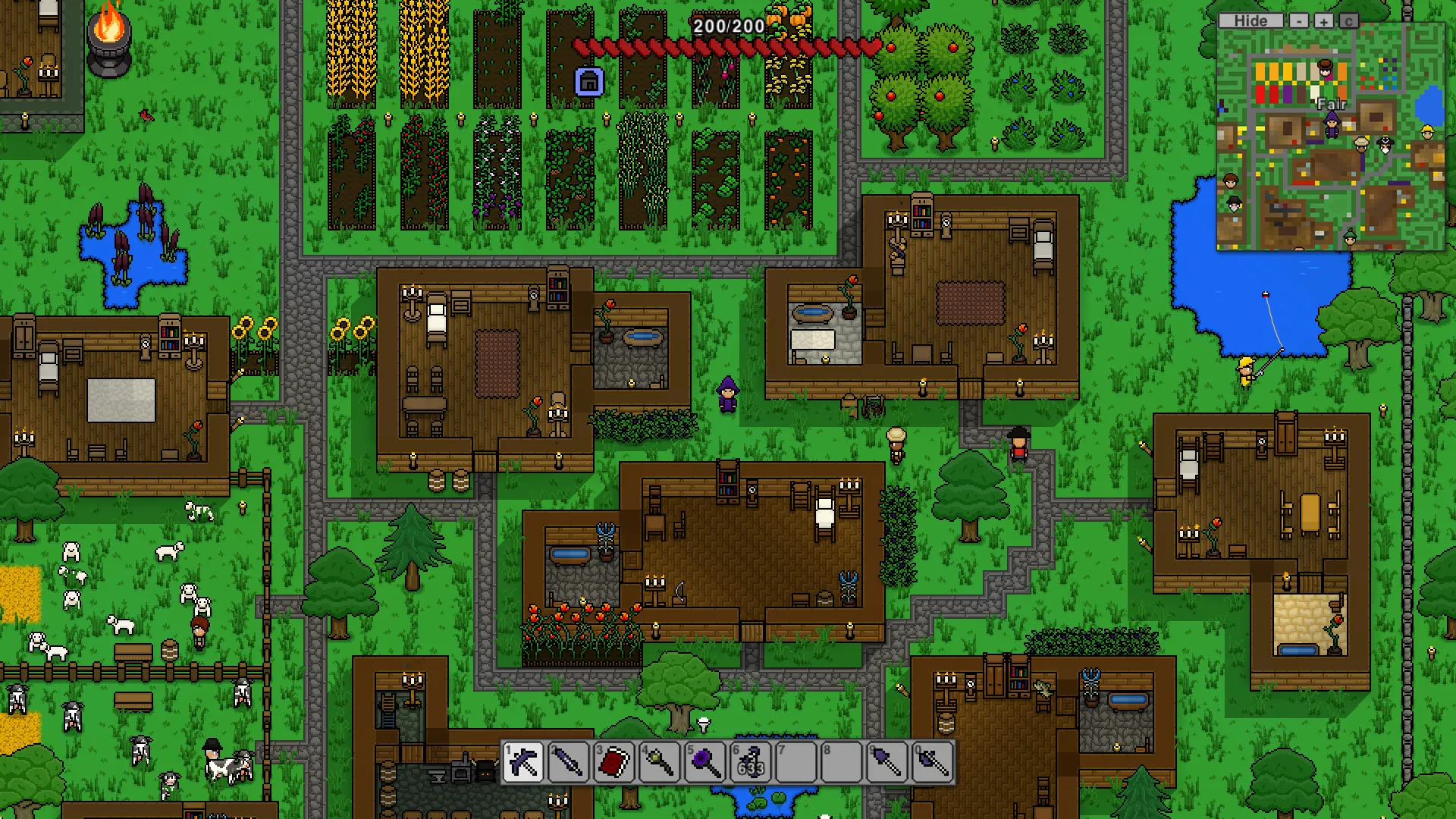
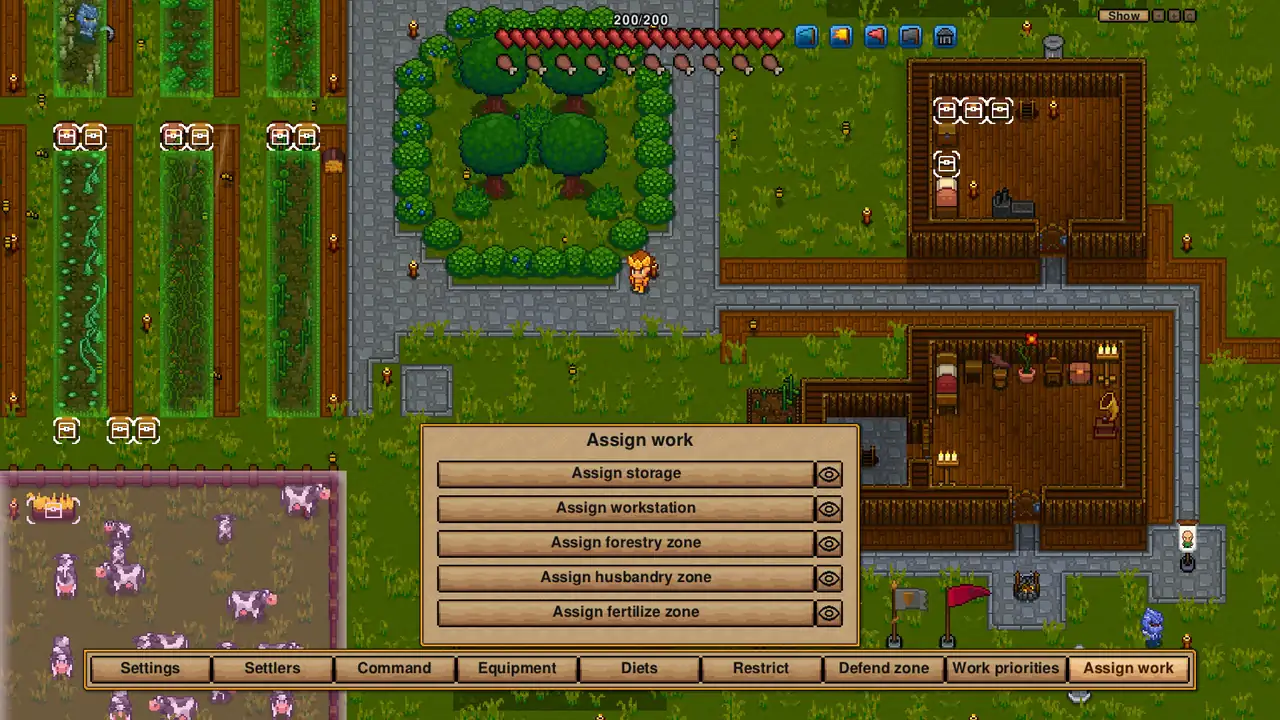
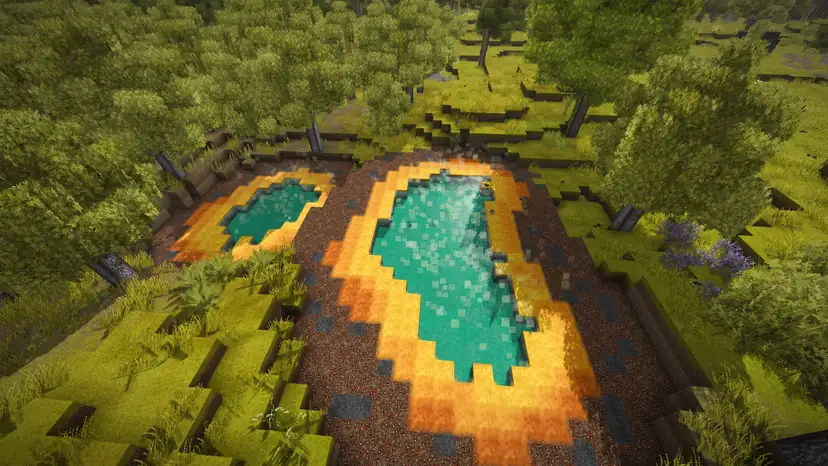
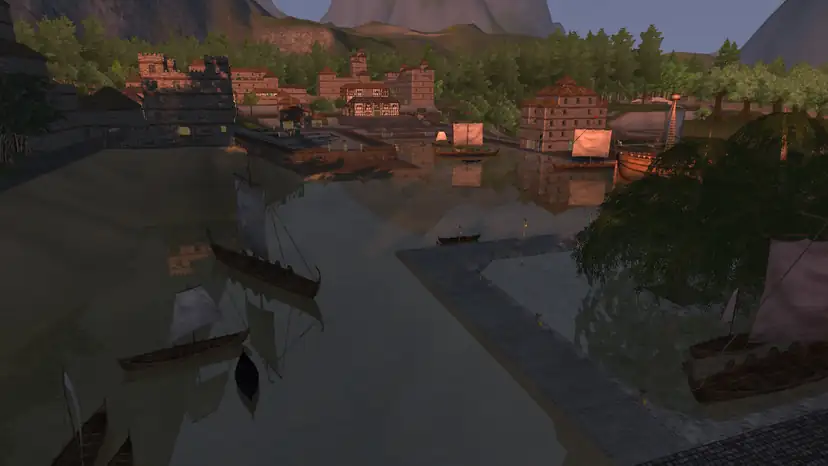
Necesse Screenshots



Everything You Need to Run Your Necesse Server
Steam Workshop Mods in a Few Clicks
Browse, install, update and remove Steam Workshop mods straight from the Gamepanel, with no manual uploads.
- Search and install Workshop mods
- See what's installed and uninstall
- Update mods with one click

Your Settlement Keeps Working
When one player hosts, the world is only there while they're online. A dedicated server keeps it running, so anyone can log in, explore and keep the settlement going.
- Runs 24/7
- Progress saved on the server
- Nightly offsite backups at 4AM server time
Set Up the World Your Way
Change the server name, password, player slots and world settings in the config editor, and make yourself an admin.
- Config editor
- Admin set-up guide
- Join by server list or direct connect
Full Control at Your Fingertips
Our custom-built Gamepanel puts every server function one click away. Start, stop, restart and monitor your server from any browser, with no SSH or technical knowledge required.
- Web-based live console and logs
- Commandline Manager for launch parameters
- Scheduled restarts and updates
One Subscription, Any Game
Don't cancel, just switch. Move your server to any of 250+ supported games whenever you like. Your slots and billing cycle carry over.
- 250+ games in the catalogue
- All slots and settings transfer
- No cancellation or new order needed
Why Host Your Necesse Server With PingPerfect
Setup starts automatically as soon as your order is paid. Small games are ready in under a minute; big games with large downloads can take 10 minutes or more.
Ryzen & EPYC CPUs chosen for highest single-core speed. High-speed DDR5 RAM, picked for stability.
Real technicians, 24/7/365. Typical response under 10 minutes. Backed by 1,500+ knowledgebase articles.
Hand-picked gaming datacenters with low, stable ping, wherever your crew is based.
Every server comes with free web hosting. Build a community hub, forums, or announcements page.
Change the game your server runs at any time, no cancellation, no new order required
Nightly offsite backups at 4AM server time. Restore your progress if a save corrupts.
High-capacity, always-on DDoS mitigation, constantly updated to counter new attack vectors.
Backup, restore, wipe, automated updates, mod management, all in one fast, purpose-built panel.
Not happy within 48 hours? Full refund. No questions asked. Zero risk to try us.
Full file access via your preferred FTP client. Upload mods, configs, and plugins securely.
Datacenters chosen specifically for the lowest, most stable latency. Lag is our enemy too.
Rent a Necesse Server or Host It Yourself?
You can run Necesse yourself. Here's what that actually looks like next to a rented server.
About Necesse
Necesse is a co-op survival and settlement-building game from Fair Games. You build, quest and fight across an infinite procedurally generated world, recruit settlers for your colony and explore deep dungeons, alone or with friends.
Necesse left Early Access with its 1.0 release on Steam on 16 October 2025.
A dedicated server keeps your world running for the whole group, so the settlement keeps working and anyone can play whether or not the person who started it is online.
Useful Necesse Links
The Steam store page, Fair Games' announcements and the Steam Workshop.
How to Join Your Necesse Server
Your server's IP address and port are in the Gamepanel under connection info as soon as it's online.
Add it to your server list
- Click Multiplayer, then Add Server.
- Type a name, then your server's IP address and port.
- Click Add.
- Double-click your server to join.
Full steps in our joining guide.
Direct join
- Click Multiplayer, then Direct Join.
- Type in your IP:port from the Gamepanel.
- Click Join.
- Enter the password if you've set one.
To get admin rights, see our admin guide.
Popular Necesse Guides
Step-by-step help from our knowledgebase for setting up and running your server.
Other Games You Might Like
Other co-op survival and building games we host. Switch anytime by submitting a ticket.


Trusted by Thousands of Gamers
Very good service — always happy to assist with problems and provides problems solved within a quick span of time. I think they’re the best I’ve rented a game server from so big rec!
Your team always takes such good care of me. Thank you so much. James R., you are a rockstar!! Every time I have an issue with my server, the team at pingperfect helps me resolve it in a timely manner. I appreciate the time they take to explain the issue in plain English that I am able to understand.
Have been using PingPerfect for a few years now for Games, like 7DTD, Ark, and Conan, and love that they allow us to easily convent any of our servers to anther game with just an email and a short time they have it up and running. We would not use any other service as we have before and did not have the service PingPerfect offers, and tech support is very fast and getting back no matter what time of day or night.
Signed up for a Day of the Defeat Source server and it's running just as fast, stable and responsive as the support branch. We've got plenty of maps and plugins and virtually no limitation in regards to our needs and much cheaper than we used to. It's a lot of value for the price.
Every support ticket raised has been dealt with quickly and with great professionally. the server is great thankyou.
This service was very helpful. All of my questions were answered promptly and thoroughly, I am very pleased to have received the help that I needed! Dai and James were both very helpful and quick to answer my questions!
20 locations, One Low Ping
Rent a Necesse server in any of them, including Sydney for Australian and New Zealand players. All locations include DDoS mitigation, nightly backups & 24/7 support.
Test Your Ping to Our Locations
Unsure which location is closest to you? Run a latency test to all of our server locations and see the results first-hand. Results are sorted from lowest to highest ping automatically.
Necesse Server Hosting FAQ
Is my server updated for Necesse 1.0?▾
Yes. Necesse 1.0 came out on 16 October 2025, and our servers run the current version. Update with one click in the Gamepanel, or let the scheduler do it, so the server stays on the same version as your players.
How many players can join a Necesse server?▾
Our plans come with 10, 20 or 25 player slots, and a Custom server can go up to 100.
Can I install mods on my Necesse server?▾
Yes. The Gamepanel has Steam Workshop buttons to install, update and remove mods. Our mods guide explains each one. Players need the same mods to join.
How do I join my server?▾
Add it to your server list with its IP address and port, or use Direct Join. Our joining guide covers both.
How do I become an admin?▾
Our admin guide shows how to give yourself admin rights.
How much does a Necesse server cost?▾
Plans start from $7.92/month for 10 players. For 20 players with NVMe Pro storage and Above Normal CPU priority it's $41.89/month, or $45.99/month for 25 players. Every plan is also available on our Extreme hardware, and all of them come with a 48-hour free trial.
How long has PingPerfect hosted Necesse servers?▾
Since the game came out.
What payment methods are accepted?▾
- Credit and debit cards, Apple Pay and Google Pay, processed securely by Stripe
- PayPal
- Skrill, using your Skrill wallet or a bank transfer
Need another method? Contact us and we'll do our best.
What currencies does PingPerfect accept?▾
We natively support USD, GBP, and EUR. Other currencies work too — your bank may apply a small conversion fee.
What level of support is included?▾
All plans include 24/7/365 ticket support with a typical response under 10 minutes, plus 1,500+ knowledgebase articles. Platinum managed support is available as an optional upgrade. See our support levels page.
What hardware do you use?▾
Ryzen and EPYC CPUs for highest single-core performance, paired with DDR5 RAM chosen for stability. Full specs on our hardware page.
Can I migrate my existing server to PingPerfect?▾
Yes. Transfer via FTP/SFTP yourself, or open a support ticket and our team will walk you through it.
Start Your Necesse Server Today
Setup starts as soon as your order is paid. Workshop mods and a settlement that stays online. 48-hour money-back guarantee.