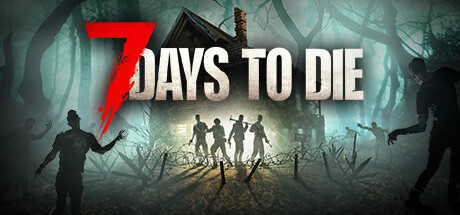
7 Days to Die Server Hosting
Survival · Base Building · Horde Nights · Crossplay
- The Fun Pimps host their 7 Days to Die QA servers with us
- Plans from 10 to 25 player slots, or build your own up to 50
- High-clock AMD Ryzen & EPYC hardware for smooth horde nights
- Crossplay ready for Xbox Series X|S and PS5
- One-click modpacks: Darkness Falls, Undead Legacy and more
- Every version from Alpha 8.8 to the latest V3 build
7 Days to Die Server Rental: Plans and Prices
Renting a 7 Days to Die server costs from $15.26 a month. We've hosted 7 Days to Die servers since the game launched in December 2013. All plans include DDoS mitigation, nightly backups, free web hosting, and 24/7 expert support. No hidden extras.
Ryzen & EPYC CPUs at 4.5 GHz. Right for most 7 Days to Die servers.
Our fastest CPUs, 5.0 GHz+. For big maps, busy servers and heavy mods.
- Normal hardware, 4.5 GHz
- 9 GB RAM
- ~100 GB NVMe SSD
- DDoS mitigation
- Nightly Backups
- Free Web Hosting
- Normal hardware, 4.5 GHz
- 12 GB RAM
- ~100 GB NVMe Pro SSD (5x faster)Our faster NVMe drives. The world loads quicker and saves are less likely to cause a stutter.
- DDoS mitigation
- Nightly Backups
- Free Web Hosting
- Normal hardware, 4.5 GHz
- 15 GB RAM
- ~100 GB NVMe Pro SSD (5x faster)Our faster NVMe drives. The world loads quicker and saves are less likely to cause a stutter.
- DDoS mitigation
- Nightly Backups
- Free Web Hosting
- Extreme hardware, 5.0 GHz+Our fastest CPUs at 5.0 GHz+, for the most headroom with big builds and a full server.
- 9 GB RAM
- ~100 GB NVMe SSD
- DDoS mitigation
- Nightly Backups
- Free Web Hosting
- Extreme hardware, 5.0 GHz+Our fastest CPUs at 5.0 GHz+, for the most headroom with big builds and a full server.
- 12 GB RAM
- ~100 GB NVMe Pro SSD (5x faster)Our faster NVMe drives. The world loads quicker and saves are less likely to cause a stutter.
- DDoS mitigation
- Nightly Backups
- Free Web Hosting
- Extreme hardware, 5.0 GHz+Our fastest CPUs at 5.0 GHz+, for the most headroom with big builds and a full server.
- 15 GB RAM
- ~100 GB NVMe Pro SSD (5x faster)Our faster NVMe drives. The world loads quicker and saves are less likely to cause a stutter.
- DDoS mitigation
- Nightly Backups
- Free Web Hosting
Dial in exactly what you need.
- Your choice of player slots
- Normal or Extreme hardware
- Your choice of RAM
- NVMe or NVMe Pro SSD
- CPU priority up to Realtime
- DDoS mitigation
- Nightly Backups
- Free Web Hosting
48-hour money-back guarantee on all plans.
48-Hour Free Trial
Full access. No restrictions. Try the complete service. If it isn't right for you, no charge and no questions asked.
7 Days to Die Screenshots


Everything You Need to Run Your 7 Days to Die Server
One-Click Modpacks & Modlets
7 Days to Die has one of the biggest modding scenes in survival gaming, and the Gamepanel Mod Manager installs the most popular overhauls and challenge maps in one click, with no manual file transfers. Custom modlets go in via FTP or the file manager.
- Overhauls: Darkness Falls, Undead Legacy, War3zuk, 28 Alphas Later, Afterlife, EndZ, District Zero, ProjectZ
- Challenge maps: Aircraft Carrier, Backpacker, Frantic Mansion, Dishong Tower, Asylum, Nailgun Nemesis
- Plus I am Legend, Preppocalypse, Xanin's Biome Baddies, most of the Vita mods, and many more
- Install your own modlets, see our modlet install guide
Any Version, From Alpha 8.8 to V3
Big overhaul mods often take a while to catch up after a major update, so we let you run whichever version your modpack needs. Stay on the current stable build, try the latest experimental, or roll back to an older version, all from the Gamepanel.
- Every version from Alpha 8.8 to the current V3 stable
- One-click switch to the experimental branch, see our beta update guide
- Roll back for modpack compatibility, see our rollback guide
Crossplay With Xbox and PS5
Dedicated servers support crossplay between PC, Xbox Series X|S and PlayStation 5. Console players can join your server once it's set up to the console rules: enable crossplay and EAC, keep it to 8 players, and run it without mods.
- PC, Xbox Series X|S and PS5 on one server
- Up to 8 players on a crossplay server
- Vanilla only: console players can't join modded servers
- Switch crossplay off any time to use mods and more slots
Full Control at Your Fingertips
Our custom-built Gamepanel puts every server function one click away. Start, stop, restart and monitor your server from any browser, with no SSH or technical knowledge required.
- GUI and text config file editors
- Web-based live console
- Telnet / RCON for automated commands, see our Telnet guide
- Scheduled server messages and restarts
- Fast random world generation
Your World, Always Protected
Our offsite disaster recovery system backs up every server nightly at 4AM server time. If a save corrupts or a horde night goes badly wrong, we can restore your progress quickly.
- Nightly automated offsite backups
- Manual backup and restore anytime
- One-click world wipe
- Upload your own world, see our world upload guide
One Subscription, Any Game
Don't cancel, just switch. Move your server to any of 250+ supported games whenever you like. Your slots and billing cycle carry over.
- 250+ games in the catalogue
- All slots and settings transfer
- No cancellation or new order needed
Generate Your Sandbox Code Online
Since V3.0, most 7 Days to Die world settings live in a single SandboxCode. Normally you'd have to launch the game, work through the in-game menus and copy the code out before you could configure your server. We've made it easier.
Our free Sandbox Code Generator lets you build and preview your exact world settings: difficulty, zombie speed, horde frequency, damage multipliers and the rest of V3's 150 sandbox options. Copy the finished code straight into your server config and you're done.
- No game launch required Configure your world from any device, any time. No need to have 7 Days to Die installed or open.
- Instant results Tweak settings and see the generated code update in real time. Find your perfect setup before committing.
- Paste straight into your server One click copies the finished code, ready to drop into your server config via the Gamepanel config editor.
- Iterate without restarting Try different settings freely. No server restarts needed until you're happy with the output.
Why Host Your 7 Days to Die Server With PingPerfect
Setup starts automatically as soon as your order is paid. Small games are ready in under a minute; big games with large downloads can take 10 minutes or more.
Ryzen & EPYC CPUs chosen for highest single-core speed. High-speed DDR5 RAM, picked for stability.
Real technicians, 24/7/365. Typical response under 10 minutes. Backed by 1,500+ knowledgebase articles.
Hand-picked gaming datacenters with low, stable ping, wherever your crew is based.
Every server comes with free web hosting. Build a community hub, forums, or announcements page.
Change the game your server runs at any time, no cancellation, no new order required
Nightly offsite backups at 4AM server time. Restore your progress if a save corrupts.
High-capacity, always-on DDoS mitigation, constantly updated to counter new attack vectors.
Backup, restore, wipe, automated updates, mod management, all in one fast, purpose-built panel.
Not happy within 48 hours? Full refund. No questions asked. Zero risk to try us.
Full file access via your preferred FTP client. Upload mods, configs, and plugins securely.
Datacenters chosen specifically for the lowest, most stable latency. Lag is our enemy too.
Rent a 7 Days to Die Server or Host It Yourself?
You can run 7 Days to Die yourself. Here's what that actually looks like next to a rented server.
About 7 Days to Die
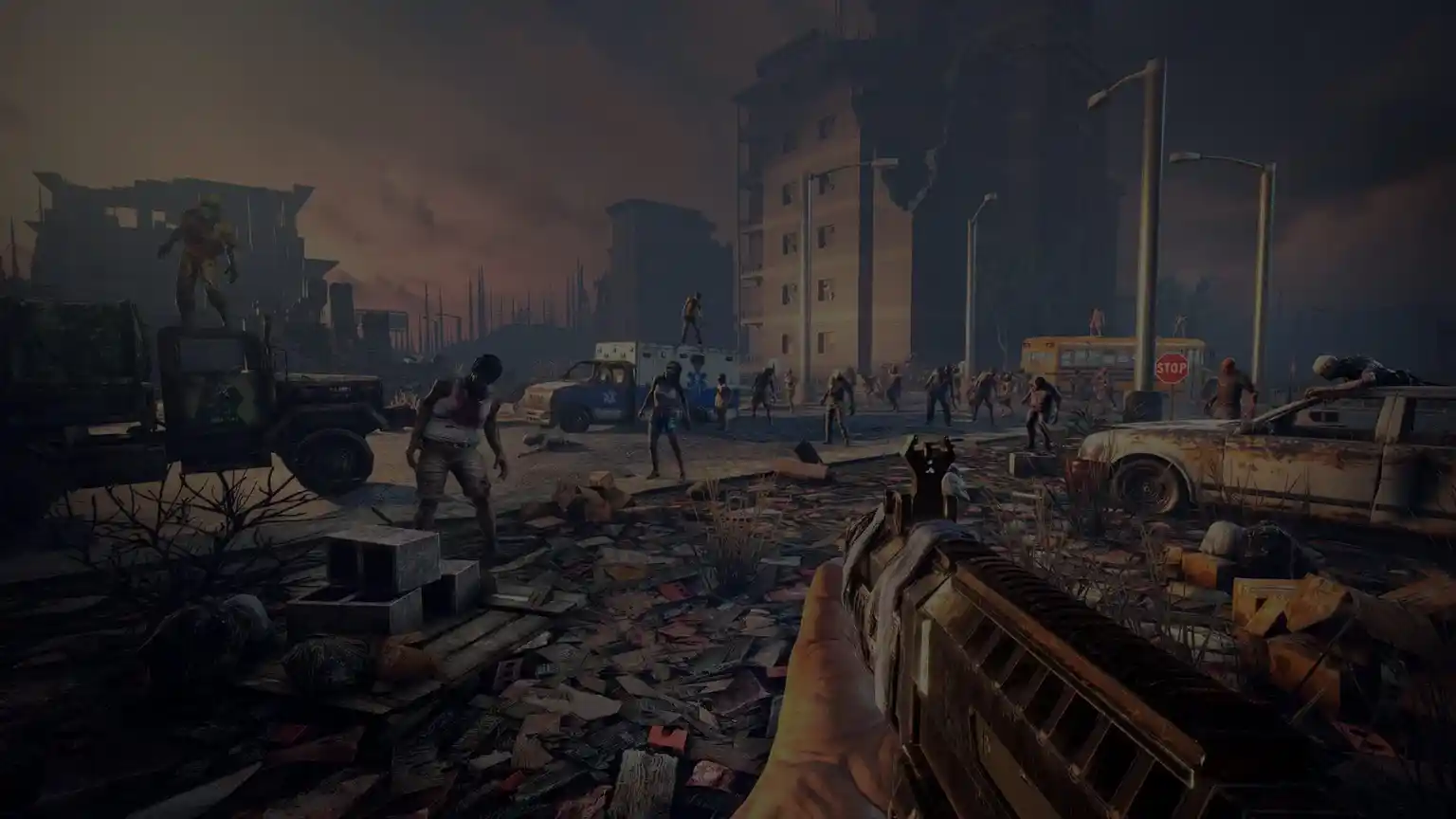
7 Days to Die (7DTD) is an open-world zombie survival game from The Fun Pimps, combining first-person combat, crafting, base building, tower defence and RPG-style progression. Set in a world wrecked by nuclear war, players scavenge, build and fortify, knowing that every seventh night brings a blood moon horde that tests every wall and every weapon they have.
The world is fully destructible and buildable, with structural integrity physics, so a base is only as strong as the way it's built. Players can explore the hand-crafted Navezgane map or a randomly generated world, and progress from scavenging in the forest to surviving in far more dangerous snow and wasteland biomes.
The game entered Early Access on 13 December 2013 and reached its 1.0 release on 25 July 2024, arriving on PlayStation 5 and Xbox Series X|S the same day. V2.0 "Storm's Brewing" followed in 2025, adding dynamic storms and crossplay on dedicated servers. V3.0 "Dead Hot Summer" went stable on 29 June 2026 on PC and consoles at the same time, introducing around 150 sandbox options and curated presets that let server owners shape almost every rule of the game. In March 2026 Behaviour Interactive, the studio behind Dead by Daylight, acquired The Fun Pimps, with the original team still leading development. The Fun Pimps host their own QA servers for the game with PingPerfect.
Its huge modding community is a big part of why people rent dedicated servers. Overhauls such as Darkness Falls and Undead Legacy rebuild the game around new classes, crafting and enemies, and need a server running the right game version. Horde nights are also one of the most demanding moments for any server, which is why high single-core speed matters so much for 7 Days to Die.
How Much RAM Does a 7 Days to Die Server Need?
Vanilla 7 Days to Die uses far less RAM than most people expect. Mods are what push it up. Figures from our 7 Days to Die RAM guide.
Useful 7 Days to Die Links
The official site, the developer forums and the places most 7 Days to Die admins go for mods.
How to Join Your 7 Days to Die Server
Your server's IP address and port are in the Gamepanel as soon as it's online.
On PC (Steam)
- Copy your server's IP address and port from the Gamepanel.
- Launch 7 Days to Die and choose Join a Game.
- Click Connect to IP, enter the IP address and port, and connect.
- Or search for your server's name in the server browser and join from there.
- Enter your server password if you've set one.
If you can't find your server in the list, see our server list guide.
On Xbox Series X|S and PS5 (crossplay)
- Set the server up for crossplay: enable crossplay and EAC, and keep it to 8 players.
- Remove any mods. Console players can't join a modded server.
- On your console, open Join a Game and search for your server's name.
- Select it and join.
Console players need every server setting to use values the console version supports. If they can't join, open a ticket and we'll check your config.
Popular 7 Days to Die Guides
Step-by-step help from our knowledgebase for setting up and running your server.
Other Games You Might Like
Other survival and base-building games we host. Switch anytime by submitting a ticket. Or take the Survival Game Bundle and switch between them yourself from the Gamepanel, with your saves kept.

Trusted by Thousands of Gamers
been using them for a few months for 7 days to die server. Everything runs silky smooth with no issues. The game panel is super easy to use. They have loads of mods that are just 1 click installs. I had a small issue when i bought more ram for the server and their support is amazing. They reply in minutes and get you sorted fast, you feel like there top priority. Could not recommend them enough.
I was having an issue getting my 7d2d server set up, Jaxon was fantastic and responded very quickly. They got everything fixed for me and now it's running perfectly.
I had trouble with my dedicated server after 7 Days to Die launched A17. My friends and I wanted to play and didn't want to wait for a patch so I searched for server hosting. PingPerfect is the server the devs use so I figured why not, they will have the updates earlier than everyone else and can contact the devs directly for problems while the competition waits for a patch. I have to say, I am blown away by their service. They are very responsive and everything has been smooth. Thank you!
Amazing customer service! Ping perfect really goes above and beyond! I mistakenly bricked my server by messing up a config file. I opened up a ticket and it was responded to almost instantly and before I knew it the server was re-imaged and everything was back to normal! The user panel is very easy to use. The server performance is excellent and fast. 10/10 thank you ping perfect! <3
Your team always takes such good care of me. Thank you so much. James R., you are a rockstar!! Every time I have an issue with my server, the team at pingperfect helps me resolve it in a timely manner. I appreciate the time they take to explain the issue in plain English that I am able to understand.
Great customer service, quick responses and stuck with me until any issues were resolved
20 locations, One Low Ping
Rent a 7 Days to Die server in any of them, including Sydney for Australian and New Zealand players. All locations include DDoS mitigation, nightly backups & 24/7 support.
Test Your Ping to Our Locations
Unsure which location is closest to you? Run a latency test to all of our server locations and see the results first-hand. Results are sorted from lowest to highest ping automatically.
7 Days to Die Server Hosting FAQ
How do I join my 7 Days to Die server?▾
On PC, choose Join a Game, click Connect to IP and enter the IP address and port from your Gamepanel, or find the server by name in the server browser. Xbox and PS5 players search for the server by name, once it's set up for crossplay. The full steps are in the how to join section above.
Do the 7 Days to Die developers use PingPerfect?▾
Yes. The Fun Pimps, the studio behind 7 Days to Die, host their QA servers with PingPerfect. We've also been hosting 7 Days to Die servers for our customers since the game launched in December 2013.
Can Xbox and PS5 players join my server?▾
Yes, with crossplay enabled. Dedicated servers support crossplay between PC, Xbox Series X|S and PS5. The server needs crossplay and EAC switched on, a maximum of 8 players, no mods, and settings within the values the console version supports.
Can I use mods on a crossplay server?▾
No. Console players can't join a server that runs mods, including XML modlets. If your group includes Xbox or PS5 players, run the server vanilla. If you want a modded server, keep it PC-only, which also lets you go above 8 players.
Which modpacks can I install?▾
The Gamepanel Mod Manager has one-click installs for many popular overhauls and challenge maps, including Darkness Falls, Undead Legacy, War3zuk, 28 Alphas Later, Afterlife, EndZ, District Zero, ProjectZ, I am Legend, Preppocalypse, Xanin's Biome Baddies, most of the Vita mods, and challenge maps like Aircraft Carrier, Backpacker and Frantic Mansion. You can also upload your own modlets, see our modlet guide.
My modpack doesn't support the latest version yet. What can I do?▾
Run the version the modpack needs. We support every version from Alpha 8.8 to the current V3 build, so you can roll back to an older version until the mod author updates. See our rollback guide.
Can I play the experimental branch?▾
Yes. You can switch your server to the latest experimental build from the Gamepanel, and back to stable whenever you like. See our beta update guide. Players need to be on the same version as the server to join.
What is a SandboxCode?▾
Since V3.0, most world settings, like difficulty, zombie behaviour, horde nights and loot, are stored in a single SandboxCode in your server config. Our free Sandbox Code Generator lets you build that code in your browser and paste it straight into your server, without launching the game.
Can I switch between Navezgane and a random world?▾
Yes. Change the world in your server configuration and restart. To start a new random world, see our random world guide. World generation is much faster on our hardware than on a typical home PC.
Can I upload my existing world?▾
Yes. Upload your save via FTP or the file manager. Our world upload guide covers the steps. Check your world was saved on the same game version the server runs.
How do I add an admin to my server?▾
Admins are added through the server's admin file using your Steam or Epic ID. Our admin guide covers both, and our admin commands guide lists what you can run once you're an admin.
How do I make my server PvE?▾
Change the player killing setting in your server configuration. Our PvE guide has the steps.
Can I set up a live map or automated messages?▾
Yes. See our guides to setting up the live map and scheduled server messages. Telnet / RCON access lets you automate restarts and other commands too, see our Telnet guide.
How much RAM does my server need?▾
It depends on world size, player count and mods. Large random worlds and big overhauls like Darkness Falls need more. Our RAM guide has the details, and our Darkness Falls guide covers that mod specifically.
How do I choose a 7 Days to Die server host?▾
Check a few things: enough RAM for your map size and modpacks, a location near your players, crossplay support for Xbox and PS5 friends, one-click modpack installs and automatic backups of your world. A free trial lets you test the connection before you pay. Our servers have all of these, with 20 locations and a 48-hour free trial.
How much does a 7 Days to Die server cost?▾
Plans start from $15.26/month for a 10-slot server with 9 GB RAM. The 20-slot, 12 GB plan is the one we recommend, the 25-slot, 15 GB plan suits big maps and modpacks, and every plan is also available on Extreme hardware. Every plan comes with a 48-hour free trial.
How long has PingPerfect hosted 7 Days to Die servers?▾
Since the game launched in December 2013.
What payment methods are accepted?▾
- Credit and debit cards, Apple Pay and Google Pay, processed securely by Stripe
- PayPal
- Skrill, using your Skrill wallet or a bank transfer
Need another method? Contact us and we'll do our best.
What currencies does PingPerfect accept?▾
We natively support USD, GBP, and EUR. Other currencies work too — your bank may apply a small conversion fee.
What level of support is included?▾
All plans include 24/7/365 ticket support with a typical response under 10 minutes, plus 1,500+ knowledgebase articles. Platinum managed support is available as an optional upgrade. See our support levels page.
What hardware do you use?▾
Ryzen and EPYC CPUs for highest single-core performance, paired with DDR5 RAM chosen for stability. Full specs on our hardware page.
Can I migrate my existing server to PingPerfect?▾
Yes. Transfer via FTP/SFTP yourself, or open a support ticket and our team will walk you through it.
Start Your 7 Days to Die Server Today
Setup starts as soon as your order is paid. V3 ready, crossplay for Xbox and PS5, one-click modpacks and every game version. 48-hour money-back guarantee.