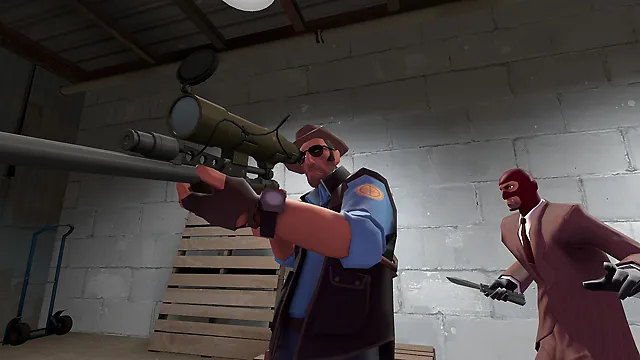
Team Fortress 2 Server Hosting
Class-Based Team Shooter · Free to Play
- 8, 16 or 24 player slots, or up to 32 on a Custom server
- Steam Workshop maps and collections from the Commandline Manager
- Your own server.cfg, map rotation, MOTD and RCON
- DDoS mitigation and nightly offsite backups included
From $6.99/month for 8 players · 48-hour free trial
Team Fortress 2 Server Rental: Plans and Prices
Renting a Team Fortress 2 server costs from $6.99 a month. All plans include DDoS mitigation, nightly backups, free web hosting, and 24/7 expert support. No hidden extras.
Ryzen & EPYC CPUs at 4.5 GHz. Plenty for most TF2 community servers.
Our fastest CPUs, 5.0 GHz+. For the most headroom on a full public server.
- Normal hardware, 4.5 GHz
- 9 GB RAM
- ~100 GB NVMe SSD
- DDoS mitigation
- Nightly Backups
- Free Web Hosting
- Normal hardware, 4.5 GHz
- 9 GB RAM
- ~100 GB NVMe Pro SSD (5x faster)Our faster NVMe drives. The world loads quicker and saves are less likely to cause a stutter.
- Above Normal CPU priorityYour game server is put ahead of routine background tasks, so the world responds faster and stays steadier during big builds and fights.
- DDoS mitigation
- Nightly Backups
- Free Web Hosting
- Normal hardware, 4.5 GHz
- 9 GB RAM
- ~100 GB NVMe Pro SSD (5x faster)Our faster NVMe drives. The world loads quicker and saves are less likely to cause a stutter.
- Above Normal CPU priorityYour game server is put ahead of routine background tasks, so the world responds faster and stays steadier during big builds and fights.
- DDoS mitigation
- Nightly Backups
- Free Web Hosting
- Extreme hardware, 5.0 GHz+Our fastest CPUs at 5.0 GHz+, for the most headroom with big builds and a full server.
- 9 GB RAM
- ~100 GB NVMe SSD
- DDoS mitigation
- Nightly Backups
- Free Web Hosting
- Extreme hardware, 5.0 GHz+Our fastest CPUs at 5.0 GHz+, for the most headroom with big builds and a full server.
- 9 GB RAM
- ~100 GB NVMe Pro SSD (5x faster)Our faster NVMe drives. The world loads quicker and saves are less likely to cause a stutter.
- Above Normal CPU priorityYour game server is put ahead of routine background tasks, so the world responds faster and stays steadier during big builds and fights.
- DDoS mitigation
- Nightly Backups
- Free Web Hosting
- Extreme hardware, 5.0 GHz+Our fastest CPUs at 5.0 GHz+, for the most headroom with big builds and a full server.
- 9 GB RAM
- ~100 GB NVMe Pro SSD (5x faster)Our faster NVMe drives. The world loads quicker and saves are less likely to cause a stutter.
- Above Normal CPU priorityYour game server is put ahead of routine background tasks, so the world responds faster and stays steadier during big builds and fights.
- DDoS mitigation
- Nightly Backups
- Free Web Hosting
Dial in exactly what you need.
- Up to 32 player slots
- Normal or Extreme hardware
- Your choice of RAM
- NVMe or NVMe Pro SSD
- CPU priority up to Realtime
- DDoS mitigation
- Nightly Backups
- Free Web Hosting
48-hour money-back guarantee on all plans.
48-Hour Free Trial
Full access. No restrictions. Try the complete service. If it isn't right for you, no charge and no questions asked.
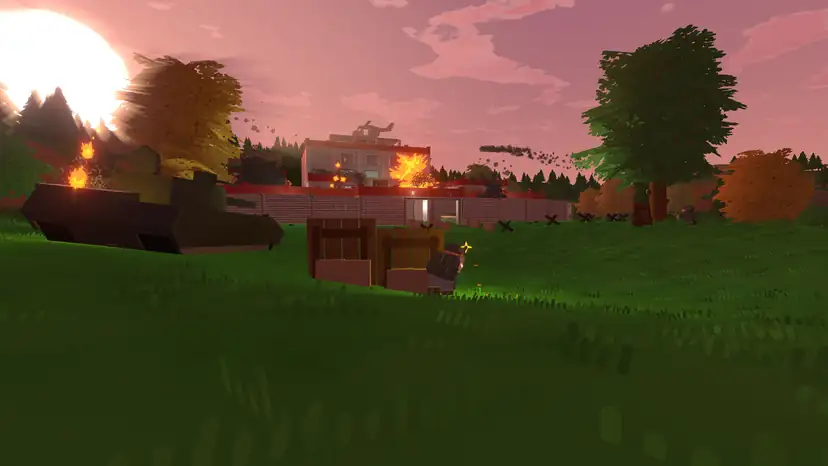
Team Fortress 2 Screenshots
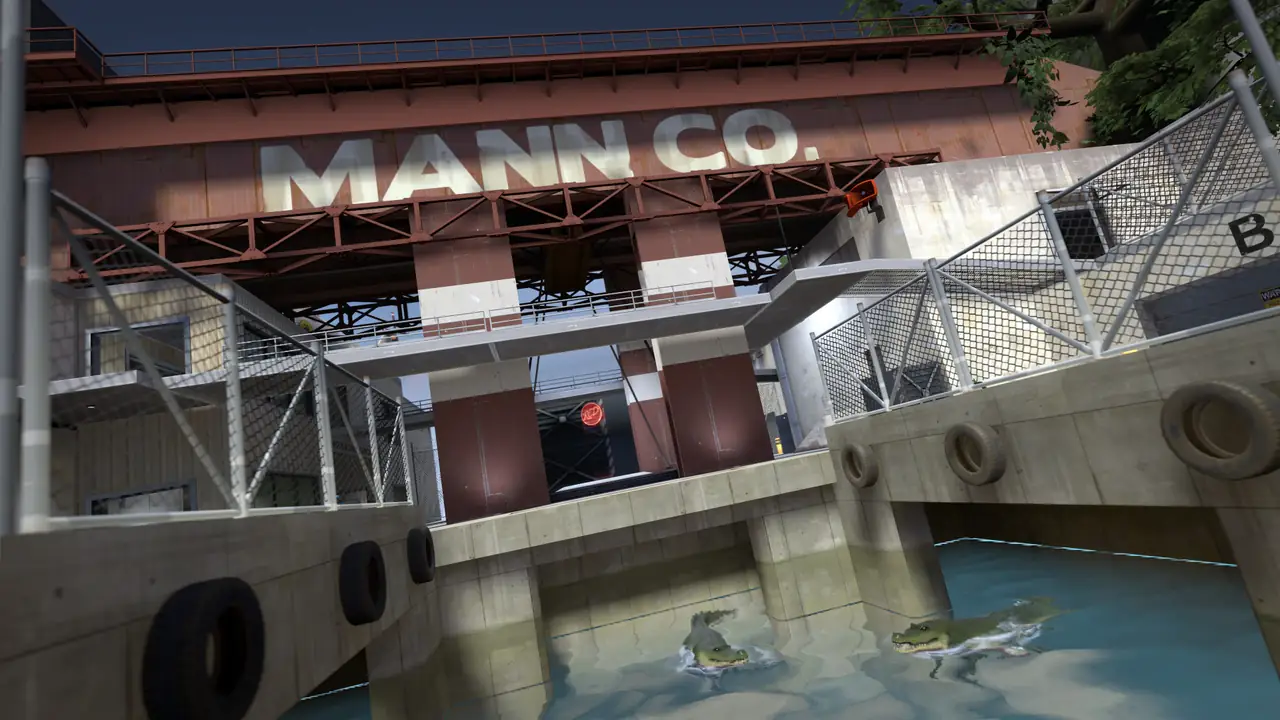


Everything You Need to Run Your Team Fortress 2 Server
Steam Workshop Maps and Collections
Host a whole Steam Workshop collection by adding its ID to a custom command line, or upload a single Workshop map to the server's maps folder.
- Host Workshop Collection in the Commandline Manager
- Set one map on each boot, or a random one
- Upload .bsp maps with the File Manager
Your Maps, Your Order
List the maps you want in maprotation.txt and the server plays through them in turn, from control points and payload to King of the Hill, Capture the Flag and Arena.
- Edit maprotation.txt in the Config Editor
- Stock maps and your own uploads
- Force a game mode from the command line
Set Up server.cfg Your Way
Open server.cfg in the Config Editor to set the server name, password, RCON password, round and map time limits, team balance, SourceTV and more. Add a message of the day for players as they join.
- Example server.cfg in our guide
- SourceTV and sv_pure settings
- MOTD in motd_default.txt

Full Control at Your Fingertips
Our custom-built Gamepanel puts every server function one click away. Start, stop, restart and monitor your server from any browser, with no SSH or technical knowledge required.
- Web-based live console and RCON client
- File manager and FTP access
- Scheduled restarts, updates and RCON commands
One Subscription, Any Game
Don't cancel, just switch. Move your server to any of 250+ supported games whenever you like. Your slots and billing cycle carry over.
- 250+ games in the catalogue
- All slots and settings transfer
- No cancellation or new order needed

Why Host Your Team Fortress 2 Server With PingPerfect
Setup starts automatically as soon as your order is paid. Small games are ready in under a minute; big games with large downloads can take 10 minutes or more.
Ryzen & EPYC CPUs chosen for highest single-core speed. High-speed DDR5 RAM, picked for stability.
Real technicians, 24/7/365. Typical response under 10 minutes. Backed by 1,500+ knowledgebase articles.
Hand-picked gaming datacenters with low, stable ping, wherever your crew is based.
Every server comes with free web hosting. Build a community hub, forums, or announcements page.
Change the game your server runs at any time, no cancellation, no new order required
Nightly offsite backups at 4AM server time. Restore your progress if a save corrupts.
High-capacity, always-on DDoS mitigation, constantly updated to counter new attack vectors.
Backup, restore, wipe, automated updates, mod management, all in one fast, purpose-built panel.
Not happy within 48 hours? Full refund. No questions asked. Zero risk to try us.
Full file access via your preferred FTP client. Upload mods, configs, and plugins securely.
Datacenters chosen specifically for the lowest, most stable latency. Lag is our enemy too.
Rent a Team Fortress 2 Server or Host It Yourself?
You can run Team Fortress 2 yourself. Here's what that actually looks like next to a rented server.
About Team Fortress 2
Team Fortress 2 is Valve's class-based team shooter. Two teams, RED and BLU, pick from nine classes, each with its own weapons and job, and fight over control points, payload carts, flags and hills.
It came out on 10 October 2007, on Steam and as part of The Orange Box, and has been free to play since June 2011. It runs on Windows and Linux through Steam.
Valve still updates it, often with maps made by the community. The Summer 2026 update on 7 July added six community maps, and Scream Fortress XVIII arrived on 1 October 2026 with five more Halloween maps; the event runs until 7 November 2026.
On a community server you set the rules: the map rotation, Workshop maps, game modes, time limits and team balance. Our plans come with 8, 16 or 24 slots, and a Custom server can have up to 32.
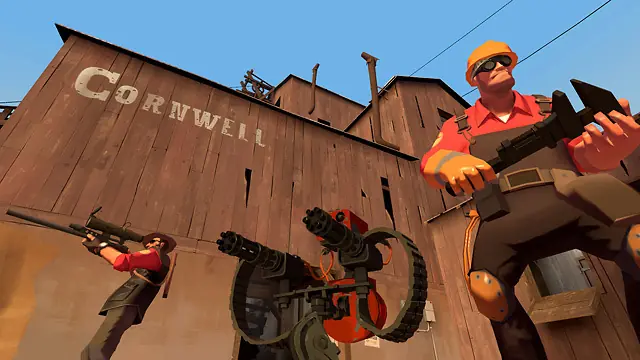
Useful Team Fortress 2 Links
The Steam store page, Valve's news, the official site and the Steam Workshop.
How to Join Your Team Fortress 2 Server
Your server's IP address and port are in the Gamepanel as soon as it's online.
Connect from the console
- In Team Fortress 2, open Options > Keyboard > Advanced and enable the developer console.
- Press the ` key (above Tab) to open the console.
- Type connect IP:port, for example connect 123.123.123.123:27015.
- Press Enter to join.
Server name, password and RCON password are set in our server.cfg guide.
Popular Team Fortress 2 Guides
Step-by-step help from our knowledgebase for setting up and running your server.
Other Games You Might Like
Other shooters and co-op games we host. Switch anytime by submitting a ticket.
Trusted by Thousands of Gamers
I have been in touch with this company on numerous times and I have to be honest with you, they are very professional and very helpful, I would recommend this company to anybody who think about running their own server, as I've been with this company now approximately four years, the fast response to your concerns are extremely Extremely our great response time from the team,
Pingperfect is really pro hosting. They have awesome people on support, who deal with a problem night or day. They will help you any time!
Everytime I need support for my service the support team are great at helping out. I have never once had an issue with them or a problem they couldn't fix. They have good services and for my needs is a perfect fit.
Any time I have an issue and submit a support ticket, I get an extremely prompt reply and fix to my problem. Easily the happiest I've been with any customer service, and the host itself is incredibly reliable.
Was looking to install the SEserver Extender. Ping Perfect crew were on top of it within an hour of submiting my ticket. It was 00:15ish AM. I have never waited more than an hour for a response. Fastest responce was within 10 minutes. Didnt expect this great of service. Thanks for all you guys do!
Anytime i rent a game server i use Pingperfect the service is reliable well priced and the customer service is second to none
20 locations, One Low Ping
Rent a Team Fortress 2 server in any of them, including Sydney for Australian and New Zealand players. All locations include DDoS mitigation, nightly backups & 24/7 support.
Test Your Ping to Our Locations
Unsure which location is closest to you? Run a latency test to all of our server locations and see the results first-hand. Results are sorted from lowest to highest ping automatically.
Team Fortress 2 Server Hosting FAQ
How many players can join a Team Fortress 2 server?▾
Our plans come with 8, 16 or 24 player slots, and a Custom server can have up to 32. Valve added a launch option in July 2023 that raises the limit to 100, but it calls that option unsupported and not recommended.
Can I run Mann vs. Machine?▾
Valve's dedicated server needs 32 max players to start a Mann vs. Machine map, so for MvM order our Team Fortress 2 Mann vs. Machine server, which comes with 32 slots.
Can I use Steam Workshop maps?▾
Yes. Host a whole Workshop collection from a custom command line in the Commandline Manager (see our Workshop collection guide), or upload a single map's .bsp file to tf/maps with the File Manager (see our Workshop maps guide).
How do I change the map rotation?▾
Open maprotation.txt in the Config Editor and list one map name per line, without .bsp. Our map rotation guide has an example.
Do I need a Steam Game Server Login Token?▾
It's recommended. A GSLT links the server to your Steam account and helps players find it if its IP address changes. Our GSLT guide shows how to make one for App ID 440.
What's the difference between the plans?▾
All three have 9 GB RAM, which is plenty for Team Fortress 2. The 16 and 24-slot plans add NVMe Pro storage and Above Normal CPU priority, so the server process gets the processor ahead of normal-priority tasks.
How much does a Team Fortress 2 server cost?▾
Plans start from $6.99/month for 8 players. For 16 players with NVMe Pro storage and Above Normal CPU priority it's $14.96/month, or $16.58/month for 24 players. Every plan is also available on our Extreme hardware, and all of them come with a 48-hour free trial.
What payment methods are accepted?▾
- Credit and debit cards, Apple Pay and Google Pay, processed securely by Stripe
- PayPal
- Skrill, using your Skrill wallet or a bank transfer
Need another method? Contact us and we'll do our best.
What currencies does PingPerfect accept?▾
We natively support USD, GBP, and EUR. Other currencies work too — your bank may apply a small conversion fee.
What level of support is included?▾
All plans include 24/7/365 ticket support with a typical response under 10 minutes, plus 1,500+ knowledgebase articles. Platinum managed support is available as an optional upgrade. See our support levels page.
What hardware do you use?▾
Ryzen and EPYC CPUs for highest single-core performance, paired with DDR5 RAM chosen for stability. Full specs on our hardware page.
Can I migrate my existing server to PingPerfect?▾
Yes. Transfer via FTP/SFTP yourself, or open a support ticket and our team will walk you through it.
Start Your Team Fortress 2 Server Today
Setup starts as soon as your order is paid. Workshop maps, your own map rotation and server.cfg. 48-hour money-back guarantee.