Quake III Arena Server Hosting
Arena FPS · Duel · Team Deathmatch · Capture the Flag
- Free for All, Tournament (duel), Team Deathmatch or Capture the Flag
- Edit Server.cfg in the Gamepanel: frag and time limits, map rotation, password
- Upload custom maps and mods by FTP
- Low-latency servers in 20 locations, with DDoS mitigation
From $3.59/month for 4 players · 48-hour free trial
Quake III Arena Server Rental: Plans and Prices
Renting a Quake III Arena server costs from $3.59 a month. We've hosted Quake III Arena servers since 2013, when PingPerfect started. All plans include DDoS mitigation, nightly backups, free web hosting, and 24/7 expert support. No hidden extras.
Ryzen & EPYC CPUs at 4.5 GHz. Plenty for Quake III Arena.
Our fastest CPUs, 5.0 GHz+. For competitive servers that want every frame steady.
- Normal hardware, 4.5 GHz
- 9 GB RAM
- ~100 GB NVMe SSD
- DDoS mitigation
- Nightly Backups
- Free Web Hosting
- Normal hardware, 4.5 GHz
- 9 GB RAM
- ~100 GB NVMe Pro SSD (5x faster)Our faster NVMe drives. The world loads quicker and saves are less likely to cause a stutter.
- Above Normal CPU priorityYour game server is put ahead of routine background tasks, so the world responds faster and stays steadier during big builds and fights.
- DDoS mitigation
- Nightly Backups
- Free Web Hosting
- Normal hardware, 4.5 GHz
- 9 GB RAM
- ~100 GB NVMe Pro SSD (5x faster)Our faster NVMe drives. The world loads quicker and saves are less likely to cause a stutter.
- High CPU priorityA step up from Above Normal: your game server gets first call on the processor, for the most consistent performance with your whole group online. Realtime is also available at checkout.
- DDoS mitigation
- Nightly Backups
- Free Web Hosting
- Extreme hardware, 5.0 GHz+Our fastest CPUs at 5.0 GHz+, for the most headroom with big builds and a full server.
- 9 GB RAM
- ~100 GB NVMe SSD
- DDoS mitigation
- Nightly Backups
- Free Web Hosting
- Extreme hardware, 5.0 GHz+Our fastest CPUs at 5.0 GHz+, for the most headroom with big builds and a full server.
- 9 GB RAM
- ~100 GB NVMe Pro SSD (5x faster)Our faster NVMe drives. The world loads quicker and saves are less likely to cause a stutter.
- Above Normal CPU priorityYour game server is put ahead of routine background tasks, so the world responds faster and stays steadier during big builds and fights.
- DDoS mitigation
- Nightly Backups
- Free Web Hosting
- Extreme hardware, 5.0 GHz+Our fastest CPUs at 5.0 GHz+, for the most headroom with big builds and a full server.
- 9 GB RAM
- ~100 GB NVMe Pro SSD (5x faster)Our faster NVMe drives. The world loads quicker and saves are less likely to cause a stutter.
- High CPU priorityA step up from Above Normal: your game server gets first call on the processor, for the most consistent performance with your whole group online. Realtime is also available at checkout.
- DDoS mitigation
- Nightly Backups
- Free Web Hosting
Dial in exactly what you need.
- 4, 8, 16 or 32 player slots
- Normal or Extreme hardware
- Your choice of RAM
- NVMe or NVMe Pro SSD
- CPU priority up to Realtime
- DDoS mitigation
- Nightly Backups
- Free Web Hosting
48-hour money-back guarantee on all plans.
48-Hour Free Trial
Full access. No restrictions. Try the complete service. If it isn't right for you, no charge and no questions asked.
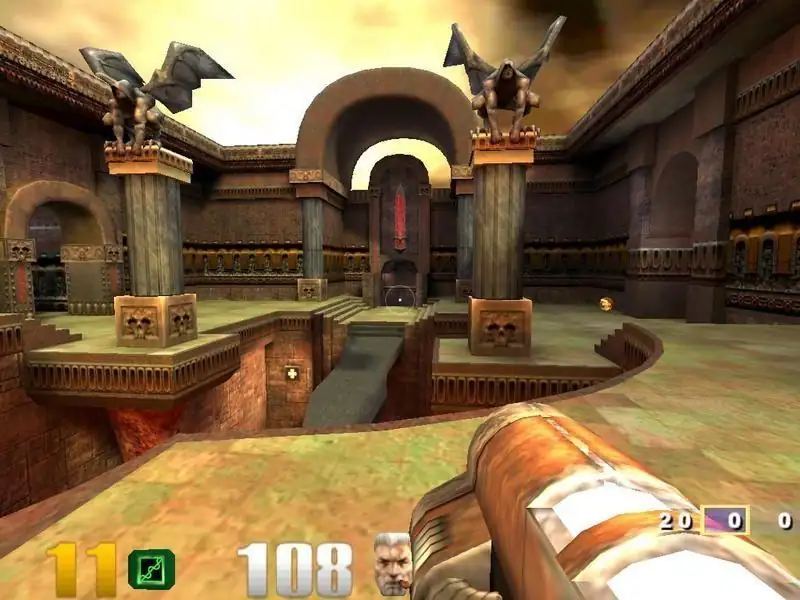
Quake III Arena Screenshots
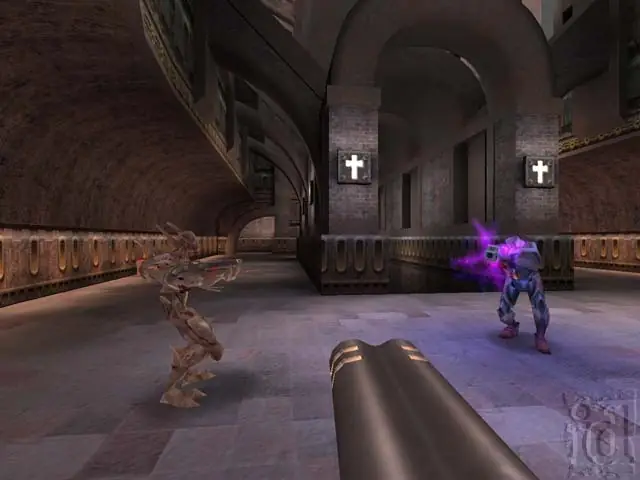


Everything You Need to Run Your Quake III Arena Server
Free for All, Duel, Team Deathmatch and CTF
Set g_gametype in Server.cfg to run the mode you want, with your own frag limit, capture limit and time limit. Build a map rotation so the server moves on to the next arena by itself.
- Free for All, Tournament, Team Deathmatch, Capture the Flag
- Frag, capture and time limits
- Your own map rotation
Custom Maps and Mods
Upload custom map .pk3 files and mod folders to the server by FTP or the file manager. If you'd like help setting up a mod such as a competitive ruleset, open a ticket and our support team will help.
- FTP and file manager access
- Custom .pk3 maps
- Help from support with mod setups
Every Server Setting in One File
Open baseq3\Server.cfg in our text editor to set the server name, message of the day, password, player limit and RCON password. Save, restart, and you're done.
- Server name and message of the day
- Password-protected or public
- RCON for remote admin

Low Ping Where Your Players Are
Quake III is all about reactions, so ping matters. Choose from 20 locations worldwide and test your ping to each one before you order.
- 20 locations worldwide
- DDoS mitigation on every server
- 48-hour free trial to test the connection
Full Control at Your Fingertips
Our custom-built Gamepanel puts every server function one click away. Start, stop, restart and monitor your server from any browser, with no SSH or technical knowledge required.
- Web-based live console and logs
- Scheduled restarts
- Nightly offsite backups
One Subscription, Any Game
Don't cancel, just switch. Move your server to any of 250+ supported games whenever you like, including Quake Live. Your slots and billing cycle carry over.
- 250+ games in the catalogue
- All slots and settings transfer
- No cancellation or new order needed
Why Host Your Quake III Arena Server With PingPerfect
Setup starts automatically as soon as your order is paid. Small games are ready in under a minute; big games with large downloads can take 10 minutes or more.
Ryzen & EPYC CPUs chosen for highest single-core speed. High-speed DDR5 RAM, picked for stability.
Real technicians, 24/7/365. Typical response under 10 minutes. Backed by 1,500+ knowledgebase articles.
Hand-picked gaming datacenters with low, stable ping, wherever your crew is based.
Every server comes with free web hosting. Build a community hub, forums, or announcements page.
Change the game your server runs at any time, no cancellation, no new order required
Nightly offsite backups at 4AM server time. Restore your progress if a save corrupts.
High-capacity, always-on DDoS mitigation, constantly updated to counter new attack vectors.
Backup, restore, wipe, automated updates, mod management, all in one fast, purpose-built panel.
Not happy within 48 hours? Full refund. No questions asked. Zero risk to try us.
Full file access via your preferred FTP client. Upload mods, configs, and plugins securely.
Datacenters chosen specifically for the lowest, most stable latency. Lag is our enemy too.
Rent a Quake III Arena Server or Host It Yourself?
You can run Quake III Arena yourself. Here's what that actually looks like next to a rented server.
About Quake III Arena
Quake III Arena is id Software's arena shooter, built entirely around multiplayer. Rocket jumps, the railgun and fast, tight maps made it a fixture of LAN parties and competitive duels, and its id Tech 3 engine went on to power a long list of other games.
It came out for Windows on 2 December 1999 in North America and arrived on Steam in August 2007. The game modes are simple and timeless: Free for All, one-on-one Tournament, Team Deathmatch and Capture the Flag, with community maps and mods that are still being played today.
A rented Quake III Arena dedicated server gives your clan or community its own always-on arena, with your rules, your map rotation and a location close to your players for the lowest ping.
Useful Quake III Arena Links
Where to buy the game and our Quake Live page.
How to Join Your Quake III Arena Server
Your server's IP address and port are in the Gamepanel as soon as it's online.
Connect from the console
- Start Quake III Arena and press the ~ key to open the console.
- Type connect followed by your server's IP address and port, for example connect 1.2.3.4:27960.
- If you set a password, type password and the password first.
Popular Quake III Arena Guides
Step-by-step help from our knowledgebase for setting up and running your server.
Other Games You Might Like
Other shooters we host. Switch anytime by submitting a ticket.




Trusted by Thousands of Gamers
My Subsistence game files would not restore from any backup and the PingPerfect team worked on the problem for about 12 hrs before it was resolved and my 10,891 game days of progress were finally back again. I couldn't be happier. They were courteous and understanding and showed incredible perseverance. I am forever grateful to Jaxon P. and the others. 5 star service even on the weekend.
What a great service by great people. They fast, efficient and kind. The server was up in no time after a clear payment. I live across the word and my ping was perfect!
Fantastic work by the team and always so help with my 7 days to die server thank you!
been using them for a few months for 7 days to die server. Everything runs silky smooth with no issues. The game panel is super easy to use. They have loads of mods that are just 1 click installs. I had a small issue when i bought more ram for the server and their support is amazing. They reply in minutes and get you sorted fast, you feel like there top priority. Could not recommend them enough.
This is the second time now I've had a server through PingPerfect. Customer service is amazing, they respond almost immediately and are extremely helpful.
20 locations, One Low Ping
Rent a Quake III Arena server in any of them, including Sydney for Australian and New Zealand players. All locations include DDoS mitigation, nightly backups & 24/7 support.
Test Your Ping to Our Locations
Unsure which location is closest to you? Run a latency test to all of our server locations and see the results first-hand. Results are sorted from lowest to highest ping automatically.
Quake III Arena Server Hosting FAQ
How do I choose a Quake 3 Arena server host?▾
Check a few things: a location close to your players for low ping, enough player slots for your game type, full access to Server.cfg, FTP for custom maps and mods, and DDoS mitigation. A free trial lets you test the ping before you pay. Our servers have all of these, with 20 locations and a 48-hour free trial.
How do I set up a Quake 3 dedicated server?▾
Order a plan and the server is set up for you. Then open baseq3\Server.cfg in the Gamepanel's text editor, set the game type, limits, server name and password, and restart. Our configuration guide explains every line.
Which game types can I run?▾
Set g_gametype in Server.cfg: 0 for Free for All, 1 for Tournament (one-on-one duels), 3 for Team Deathmatch and 4 for Capture the Flag. Each has its own frag, capture and time limits in the same file.
Can I add custom maps and mods?▾
Yes. Upload map .pk3 files to the baseq3 folder by FTP or the file manager and add them to your map rotation. Players need the same .pk3 files; set sv_allowDownload 1 to let them download missing maps from the server. For a mod with its own folder, upload it and open a ticket if you'd like our team to set the server to load it.
How many players can join?▾
Our plans come with 4 or 16 player slots, and the Custom plan offers 8 or 32. Set sv_maxclients in Server.cfg to match your plan.
Do players need to own Quake III Arena?▾
Yes. Each player needs their own copy of the game, for example from Steam. The server itself is included in your plan.
How much does a Quake 3 Arena server cost?▾
Plans start from $3.59/month for 4 players. For 16 players it's $14.51/month with NVMe Pro storage and Above Normal CPU priority, or $17.58/month with High CPU priority. Every plan is also available on our Extreme hardware, and all of them come with a 48-hour free trial.
How long has PingPerfect hosted Quake III Arena servers?▾
Since 2013, when PingPerfect started.
What payment methods are accepted?▾
- Credit and debit cards, Apple Pay and Google Pay, processed securely by Stripe
- PayPal
- Skrill, using your Skrill wallet or a bank transfer
Need another method? Contact us and we'll do our best.
What currencies does PingPerfect accept?▾
We natively support USD, GBP, and EUR. Other currencies work too — your bank may apply a small conversion fee.
What level of support is included?▾
All plans include 24/7/365 ticket support with a typical response under 10 minutes, plus 1,500+ knowledgebase articles. Platinum managed support is available as an optional upgrade. See our support levels page.
What hardware do you use?▾
Ryzen and EPYC CPUs for highest single-core performance, paired with DDR5 RAM chosen for stability. Full specs on our hardware page.
Can I migrate my existing server to PingPerfect?▾
Yes. Transfer via FTP/SFTP yourself, or open a support ticket and our team will walk you through it.
Start Your Quake III Arena Server Today
Every game type, custom maps and 20 low-ping locations. 48-hour money-back guarantee.