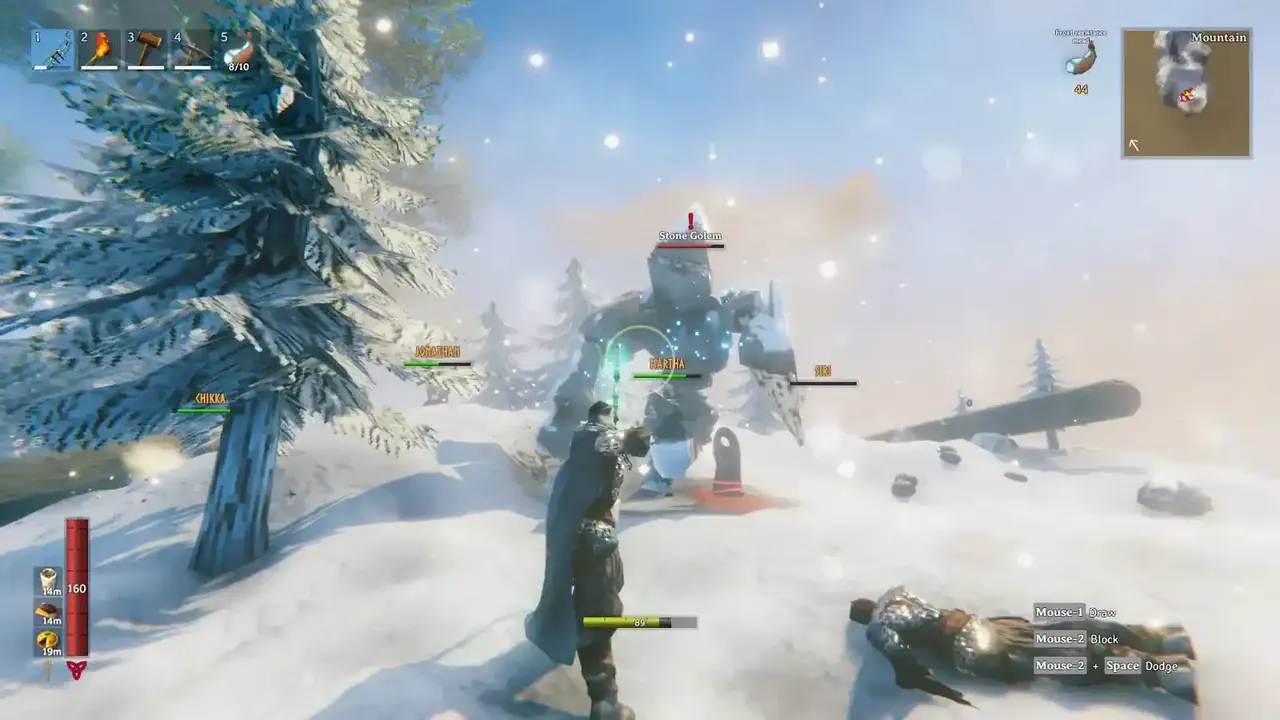
Valheim 1.0 landed on 9 September 2026, and if your group is anything like ours, the Deep North has eaten a fair few evenings since. Shovelling snow off a build site while a Jotun warrior lines you up is a whole new kind of stress. We love it.
It’s also been a busy few weeks for Iron Gate. Patches 1.0.10 through to 1.0.20 have all dropped on Steam since launch, the latest on 15 October. Most of it is the usual post-launch tidying. A few of the fixes, though, matter a lot if you run a shared world, and one of them could have cost you gear you spent hours on. Here’s what changed and what to do about it.
What’s actually in Valheim 1.0?
Quick refresher for anyone just coming back. 1.0 added the Deep North, the eighth and final biome, along with 40+ new weapons, four armour sets, more than 10 new creatures and 80+ buildable pieces. You also get a grappling hook, upgradeable pockets from Haldor and, for the first time, achievements. Valheim also arrived on PS5 and Switch 2, with crossplay across PC, Xbox and both new consoles.
Your old worlds and characters carry over. The catch is that the Deep North only generates in parts of the map you haven’t explored yet, so on a well-travelled Early Access world you may find less of it than you’d hope. Iron Gate’s own advice is to start fresh for the full experience.
The item stand bug: check your trophies and gear
This is the big one. 1.0 introduced a new save format, and when an older world was converted, items sitting on item stands and armour stands lost their upgrade levels and variants. Iron Gate fixed it in patch 1.0.12, so worlds converted after that are fine. Anything converted before then may already be affected.
If your maxed-out weapon is suddenly back to level one, you’ve got two ways out, according to the 1.0.15 notes. You can roll the world back to the backup the game made when it first loaded the new save format, but you lose everything you’ve done in that world since. Or you can copy that backup, load into the copy, put the affected items on your character, then hop back to your main world and swap them in. The second option is fiddly. It’s also the one that keeps your progress.
Either way, this is exactly when you want backups you didn’t have to remember to make. Every PingPerfect Valheim server gets nightly offsite backups, and you can take a manual one from the Gamepanel before any big update. Thirty seconds of effort. Saves a lot of swearing.
“Cheated” items that you didn’t cheat
Plenty of players found perfectly legit loot flagged as cheated after launch. Annoying, especially if you’ve never typed a dev command in your life. Patch 1.0.14 fixed characters being wrongly marked as temporary cheaters, and 1.0.20 went further by resetting the cheated flag on every item and build piece from earlier versions. If your stuff was flagged, it should be clean now.
Iron Gate held that fix back until it could ship on every platform at once, because it had to stay crossplay compatible. Which brings us to the next point.
Keep your server on the same version as your players
Crossplay only works when everyone is on the same build. Iron Gate has warned a few times that patches take a few days to reach every platform, and with 1.0.20 it said Mac App Store players wouldn’t be able to crossplay with everyone else until that version caught up.
For a server owner, this is the most common reason for “why can’t my mate join?” messages in the group chat. Before you start digging through configs, check the server is updated and ask which platform the person is on. If they’re on console and the patch hasn’t hit their store yet, there’s nothing to fix. Just give it a day.
Whitelists and ban lists work with old IDs again
Small one, but it caught out a lot of long-running servers. After 1.0, the ban list and whitelist only recognised the new ID format (V_ followed by numbers) and ignored older Steam_ IDs. Patch 1.0.12 sorted it, so lists built during Early Access should work again. If you set up a whitelist after launch and some friends still can’t get in, our whitelist guide walks through the file step by step.
Running the server on your own PC? Read this
Patch 1.0.20 fixed a bug where a dedicated server would run at an uncapped frame rate if v-sync was turned on in a game client on the same computer. Iron Gate’s words: it was “wasting massive amounts of CPU time”. If you’ve been hosting from the same rig you play on and wondering why everything felt sluggish during raids, that’s likely part of it.
It’s fixed now. Still, it’s a good reminder of why so many groups move their world off their own machine. When the server lives on your PC, the world goes offline the moment you shut down, and your game and the server end up fighting over the same hardware. A rented server stays up when you log off, so the night owl in your group can keep farming Bloodgold at 2am without needing you to stay on.
Other fixes worth knowing about
- Endgame heavy armour from the Deep North can finally be repaired (1.0.10).
- A bug that spawned far too many enemies, especially during raids, is fixed (1.0.16).
- Terrain edits in the Deep North no longer revert when you leave the area (1.0.16), though you may need to smooth a few seams with a pickaxe or hoe.
- Trophy drop chance now scales with a monster’s star level (1.0.20). Bear rugs for everyone.
- A rare bug that could wipe objects in parts of the world when a large save chunk was split is fixed (1.0.17).
A quick checklist before your next session
- Take a manual backup before you update anything.
- Update the server, then check every player is on the latest patch for their platform.
- Look over your item stands for gear that lost its levels, and use the backup workaround if you need it.
- Make sure your whitelist and admin list still contain the right IDs.
- If console players are joining, keep the server vanilla. Console versions can’t run BepInEx mods, so mods and crossplay don’t mix.
- Set up crossplay with our crossplay setup guide if you haven’t yet.
Want a world that’s always online?
Valheim has picked up three Golden Joystick Award nominations, Best Multiplayer Game among them, and voting is open until 23 October. Fair enough, honestly. It’s a game that’s at its best with a few friends and a world that’s there whenever anyone wants to jump in.
If that’s what you’re after, have a look at our Valheim server hosting. It runs the 1.0 dedicated server with crossplay support, one-click installs for BepInEx and Jötunn on PC-only servers, and world modifiers you can change from the panel (our world modifiers guide shows how). You can also bring your existing world with you. Not sure yet? Grab the 48-hour free trial, load in with your crew and see how it feels. Skål.