PingPerfect · Game ToolsV3.1.0 Compatible

7 Days to Die Sandbox Code Generator

Since the V3.0 "Dead Hot Summer" update, every gameplay and difficulty setting in 7 Days to Die is packed into one SandboxCode string. Pick a preset below or tune any of the 165 options yourself, including the new chicken coop, day/night density, and survival settings added in V3.1.0. A description and the exact in-game wording is shown for each one, then you copy the generated code straight into your serverconfig.xml.
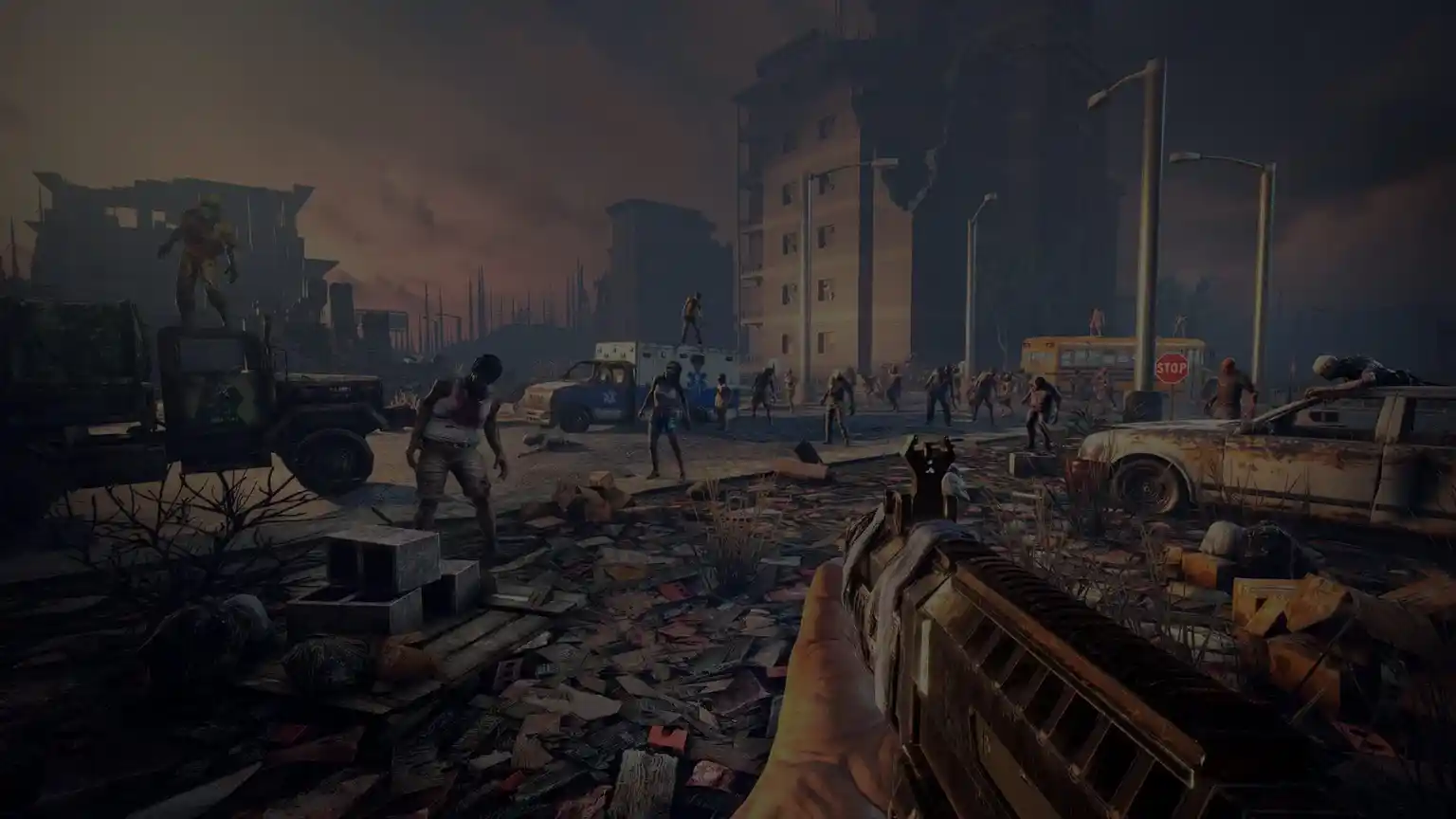
7 Days to Die dedicated server hosting by PingPerfect
PingPerfect Hosting From $15.26/mo
Server Hosting
7 Days to Die
Up to 50 players Online in <10 min 48h free trial
Order Now
Your Sandbox Code 0 options changed from default
<property name="SandboxCode" value="A" />

Difficulty presets

Themed presets

Options

Import an existing code

How It Works

From Code To Config File

The SandboxCode is designed to be short and simple to move around, here's how to put one to use.

1Build your settings above, or start from a preset. The code in the box at the top updates as you go, only the options you actually change end up in it, so a lightly-tweaked world produces a short code.
2Copy the code, then open your server's serverconfig.xml. If you host with PingPerfect, this is edited straight from the Config Files section of your Gamepanel, no FTP required.
3Paste the code into the SandboxCode property, replacing whatever is currently there.
4Save the file and restart your server for the new settings to take effect.
<property name="SandboxCode" value="AAAJABJACJADJARFBNC" />

Already running a server and want to see what it's set to? Paste its code into Import an existing code above to load every setting into the editor, tweak whatever you want, and copy the result back out.

FAQ

Frequently Asked Questions

What is a SandboxCode?

It's the single string stored in the SandboxCode property of your serverconfig.xml that holds every gameplay and difficulty choice for a 7 Days to Die V3.1.0 world, damage multipliers, loot abundance, zombie speed, Blood Moon frequency, chicken coop production, and everything else this generator covers.

Where do I put the code?

Open your server's serverconfig.xml, paste the generated string into the SandboxCode property's value, save, and restart the server.

Why is my code so short?

It only stores what you've changed from the game's defaults. Anything left untouched simply stays at default, so a lightly-tweaked world produces a short code even though there are 165 possible settings.

Can I import a code from another server?

Yes. Paste any V3.1.0 SandboxCode into the Import an existing code box near the bottom of the generator and every setting will load into the editor. From there, change whatever you like and copy the new code back out.

Is my data sent anywhere?

No. This tool runs entirely in your browser. Nothing you set or import here is sent to PingPerfect or anywhere else.

Does this work with modpacks like Darkness Falls or War3zuk?

SandboxCode covers the base game's difficulty and gameplay settings. Most modpacks layer their own configuration on top and may override some of these values, so always check a modpack's own documentation before assuming a setting will stick.

What's new in the V3.1.0 update?

V3.1.0 added Chicken Coop Time, Yield, and Input, a Chicken Stress Event setting, an Infection Chance setting, Hunger and Thirst multipliers, and a Stack Size multiplier (capped at 30,000 per stack). Biome density and respawn rates were also split into separate day and night options, and into separate enemy and animal options. If you're loading an older custom code, note it won't set any of these new options, so it's worth checking them over and saving a fresh code.

Ready When You Are

Get A 7 Days to Die Server Built For This

Instant setup, an easy-to-use config editor right in the Gamepanel, NVMe hardware, and 24/7 support with an average reply under 10 minutes.

🍪

Join Us on Social Media