
How to join your Enshrouded Server using server name
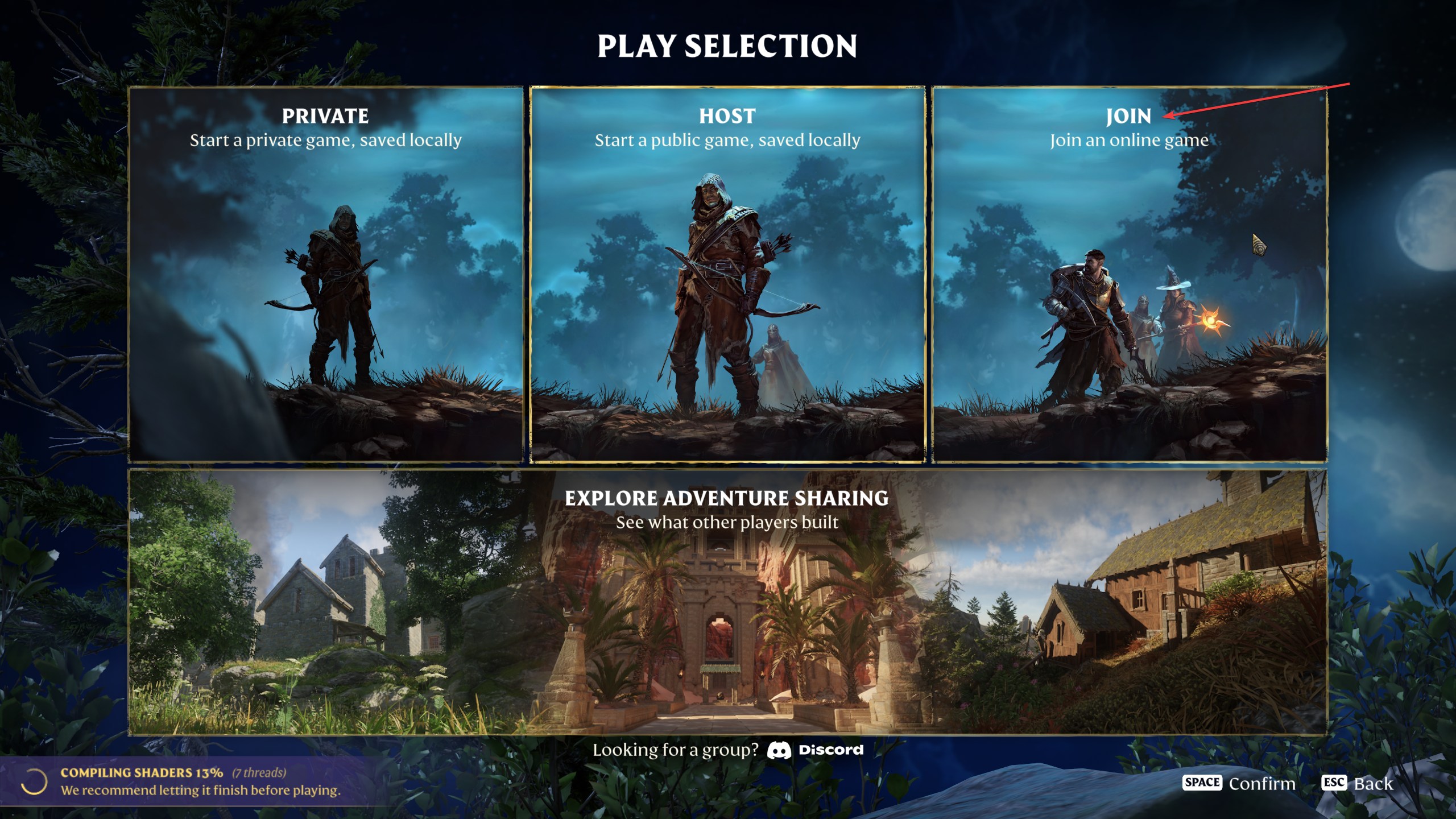
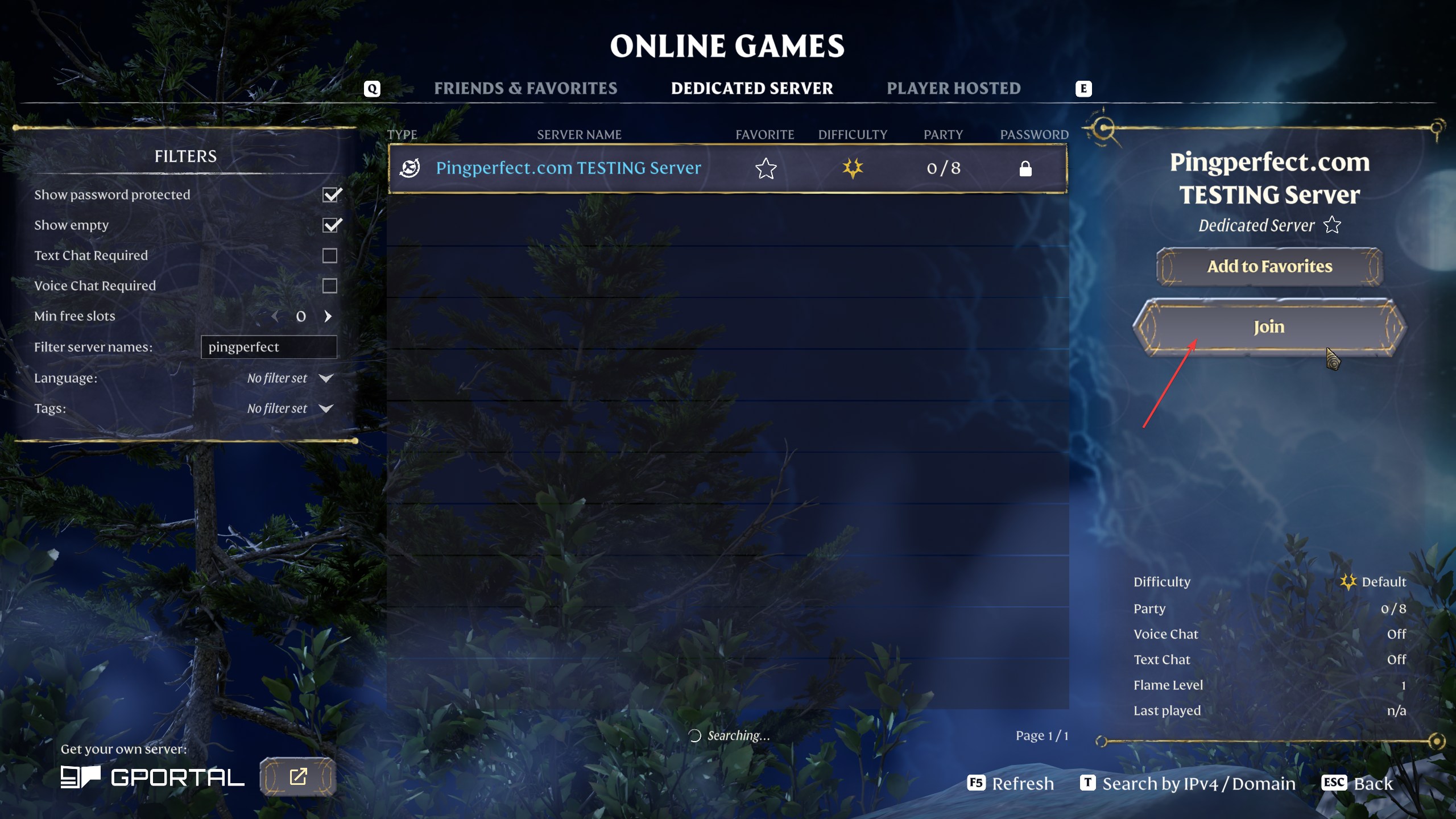
- Click "Play" in the main menu in-game.

- Click "Join"
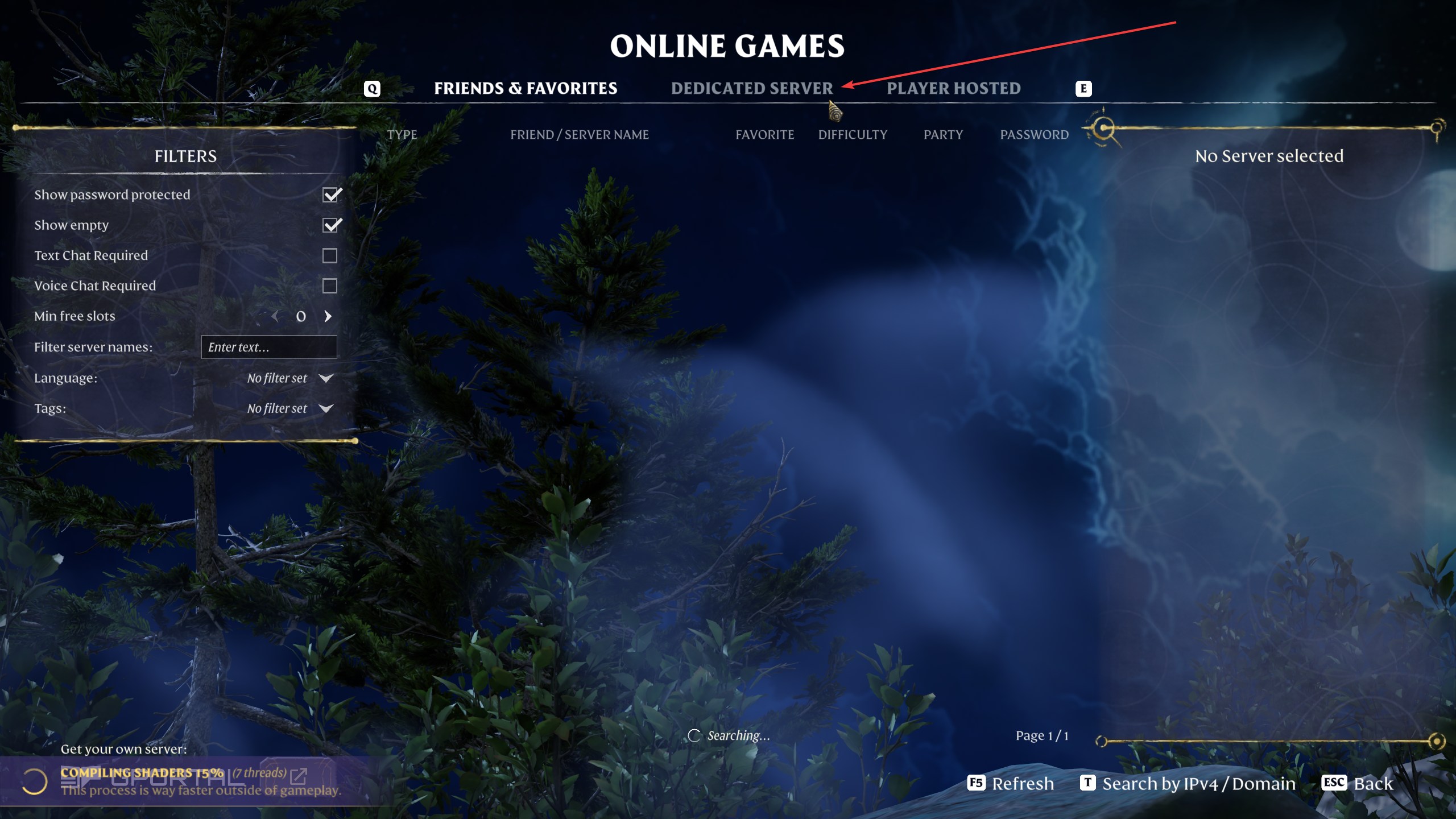
- Click the "Dedicated Server" tab
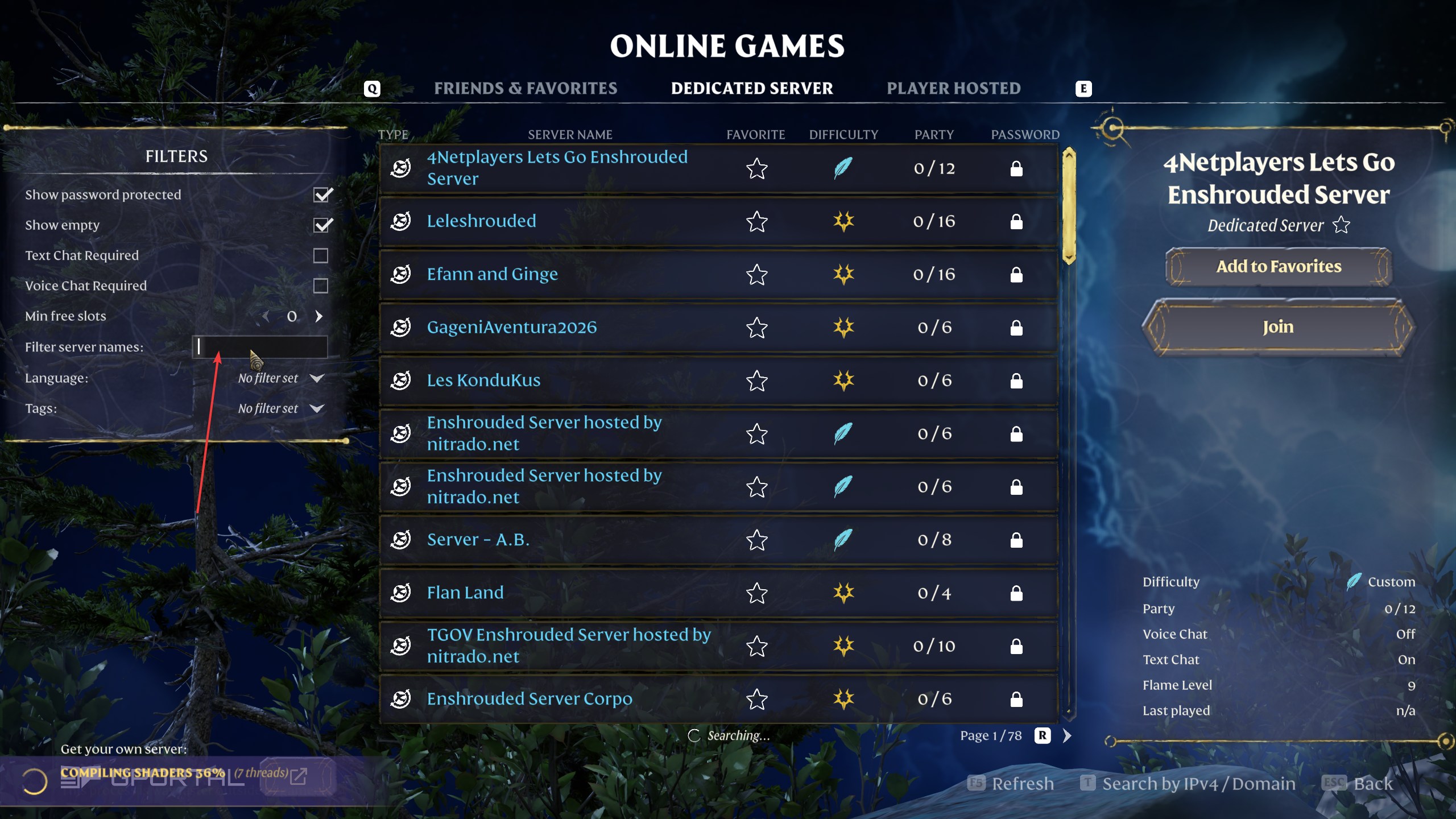
- In the "Filter Server Names" field, type in your server name, accurately.
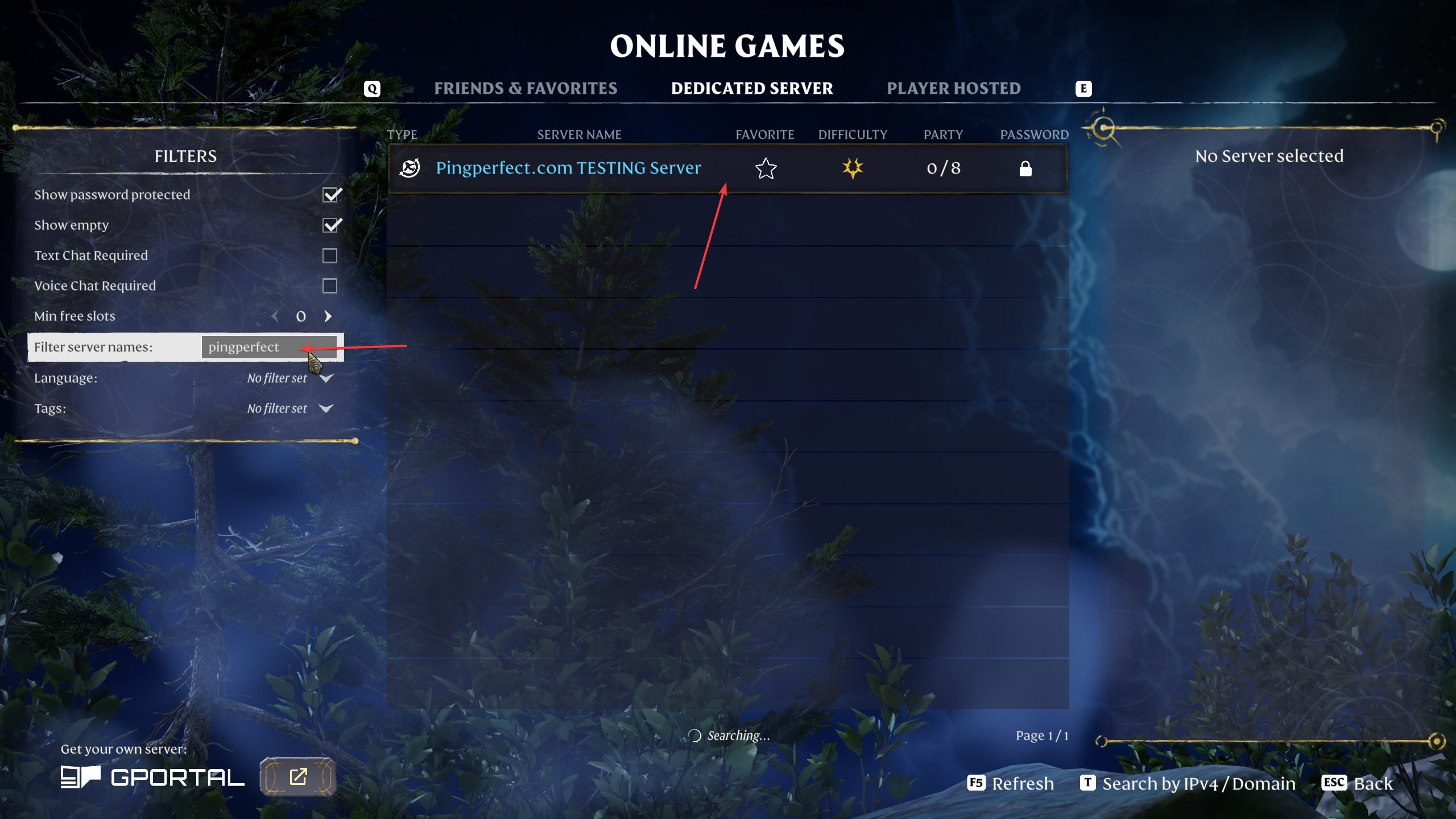
- Click on your server
- Click Join
How to join your Enshrouded server using IP and Port
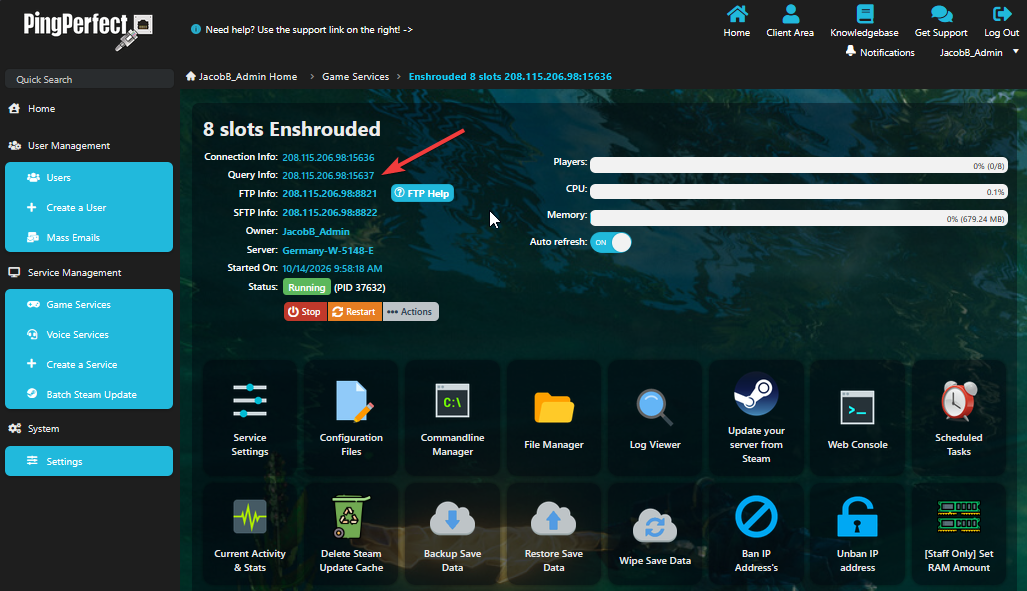
- In your gamepanel make note of / copy your "Query Info"
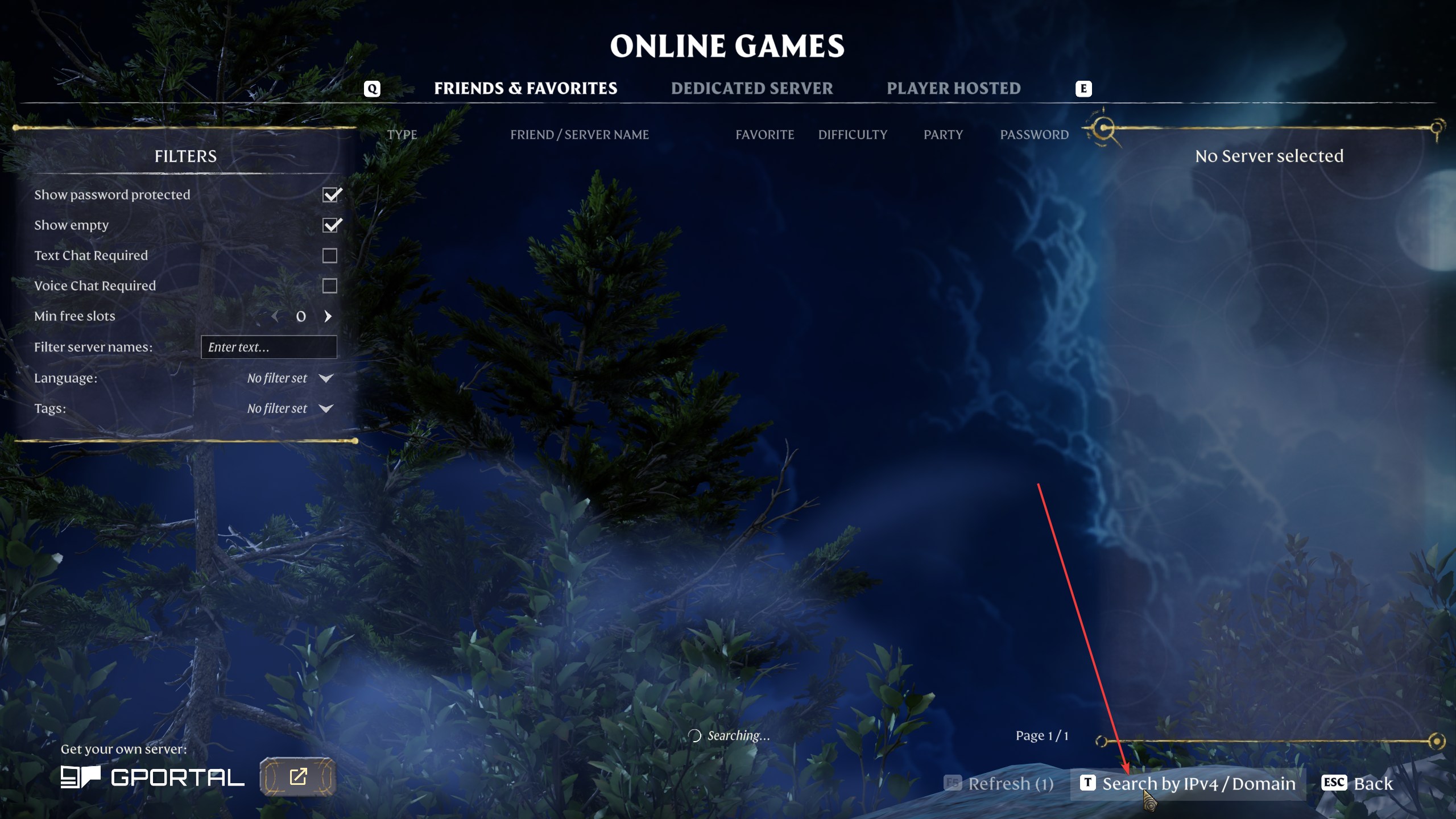
- Perform Steps 1 and 2 from the above server name instructions
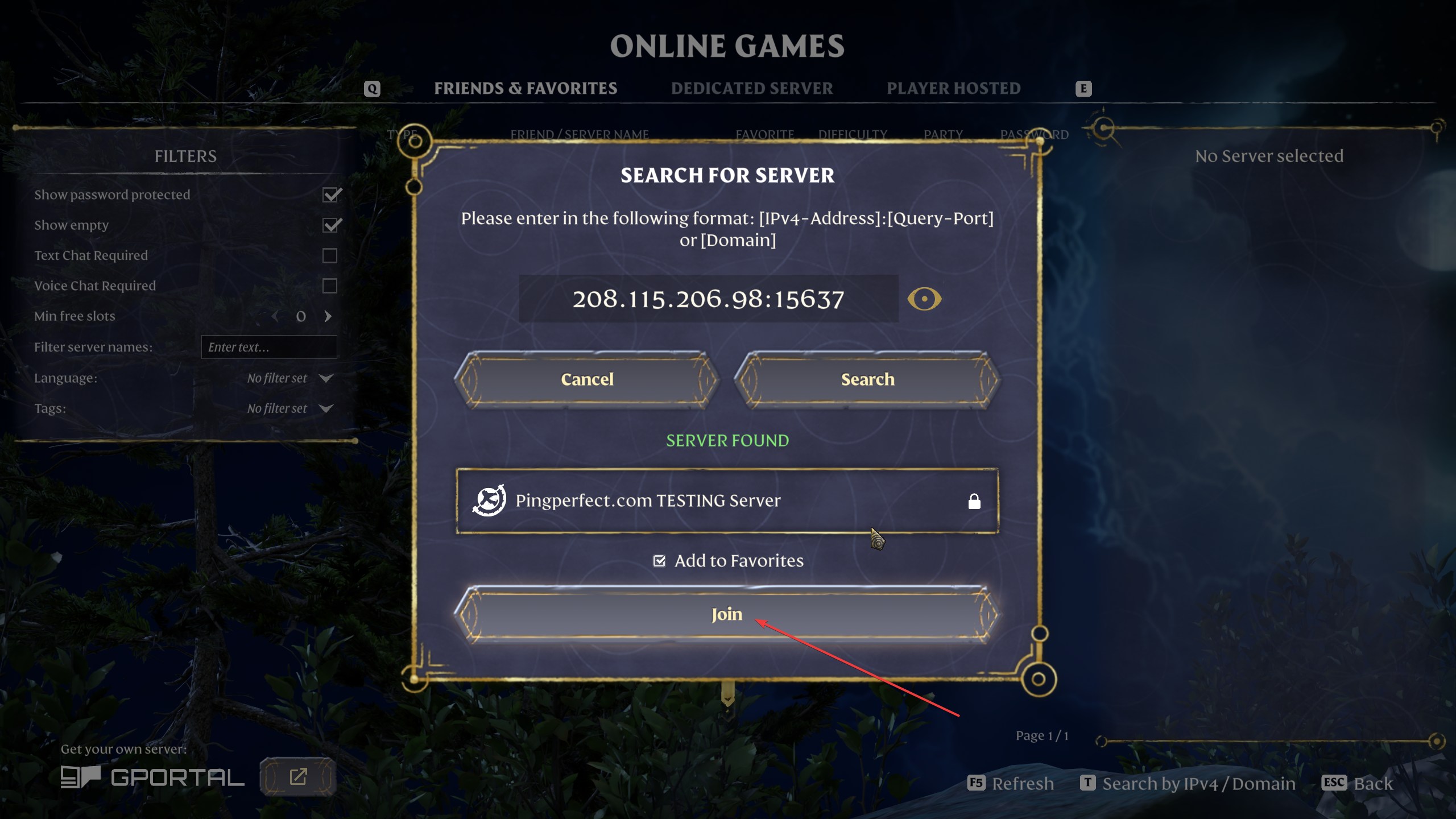
- Click "Search by IPv4 / Domain"
- Type in / Paste in your "Query Info" EG: 208.115.206.98:15637
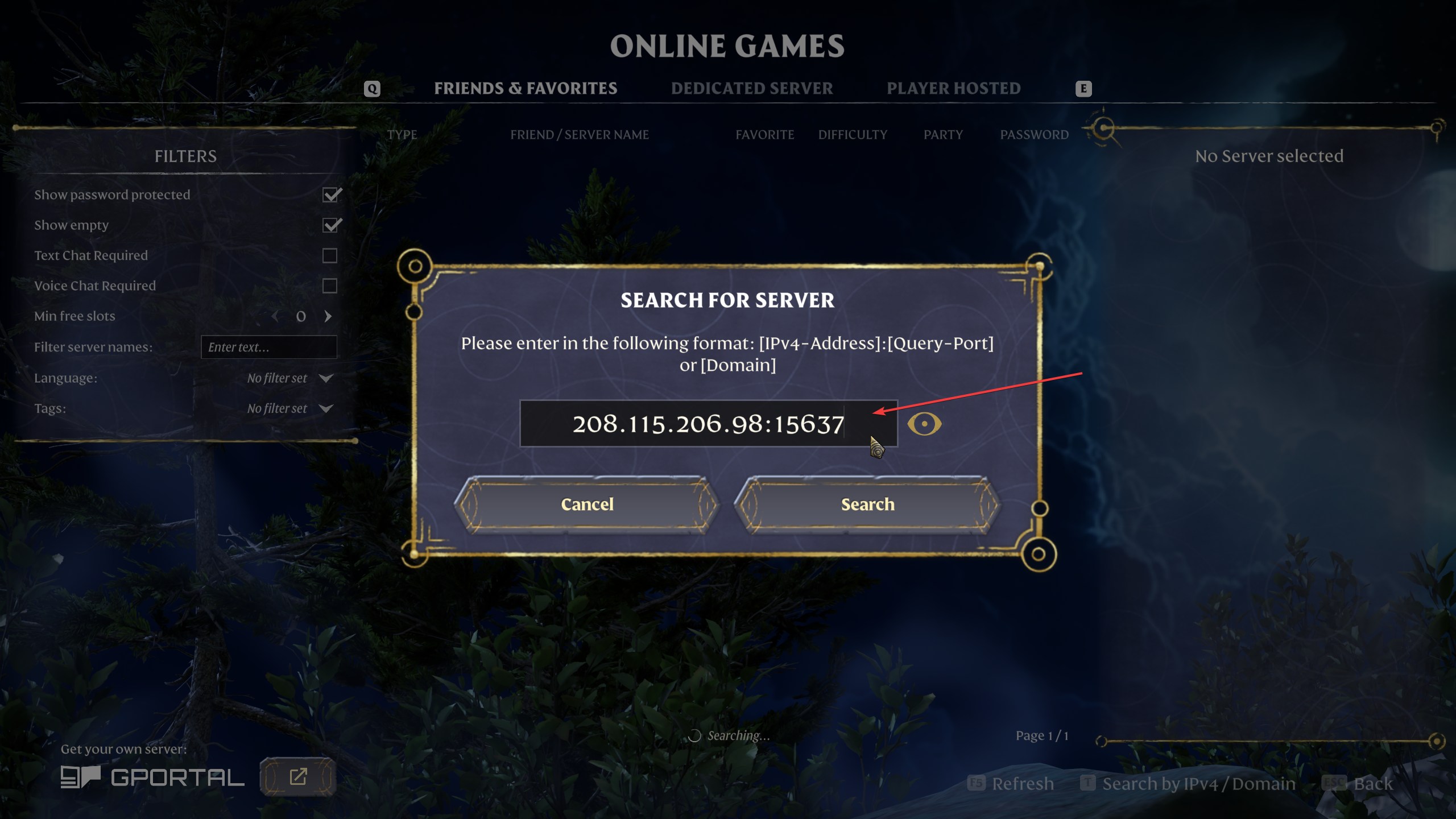
- Click "Search" and then "Join"
Have fun!
Looking for a game server host known for brilliant 24/7 customer support and quality hardware?
Try a Pingperfect Enshrouded server today! https://pingperfect.com/gameservers/enshrouded-server-hosting