
- Before beginning, you will need to configure and take note of your server admin password. This can be found by going to
Configuration Filesin your control panel, modifying theDedicatedServer.iniand looking for theAdminPasswordsetting.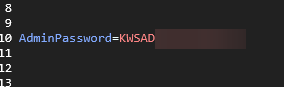
- After you are connected to the server, pause the game and go into the settings menu.
- At the top of the screen you will see a "Server" tab, click this which will display a section where you can insert the Admin Password configured prior.
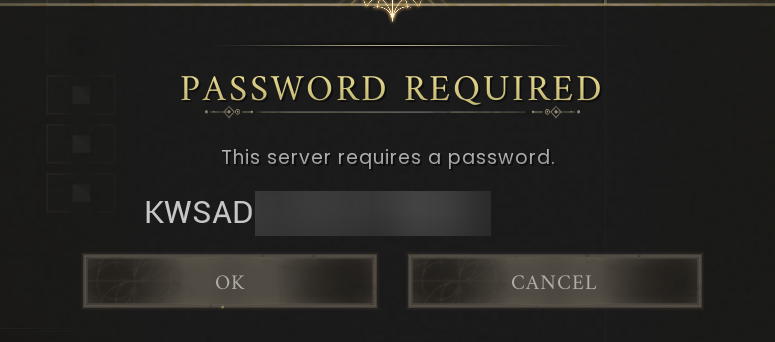
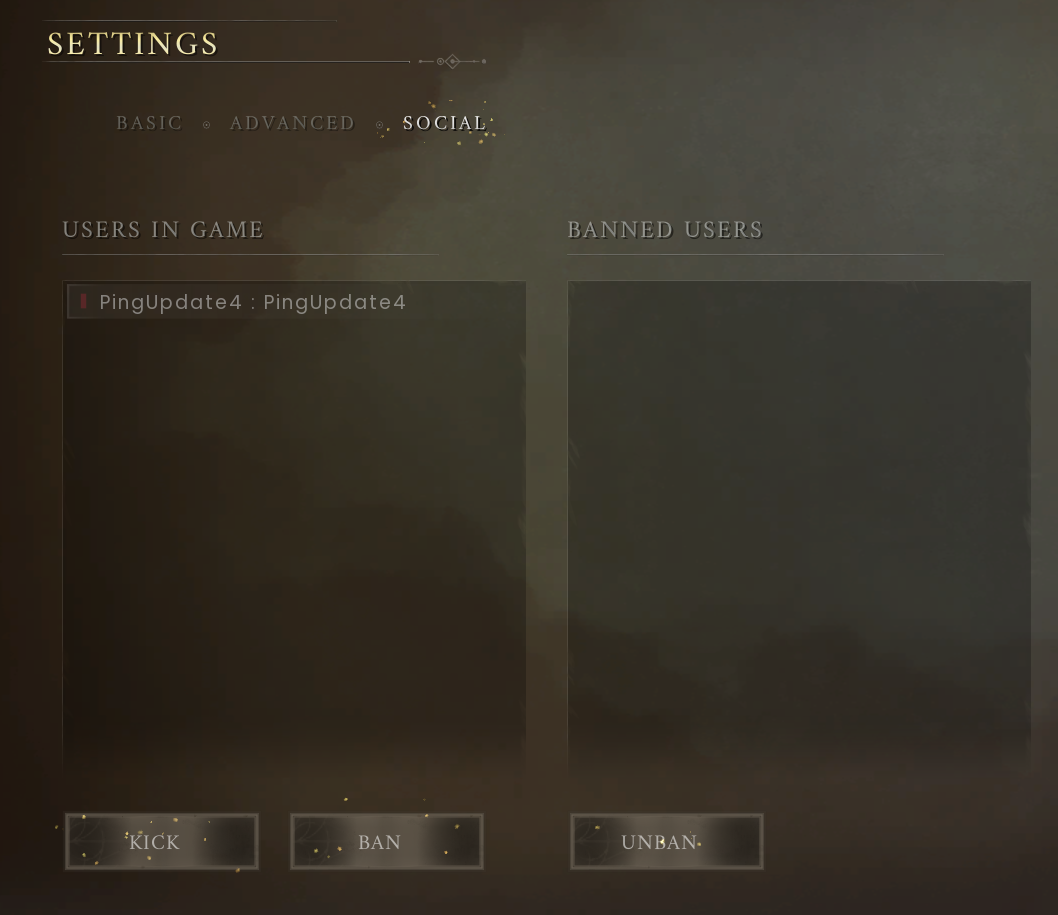
- On the next screen you will have access to your user management, where you can ban and unban users as you desire.
If you have any questions please don't hesitate to reach out to our support team here, we are available 24/7 and happy to assist - https://pingperfect.com/contact
Looking for a game server host known for brilliant 24/7 customer support and quality hardware?
Try a PingPerfect RuneScape Dragonwilds server today! https://pingperfect.com/gameservers/runescape-dragonwilds-server-hosting
