- Click "Commandline Manager" in your gamepanel.
- Click "Custom Commandlines"
- Click "New"
- Tick the tick boxes next to all the various commandline parameters.
- Set values for all the commandline parameters, make sure to take special note of the "Server Auth Secret"
In this example, it is set toTesting12345 - On your PC, navigate to
C:\Users\<USERNAME>\Documents\My Games\Stationeers\setting.xml - Open the setting.xml file.
- Find the line
<ServerAuthSecret /> - Change it to
<ServerAuthSecret>Testing12345</ServerAuthSecret>Make sure the value of Testing12345 is replaced with your desired server auth secret - Save the file.
- Connect to your server.
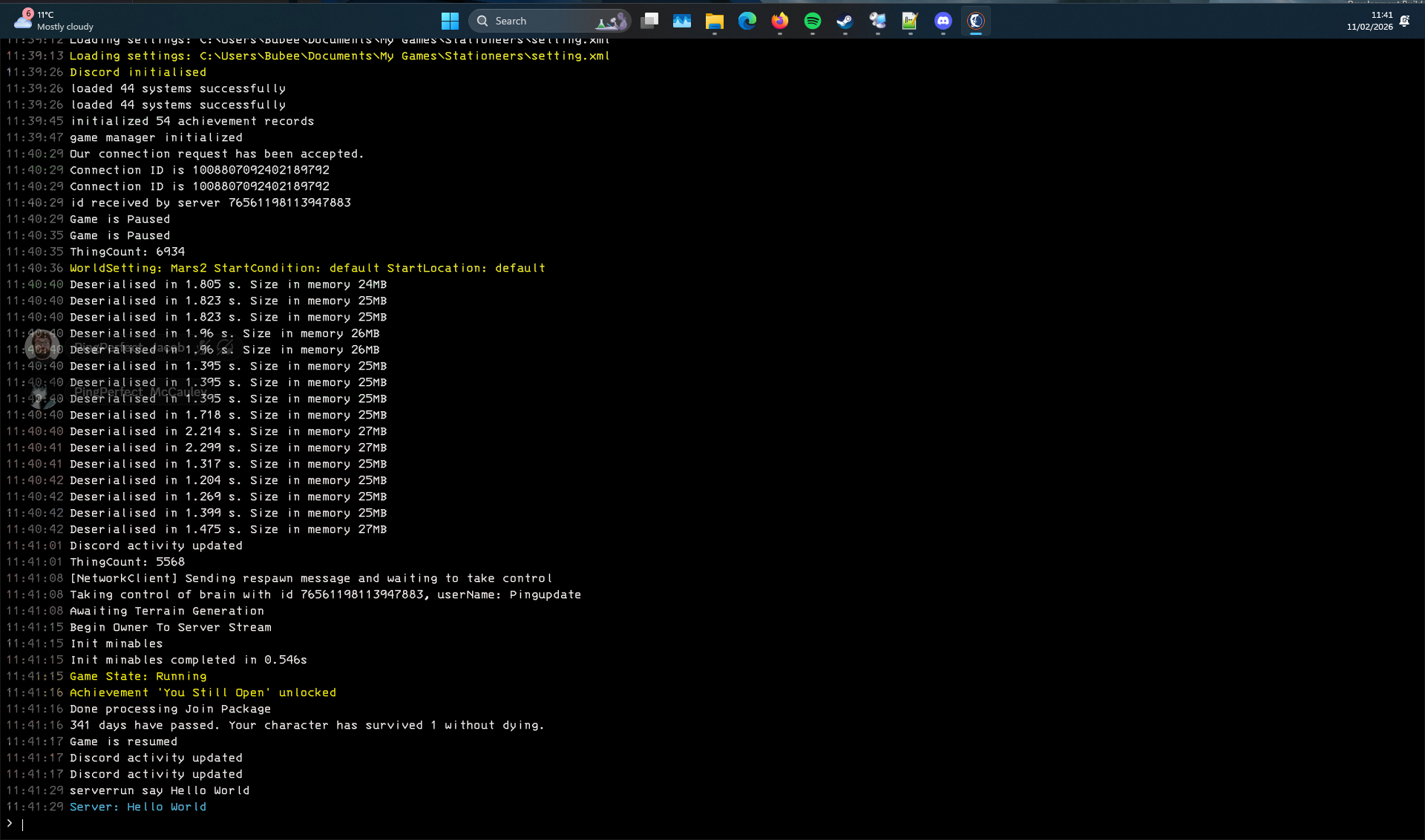
- Click F3 on your keyboard to open the console
-
All commands are typed in the client console (F3) and prefixed by a
serverrunlike so:serverrun say Hello World