
Hytale | Admin Commands Print

  • Hytale, Hytale Server Configuration, Hytale Configuration, Hytale Config, Hytale Admin, Hytale Commands, Hytale Admin Commands
  • 0


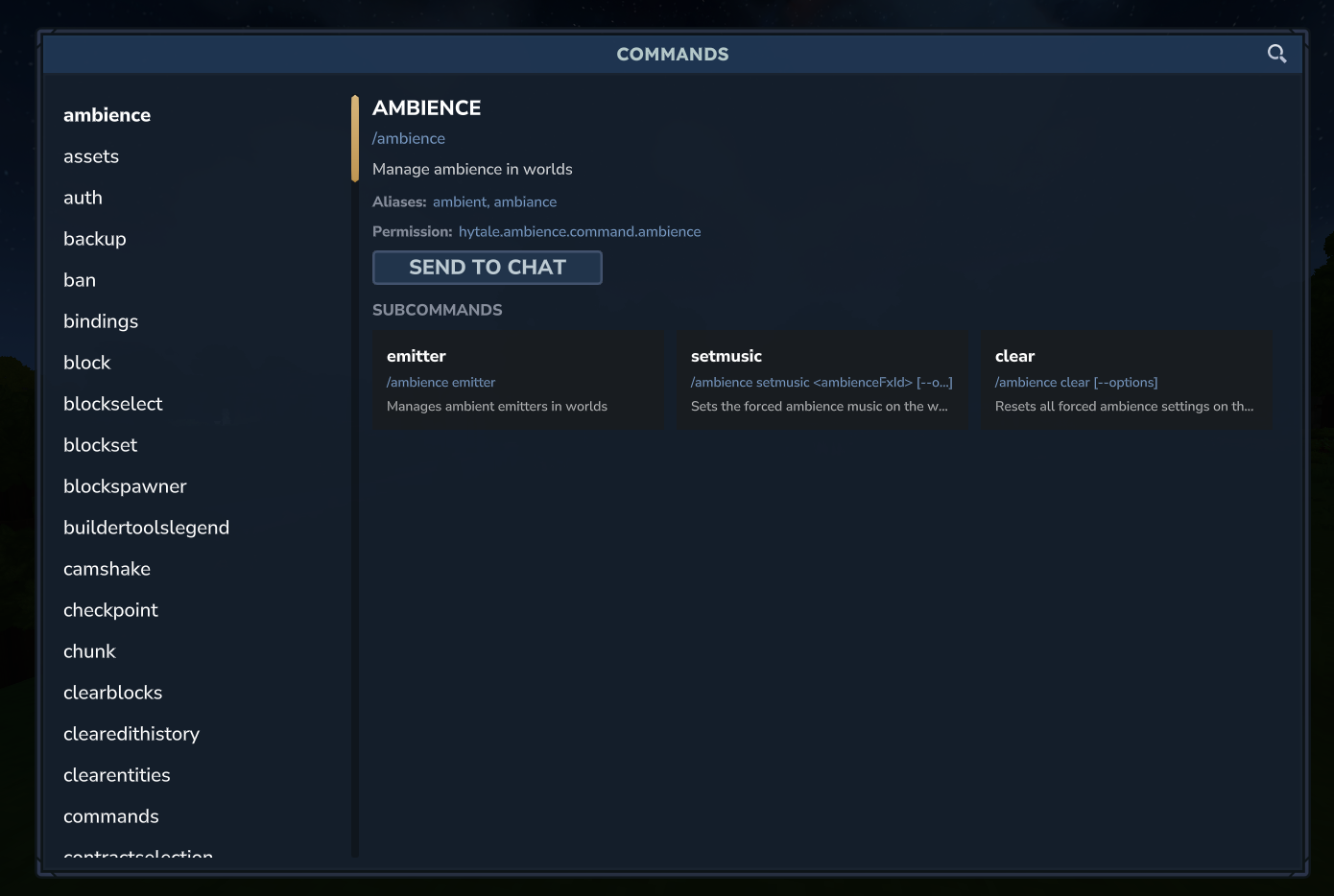
Hytale offers extensive control over your server with the use of various admin commands, they are easiest viewed in game by running the /help command.

This will display a comprehensive list of commands available to your role, as well as descriptions and usage examples.

To receive a full list of the commands available please make sure that you are a server admin.

Looking for a game server host known for brilliant 24/7 customer support and quality hardware?
Try a Pingperfect Hytale server today! https://pingperfect.com/gameservers/hytale-game-server-hosting


Check out all the various Games we host Servers for ➡️ Pingperfect Game Server Library
Check out our industry leading Game Server hardware ➡️ Pingperfect Game Server Hardware Information
Check out the Game Server locations we provide ➡️ Pingperfect Game Server Datacenter Locations
Check out our AMD Ryzen dedicated servers ➡️ Pingperfect Dedicated Servers

If you would like to contact us, go here ➡️ Pingperfect Customer Support

Order now - Use code KNOWLEDGE15 for 15% off

Was this answer helpful?

« Back

"; ";